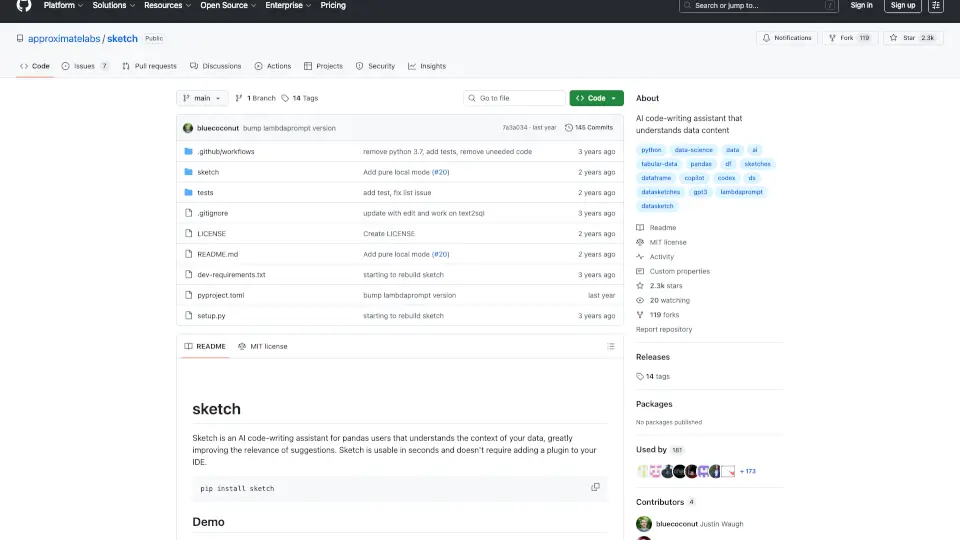
什么是Sketch?
Sketch 是一款专为 pandas 用户设计的 AI 代码编写助手,能够理解数据的上下文,从而提供更相关的代码建议。它无需在 IDE 中添加插件,几秒钟内即可使用,极大地简化了数据分析工作流程。
Sketch的核心功能有哪些?
- 智能问答系统:通过
.sketch.ask,用户可以快速获取关于数据的文本回答,帮助理解数据结构和内容。 - 代码生成:使用
.sketch.howto,用户可以生成可复制的代码块,用于数据清洗、特征创建、可视化等任务。 - 数据生成与处理:通过
.sketch.apply,用户可以解析字段、生成新特征,甚至进行复杂的数据处理。 - 本地与云端支持:支持本地运行 Hugging Face 模型,也支持通过 OpenAI API 进行云端处理。
Sketch的使用案例有哪些?
- 数据目录管理:自动生成数据标签和元数据,帮助用户快速了解数据集。
- 数据工程:进行数据清洗、脱敏、特征提取等操作,确保数据合规性。
- 数据分析:通过自然语言提问,快速获取数据洞察和可视化结果。
如何使用Sketch?
- 安装 Sketch:
pip install sketch - 导入 Sketch:
import sketch - 使用
.sketch扩展功能,如df.sketch.ask("哪些列是整数类型?")或df.sketch.howto("绘制销售额与时间的关系图")。 - 对于高级功能,如
.sketch.apply,需设置 OpenAI API 密钥:OPENAI_API_KEY=YOUR_API_KEY。