
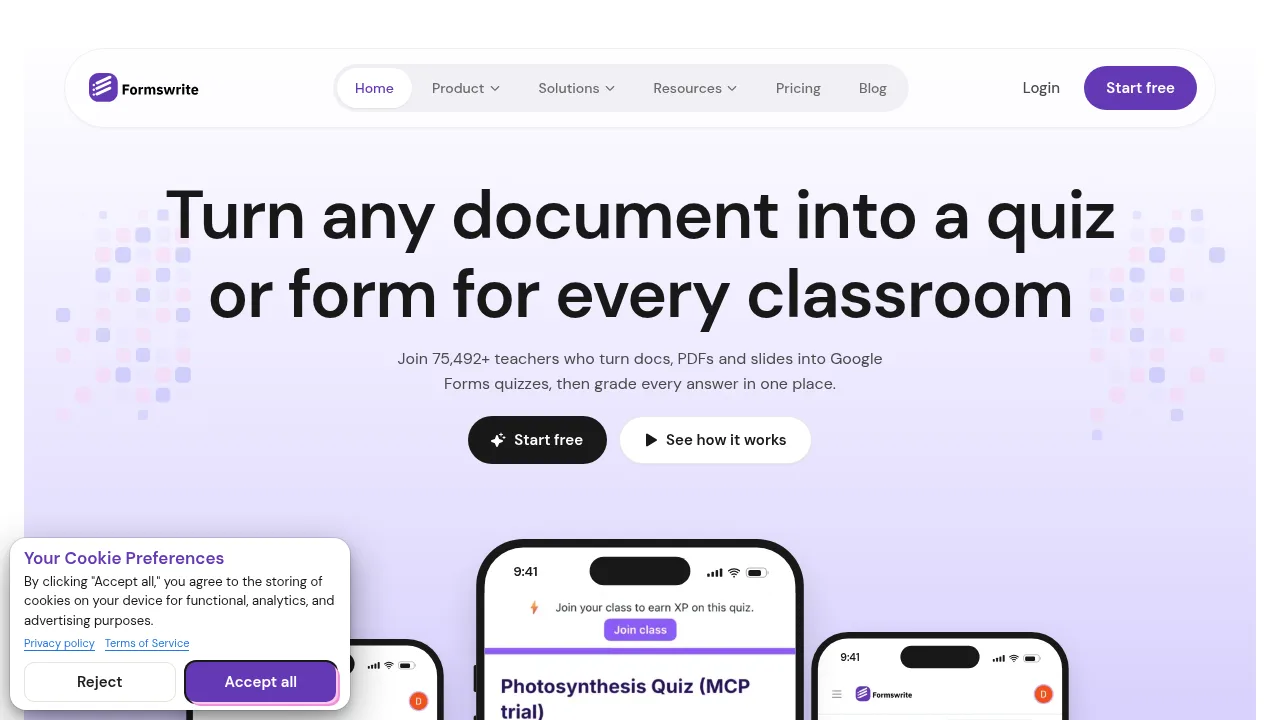
What is Formswrite?
Formswrite converts uploaded documents into quizzes and forms, targeting educators who use Google Forms. Users can upload Word documents, PDFs, slide decks, or paste a Google Docs link to generate questions with an answer key. The tool also provides AI grading for short answers, live game hosting, and results collection in one place.
What are the features of Formswrite?
- Document-to-quiz conversionUploads a Word document, PDF, slide deck, or pasted Google Docs link and generates questions, answer choices, and an answer key in Google Forms.
- AI gradingScores short-answer responses automatically, then holds every score and comment for teacher review before students see it.
- Live gamesConverts generated quiz content into a playable class game using a join code displayed on the board.
- Survey and form creationBuilds parent surveys, exit tickets, and sign-up forms that output directly to Google Forms.
- Export optionsSends completed quizzes and forms to platforms including Google Forms and Canvas.
- Results dashboardCollects scores, submissions, class averages, question breakdowns, and growth data into a single view.
What are the use cases of Formswrite?
- Common formative assessmentsTeachers convert existing worksheets into graded quizzes to build CFAs without rewriting questions manually.
- In-class review sessionsEducators run a prepared quiz as a live game using a join code so students compete during review days.
- Parent communicationSchools build surveys or sign-up forms that land directly in Google Forms for distribution.
How to use Formswrite?
- Upload a documentDrop a Word doc, PDF, slide deck, or paste a Google Docs link into the web interface.
- Generate the quizThe system produces questions, answer choices, and an answer key in under a minute.
- Grade submissionsShort answers are scored by AI, and every score waits for teacher review.
- Run a live gameDisplay the provided join code on the board to play the quiz live in class.
- Review resultsView collected scores, surveys, and class averages in a single chart.
Formswrite Pricing Information:
- Free starting accessThe homepage offers a "Start free" entry point; specific feature limits or billing details for paid tiers are not stated in the source.