What is Flipbook?
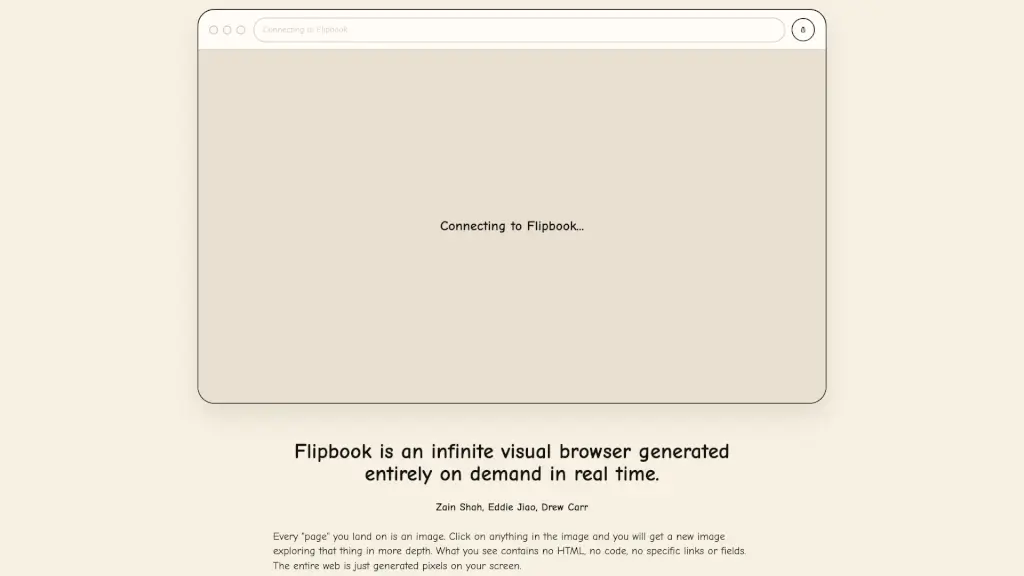
Flipbook is an innovative, infinite visual browser that generates content on demand in real time. Imagine a world where every "page" you land on is an image, and clicking on anything within that image takes you deeper into the subject. This unique approach eliminates the need for HTML, code, or specific links, making your browsing experience seamless and visually rich. Flipbook combines the power of agentic web search with advanced image models to provide a dynamic and engaging way to explore information. Whether you're researching a topic, planning a trip, or simply curious about the world, Flipbook offers a new and exciting way to discover and learn.
What are the features of Flipbook?
- Infinite Visual BrowsingEvery page is an image, and clicking on any part of the image generates a new, more detailed image.
- Real-Time GenerationAll content is generated on demand, ensuring a fresh and up-to-date experience.
- Agentic Web SearchInformation is sourced from a combination of web searches and the image model's own knowledge.
- Live Video StreamAn experimental feature that turns static images into a continuous video stream, enhancing the visual experience.
- No Text OverlaysAll text is rendered as pixels by the image model, creating a cohesive and natural look.
- Highly InteractiveThe system is designed to be flexible and can adapt to various use cases, from research to booking trips.
What are the use cases of Flipbook?
- Research and LearningUse Flipbook to explore topics in depth, with each click providing more detailed information.
- Trip PlanningResearch destinations, attractions, and activities, and even book your trip entirely within Flipbook.
- Creative InspirationBrowse through a wide range of visuals to spark creativity and find inspiration for projects.
- Educational ToolTeachers and students can use Flipbook to create interactive and engaging learning materials.
- Product DiscoveryExplore products, read reviews, and make purchases, all within a visually rich environment.
- Data VisualizationPresent complex data and information in a visually appealing and easy-to-understand format.
How to use Flipbook?
- Start BrowsingOpen Flipbook and start by tapping anywhere on the initial image to dive deeper.
- Explore DetailsClick on any part of the image to get more detailed information and visuals.
- Toggle Live VideoEnable the live video stream feature to see a more continuous and animated browsing experience.
- Search and DiscoverUse the agentic web search to find specific information and explore related visuals.
- Customize Your ExperienceAdjust settings and preferences to tailor the browsing experience to your needs.
- Share and CollaborateShare interesting pages and collaborate with others, making it a social and interactive tool.