
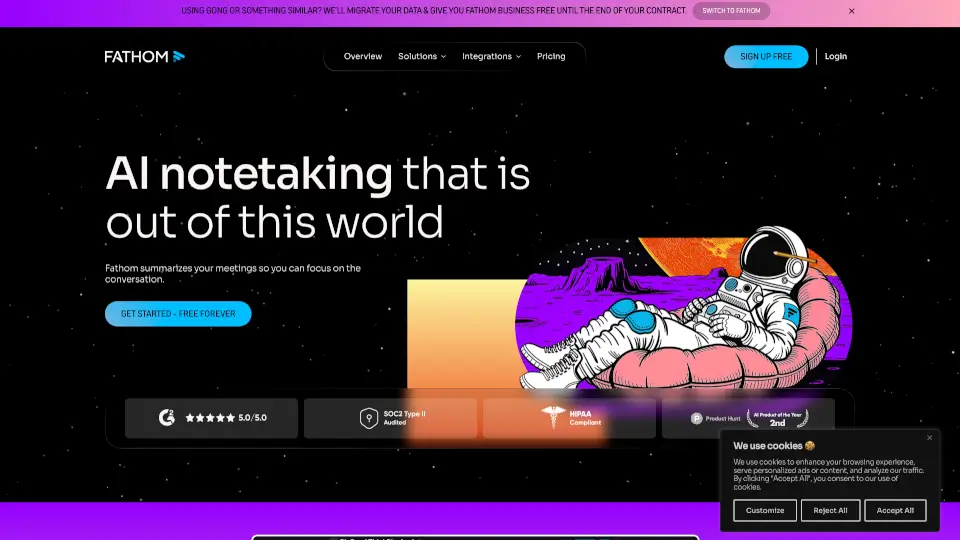
What is Fathom AI Notetaker?
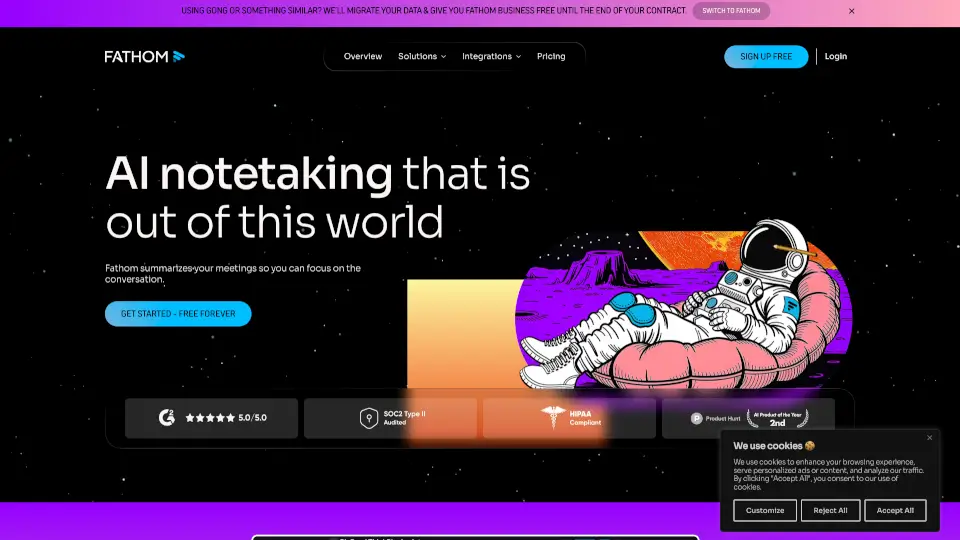
Fathom AI Notetaker is a game-changer for anyone who's ever wished they could be fully present in meetings without worrying about taking notes. This smart tool listens in on your calls, creates shockingly accurate transcripts, and even summarizes the key points and action items. It’s like having a personal assistant who captures every detail and delivers it straight to your inbox. With Fathom, you can focus on the conversation, knowing that all the important information will be saved and organized for you.
What are the features of Fathom AI Notetaker?
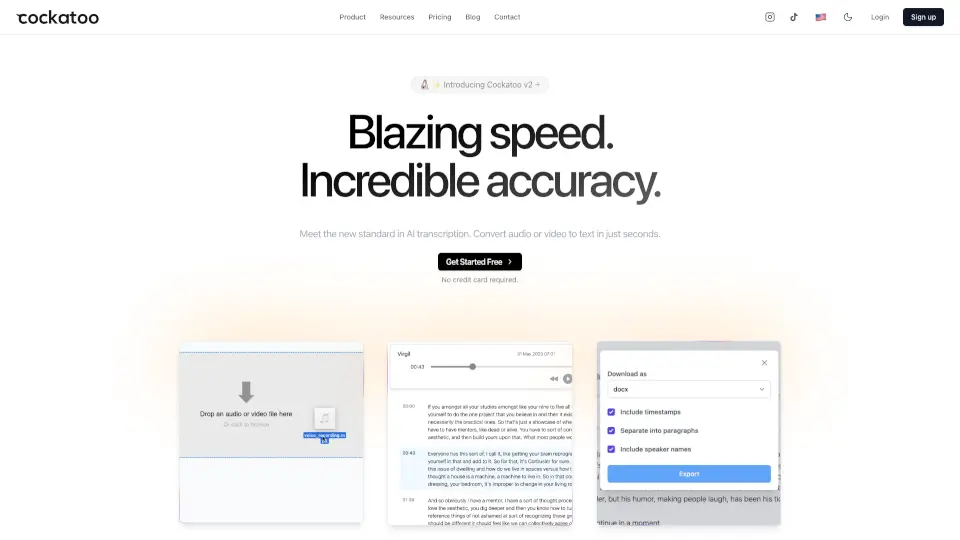
- Accurate Transcripts: Fathom generates highly accurate transcripts of your meetings, so you never miss a word.
- Instant Summaries: Get quick, concise summaries of your meetings, highlighting the most important points and action items.
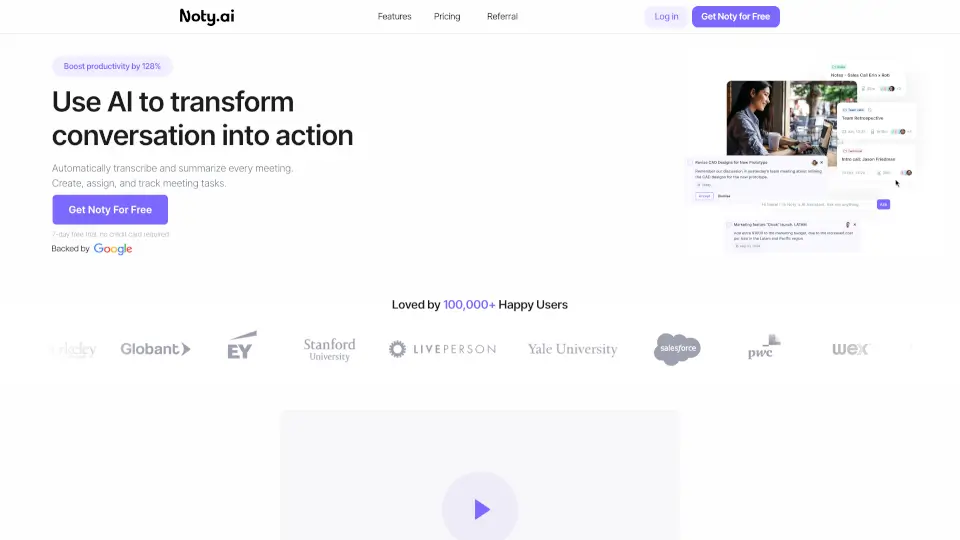
- AI-Generated Action Items: Fathom automatically identifies and lists out the next steps, making follow-up a breeze.
- Integration with Tools: Syncs seamlessly with popular tools like Slack, Salesforce, HubSpot, Notion, and Asana, keeping everything in one place.
- Real-Time Coaching: Offers real-time coaching moments and follow-up metrics with AI Scorecards to help improve performance.
- Ask Fathom: A powerful search feature that lets you find specific details from any meeting, making it easy to recall important information.
What are the use cases of Fathom AI Notetaker?
- Sales Teams: Stay sharp, engaged, and close deals faster by capturing context, tracking engagement, and updating your CRM.
- Marketing Teams: Harvest invaluable insights for content, campaigns, and brainstorms, and spot trends in user feedback.
- Operations Teams: Track everything, get clear action points from every conversation, and move projects forward efficiently.
- HR & Talent: Streamline interviews, evaluate candidates, and onboard new employees with highlights and playlists.
- Product & Engineering: Track and synthesize feature requests, monitor user satisfaction, and build the features that matter most.
- Remote Teams: Stay perfectly aligned, even if team members couldn't attend live, with accurate meeting notes and call summaries.
How to use Fathom AI Notetaker?
- Schedule a Meeting: Set up a meeting in your preferred platform (Google Meet, Zoom, etc.).
- Invite Fathom: Add Fathom to your meeting as a participant.
- Start the Meeting: Begin your meeting as usual, and let Fathom do the note-taking.
- Review the Summary: After the meeting, check your inbox for the summary, transcript, and action items.
- Sync with Tools: Automatically sync the meeting notes and action items with your favorite tools like Slack or Asana.
- Search and Ask: Use the "Ask Fathom" feature to find specific details from any meeting.