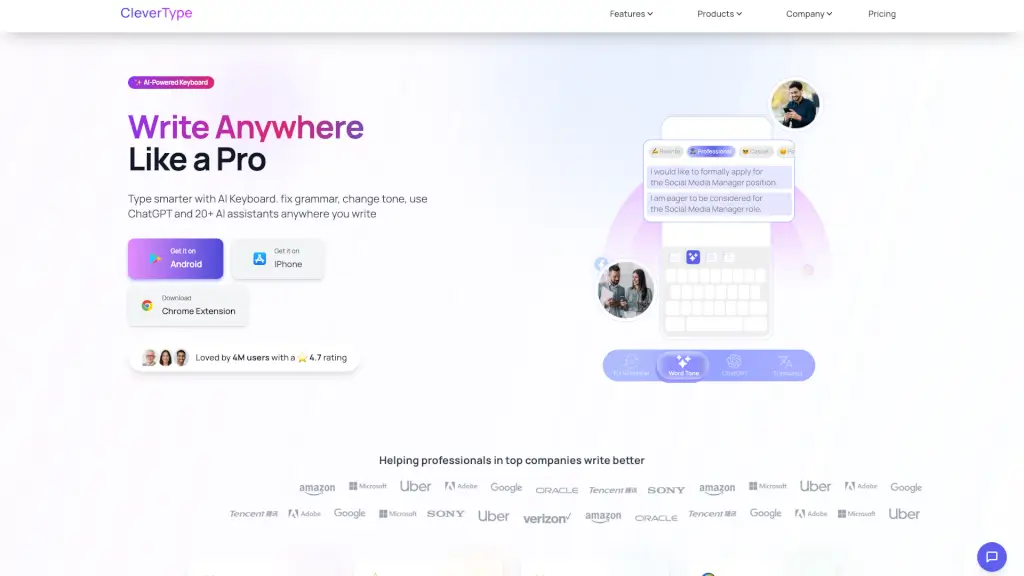
What is CleverType?
CleverType is a free AI-powered keyboard that makes writing a breeze, no matter where you type. Whether you're working on a desktop, tapping away on your phone, or crafting an email, CleverType has got your back. It helps you fix grammar and spelling errors with just one tap, change the tone of your writing, and even auto-respond to messages with AI. With over 4 million happy users, it's a trusted tool for anyone who wants to write better and faster.
What are the features of CleverType?
- Fix Grammar: Instantly correct grammar and spelling mistakes with a single tap.
- Adjust Tone / Paraphrase: Change the tone of your writing with options like professional, casual, polite, and more.
- Clever Reply: Auto-respond to messages and emails with AI, saving you time and improving response quality.
- 20+ AI Writing Assistants: Chat with ChatGPT and other AI assistants for help with summarizing, social media captions, and more.
- Translation with AI: Translate text instantly while typing, keeping your tone and style intact.
What are the use cases of CleverType?
- Writing Essays and Reports: Perfect for students and professionals who need to ensure their work is error-free and well-structured.
- Emails and Business Communication: Craft professional and polished emails with the right tone and no grammatical errors.
- Social Media Posts: Write engaging and contextually appropriate posts with the help of AI.
- Chatting with Friends and Colleagues: Respond quickly and effectively to messages on WhatsApp, Facebook, and other platforms.
- Multilingual Communication: Translate text seamlessly while maintaining the original tone and style.
How to use CleverType?
- Install the App: Download CleverType from the Google Play Store or Apple App Store.
- Enable the Keyboard: Go to your device settings and enable CleverType as your default keyboard.
- Start Typing: As you type, use the AI features by tapping on the suggested corrections or tone changes.
- Auto-Respond: Use Clever Reply to generate quick and appropriate responses to incoming messages.
- Translate Text: Tap on the translation feature to instantly translate your text into another language.