
What is BrandBird?
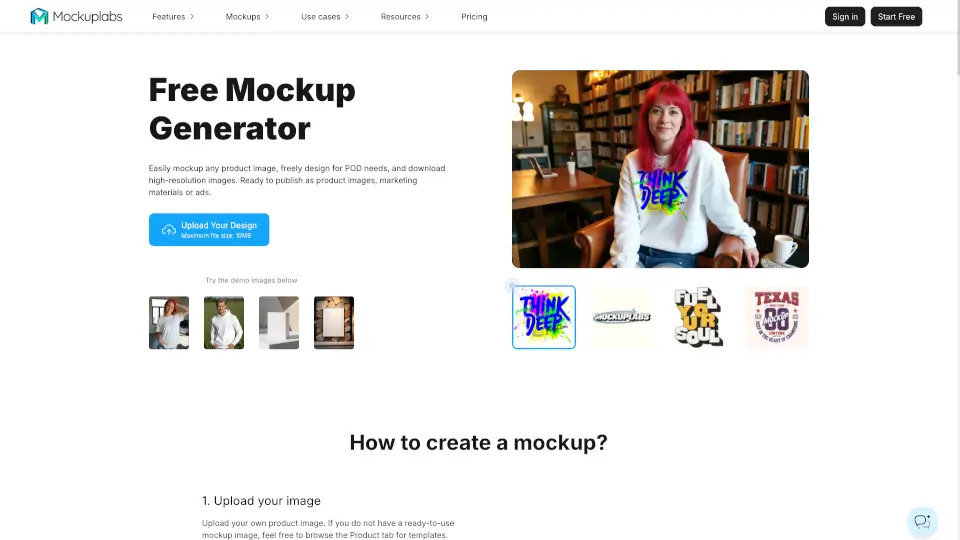
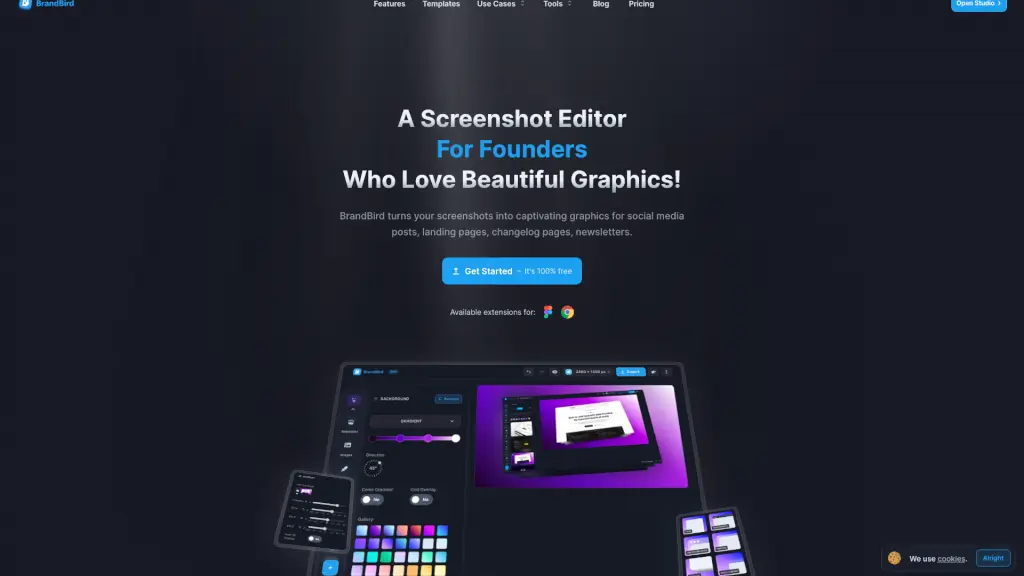
BrandBird is a powerful and user-friendly image, mockup, and screenshot editor designed specifically for entrepreneurs, founders, marketers, and creators. With BrandBird, you can transform ordinary screenshots into captivating graphics in just a few clicks. Whether you need to create stunning visuals for your website, social media posts, blog articles, or newsletters, BrandBird has got you covered. Its intuitive interface and rich set of features make it easy for anyone, even those with no design experience, to produce professional-looking designs.
What are the features of BrandBird?
- 3D Effects: Rotate your images in 3D space to add depth and visual interest.
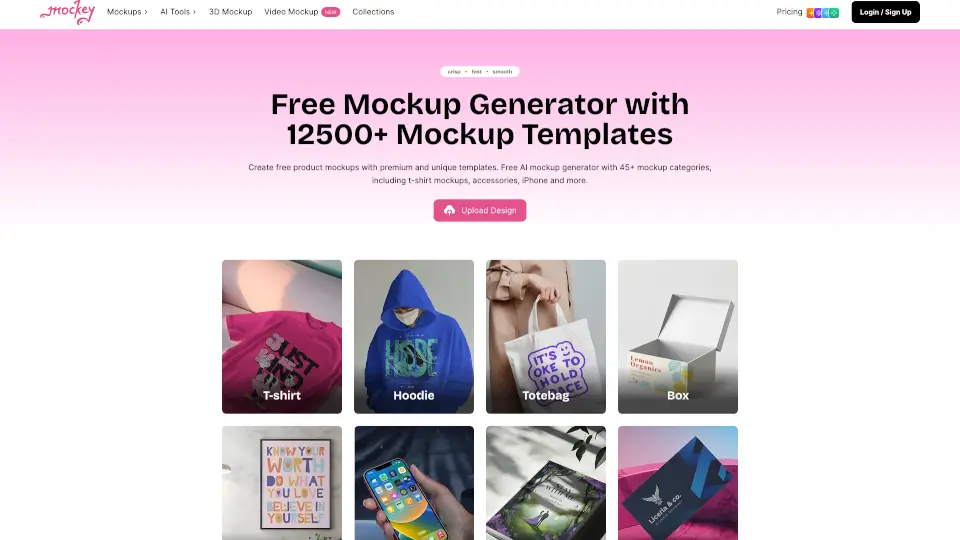
- Mockups: Wrap your images on real device mockups to give them a professional look.
- Custom Backgrounds: Choose from solid colors, gradients, patterns, or images to enhance your designs.
- Annotations: Add arrows, emojis, headings, and rectangles to highlight important details.
- Watermarks: Apply consistent watermarks to keep your visual content on-brand.
- Ready-to-Use Templates: Access a wide range of templates to speed up your design process.
- Easy Export Options: Save and share your designs in PNG, JPEG, or WebP format.
What are the use cases of BrandBird?
- Social Media Posts: Create eye-catching graphics for platforms like Twitter, LinkedIn, and Instagram.
- Website and Landing Pages: Design hero images, feature showcases, and product screenshots.
- Blog Articles and Newsletters: Enhance your written content with visually appealing graphics.
- Product Updates and Changelogs: Highlight new features and updates with professional mockups.
- Email Campaigns: Craft engaging visuals for your email marketing efforts.
- Portfolio Showcases: Build a standout portfolio with modern and sleek mockups.
- Marketing Assets: Quickly generate high-quality graphics for all your marketing needs.
How to use BrandBird?
- Upload any kind of image, including boring screenshots.
- Customize your graphics with easy-to-use presets, such as backgrounds, 3D effects, and mockups.
- Annotate your images to draw attention to key features.
- Add watermarks to maintain brand consistency.
- Export your designs in the desired format and share them directly.