Autotag by Bimrock AI logo

Autotag by Bimrock AI

Official
3.0
(0 Reviews)
United States100.00%

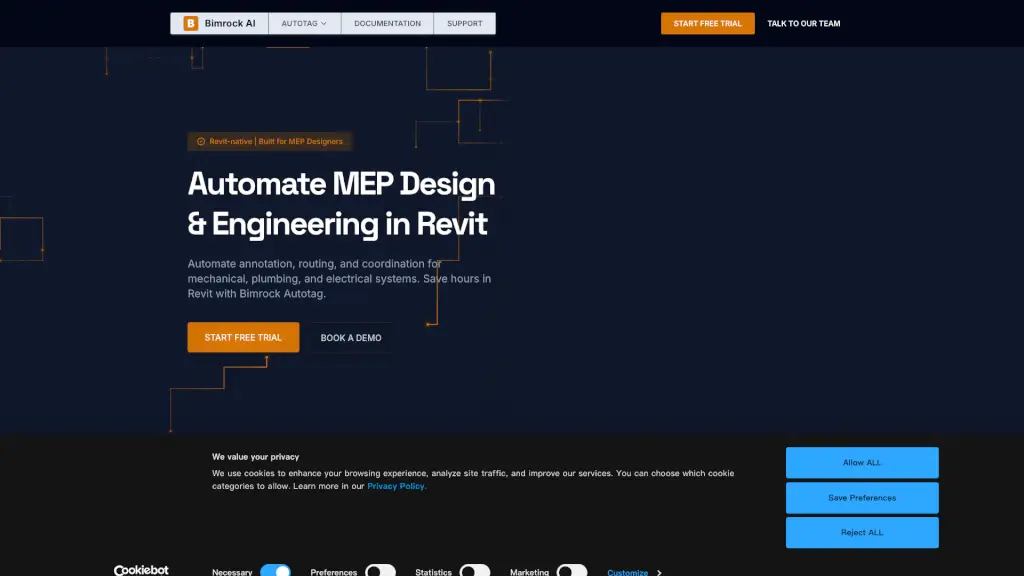
Bimrock Autotag automates MEP design in Revit, saving you hours on annotation, routing, and coordination, and ensuring consistent, high-quality results.

Verified by SeekTool
Social Media:
Autotag by Bimrock AI

Autotag by Bimrock AI Product Information

What is Autotag by Bimrock AI?

Bimrock Autotag is a game-changer for MEP (Mechanical, Electrical, and Plumbing) designers using Revit. It automates the tedious and time-consuming tasks of annotation, routing, and coordination, allowing you to focus on the more important aspects of engineering. With Bimrock, you can save hours by streamlining your workflow and ensuring that all your tags are placed correctly and consistently, every single time.

What are the features of Autotag by Bimrock AI?

  • Automated Annotation: Say goodbye to manual tagging. Bimrock Autotag automatically places tags in your Revit models, saving you hours of work.
  • Intelligent Tag Placement: Four positioning strategies ensure that tags are placed inside elements, adjacent, around, or outside crop regions, with automatic fallback to avoid overlaps.
  • Filtering and Customization: Filter tags by element type, system type, direction, or minimum length. You can also adjust overlap and orientation rules to match your standards.
  • Batch Processing: Apply your tagging profile to multiple views at once, processing an entire building's documentation in a single operation.
  • Revit-Native Integration: Built directly into Revit, Bimrock Autotag works seamlessly with your existing tag families and any Revit environment, including linked and cloud models.
  • Team Collaboration: Share profiles across your team to ensure everyone annotates to the same standard, reducing guesswork and drift.

What are the use cases of Autotag by Bimrock AI?

  • Large Commercial Projects: Automate the tagging of complex mechanical, electrical, and plumbing systems in large commercial buildings, ensuring consistency and accuracy.
  • Residential Developments: Save time on repetitive tagging tasks in multi-unit residential projects, allowing you to focus on design and engineering.
  • Hospital and Healthcare Facilities: Ensure precise and consistent tagging in critical healthcare environments where accuracy is paramount.
  • Industrial Plants: Streamline the documentation process in industrial settings, where detailed and accurate tagging is essential for safety and compliance.
  • Renovation and Retrofit Projects: Quickly update and manage tags in existing Revit models during renovation and retrofit projects, saving time and reducing errors.

How to use Autotag by Bimrock AI?

  • Define Your Tagging Rules: Start by setting up your tagging rules, including which categories and tag families to use.
  • Choose Positioning Strategies: Select from four intelligent positioning strategies to ensure tags are placed correctly and avoid overlaps.
  • Apply Filters: Use filters to tag only the elements you need, such as specific types, directions, or lengths.
  • Batch Process Views: Apply your tagging profile to multiple views at once, processing an entire building's documentation in one go.
  • Review and Edit: Review the tagged views and make any necessary adjustments. You can edit all tags at once or pick specific ones to fine-tune.

Autotag by Bimrock AI Contact Email:

support@bimrock.ai

Do you like this tool?

Upvote to help others discover it!

Autotag by Bimrock AI Alternatives

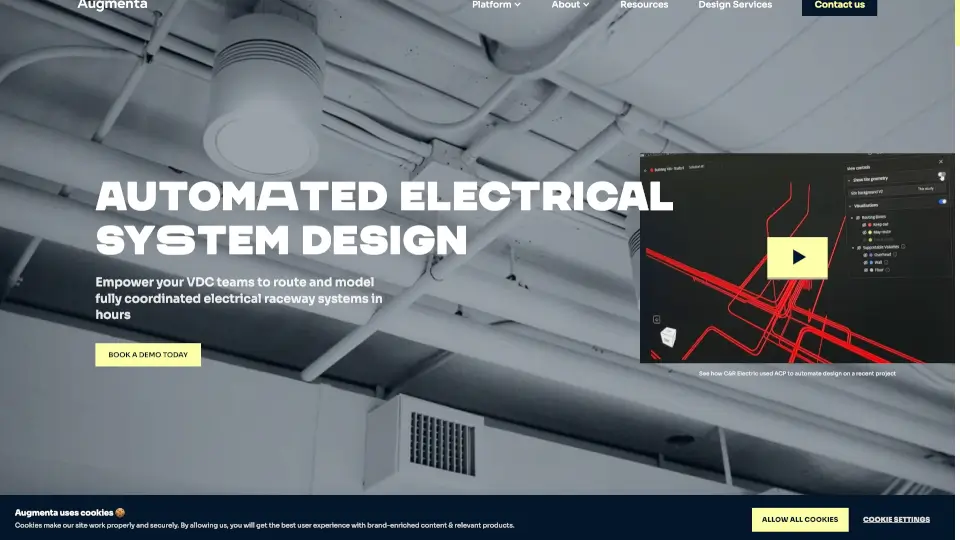
Augmenta

Augmenta

Design electrical raceway systems quickly and efficiently with Augmenta's AI-powered platform.

US
61.66%
12.0K
4.0
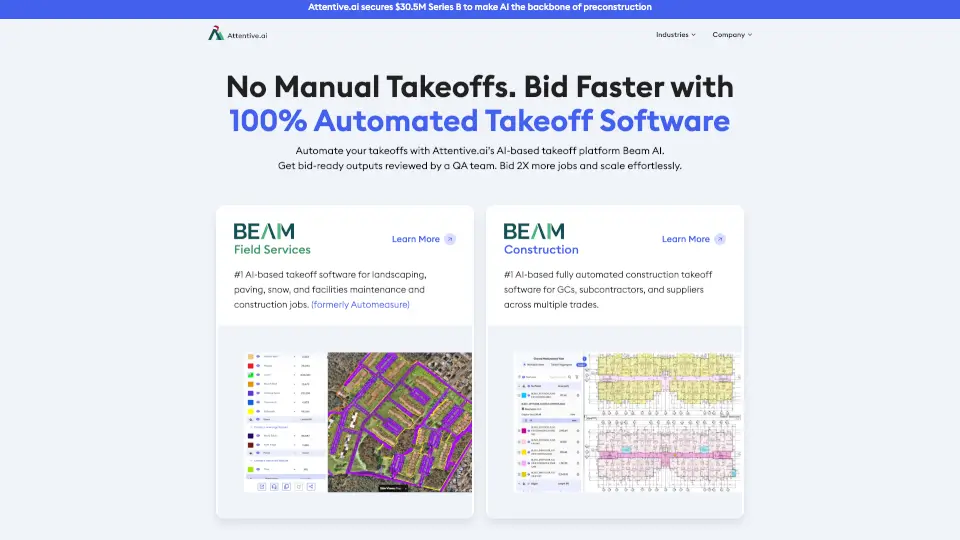
Attentive

Attentive

Attentive.ai automates takeoffs for landscaping, paving, and construction, helping businesses save time, improve accuracy, and win more bids.

IN
57.80%
63.6K
5.0
Adam

Adam

Adam is an AI CAD copilot for hardware teams that automates model edits, BOM cleanup, supplier research, and documentation across Onshape, Fusion, and SolidWorks.

US
53.20%
69.7K
5.0
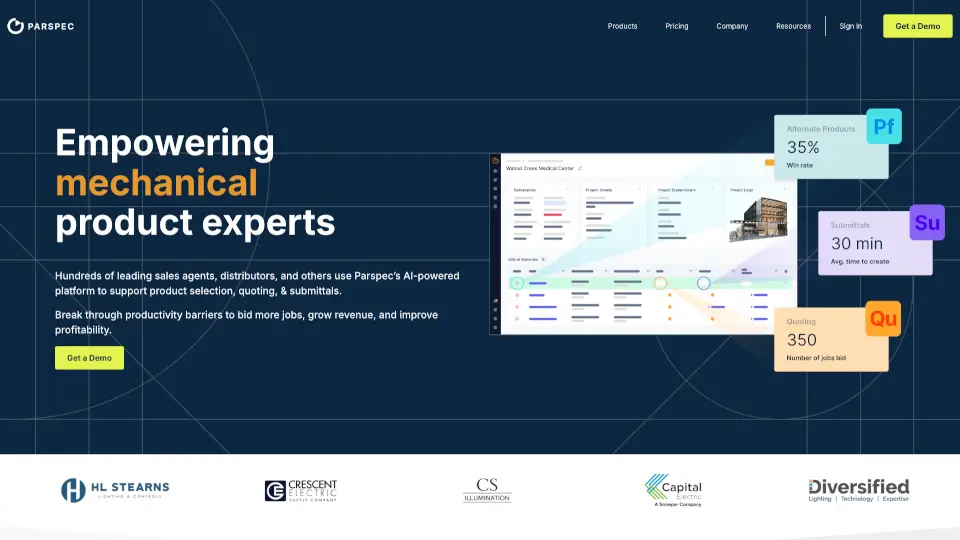
Parspec

Parspec

Parspec is an AI-native platform that helps MEP distributors and rep agents quote faster, win more projects, and manage work profitably—all in one connected workspace.

US
95.34%
51.1K
5.0
autarc.energy

autarc.energy

Autarc is a comprehensive energy planning platform that streamlines the management of heating, solar, and energy projects, from planning and financing to installation and maintenance.

DE
82.64%
87.2K
5.0
SnapMagic

SnapMagic

SnapMagic is your AI copilot for electronics design, automating repetitive tasks and optimizing your circuit board designs for cost and power.

US
18.68%
60.9K
5.0

Autotag by Bimrock AI Related Other Categories

Autotag by Bimrock AI Traffic Analysis

💡 Insights

🔍
Niche Tool
Lower traffic volume. Likely new or highly specialized. Good for early adopters.
📉
Traffic Decline
Significant traffic drop recently. Check for alternatives.
👍
Good Experience
Bounce rate of 38%. Users are willing to explore features.
🌍
United States Dominant
100% users from United States. Optimized for this market.
  • Monthly Visits

    331

  • Bounce Rate

    38.34%

  • Pages Per Visit

    1.11

  • Visit Duration

    00:00:00

  • Global Rank

    13653538

  • Country Rank

    0

Visits Over Time

Traffic Sources

Gen Ai0.00%
Display Ads0.00%
Social Organic0.00%
Mail0.00%
Search Paid0.00%
Social Paid0.00%
Referrals0.00%
Affiliate0.00%
Search Organic0.00%
Direct0.00%

Top Keywords

1
autotag
CPC$0.49
0Traffic
2
smart annotation revit plugin
0Traffic

Top Regions

RegionPercentage
United States
United States
100.00%
Low
High

Powered by SimilarWeb

Autotag by Bimrock AI FAQ

What Revit versions are supported?

Bimrock Autotag supports Revit 2023 through 2026, aligning with each new release to keep your automated MEP tagging workflow current.

Which disciplines and elements are supported?

All MEP disciplines are supported, including Mechanical (ductwork), Electrical, and Plumbing (piping), as well as general architectural elements. You can configure profiles for any combination of categories to cover your full documentation set.

Does it work with linked and cloud models?

Yes, Bimrock Autotag works with linked models, BIM 360 / ACC workshared cloud models, and models hosted in any Autodesk server region. If the model is loaded in Revit, Autotag can tag it.

Will it work with my existing families?

Yes, Bimrock Autotag works with your existing Revit templates, custom families, and native families. You can map tags to any parameter defined on your elements during profile setup.

How does Bimrock compare to other tools?

Bimrock is MEP-specific, not a generic add-in. It offers floating licenses, cloud processing, and shareable profiles starting at $49/mo, with every Revit version included. Bimrock is building toward a full automated MEP design platform, making it a more specialized and future-proof solution.

Autotag by Bimrock AI Reviews

0

0

0 Reviews
Sign Into leave a review

Recent Reviews

No reviews yet

Autotag by Bimrock AI Embed

Use website badges to drive community support for SeekTool.ai. They are easy to embed in your homepage or footer.

Light
Dark
Autotag by Bimrock AI - Featured on SeekTool.aiAutotag by Bimrock AI - Featured on SeekTool.ai
How to install?

Category Rankings

Ranked by monthly traffic