What is Audio Strip?
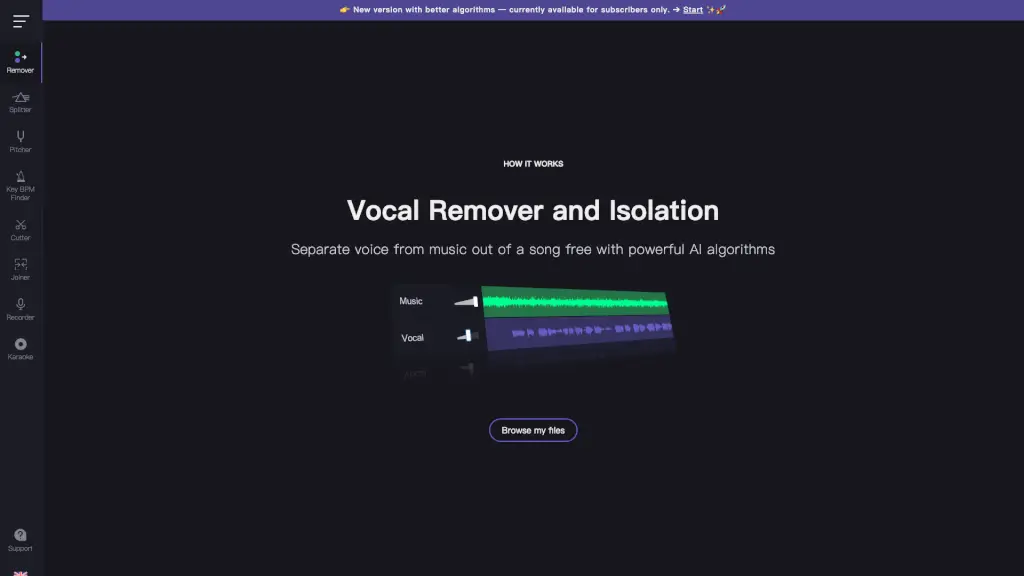
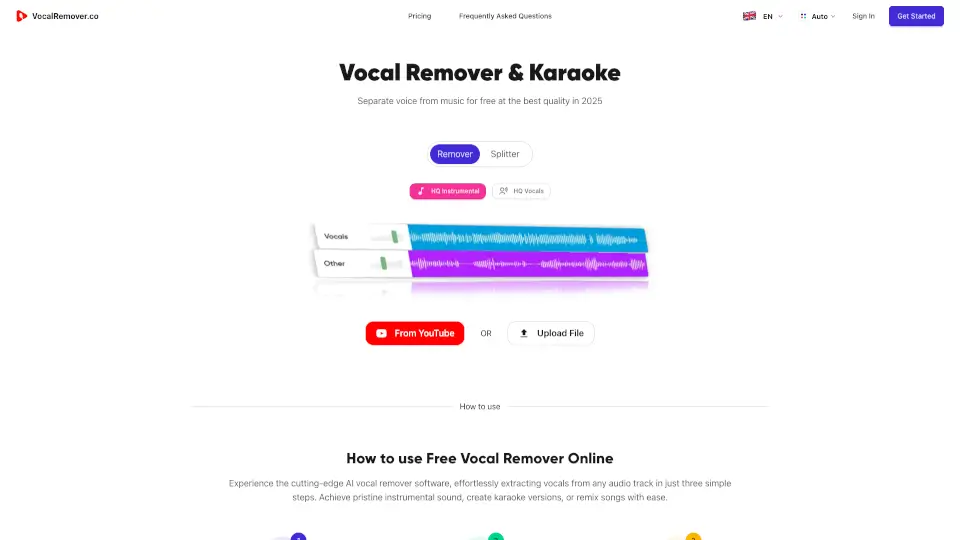
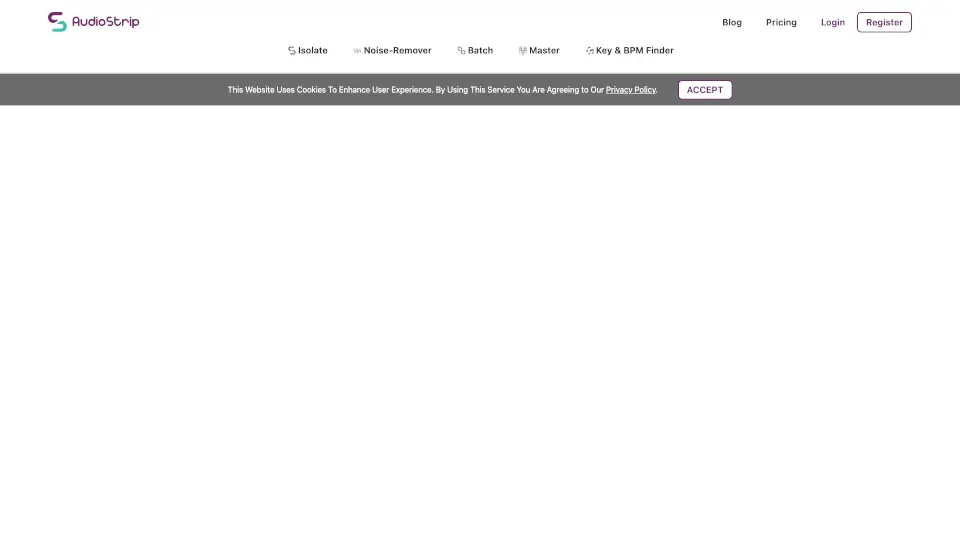
Looking to pull vocals out of a song or create a clean karaoke track in seconds? AudioStrip is a free, browser-based tool that uses smart AI to isolate or remove vocals from any audio file—no downloads, no sign-ups, and no technical skills needed. Just upload your song, let the AI do its magic, and download your result instantly.
Built for musicians, content creators, DJs, and curious music lovers alike, AudioStrip stands out by offering professional-grade vocal separation right in your web browser. Whether you're making remixes, practicing vocals, or cleaning up old recordings, it delivers surprisingly clean results without costing a dime.
What are the features of Audio Strip?
- Free Online Vocal Isolation: Instantly separate vocals from background music using advanced AI—all for free.
- No Installation Required: Runs entirely in your browser; no software to download or accounts to create.
- Supports Common Audio Formats: Upload MP3, WAV, M4A, and other popular file types with ease.
- Fast Processing: Most tracks are processed in under a minute, depending on length and server load.
- Two Output Options: Download either the isolated vocals or the instrumental (vocals removed) version.
- Privacy-Focused: Uploaded files are automatically deleted from servers shortly after processing.
What are the use cases of Audio Strip?
- Create custom karaoke tracks for practice or performance
- Extract acapellas for DJ sets or remix projects
- Recover vocals from poorly mixed home recordings
- Generate background instrumentals for YouTube covers
- Study vocal techniques by isolating a singer’s part
- Clean up dialogue or voiceovers buried in noisy audio
How to use Audio Strip?
- Go to https://www.audiostrip.co.uk and make sure JavaScript is enabled in your browser.
- Click “Choose File” to upload your audio (MP3, WAV, M4A, etc.)—files must be under 100 MB.
- Wait a few moments while AudioStrip processes your track using AI separation technology.
- Once ready, preview both the vocal-only and instrumental-only versions.
- Click “Download” to save your preferred version directly to your device.
- For best results, use high-quality source files with clear vocal separation in the original mix.