
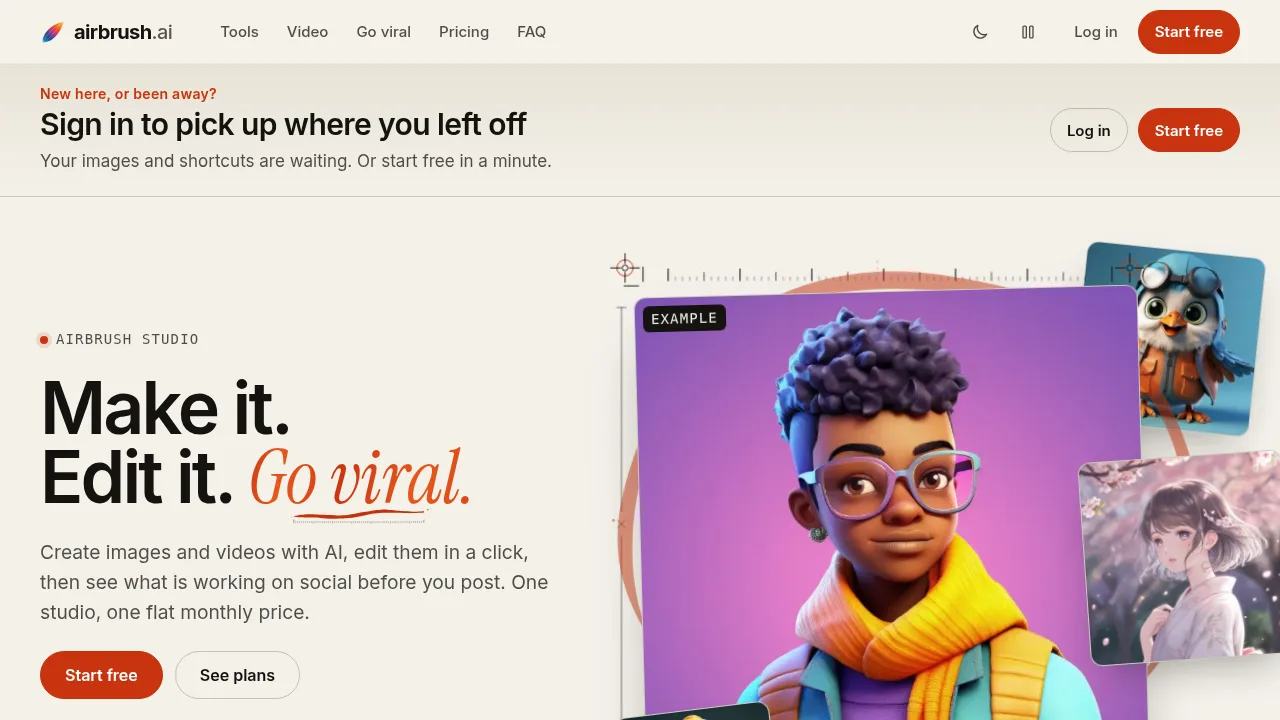
What is Airbrush?
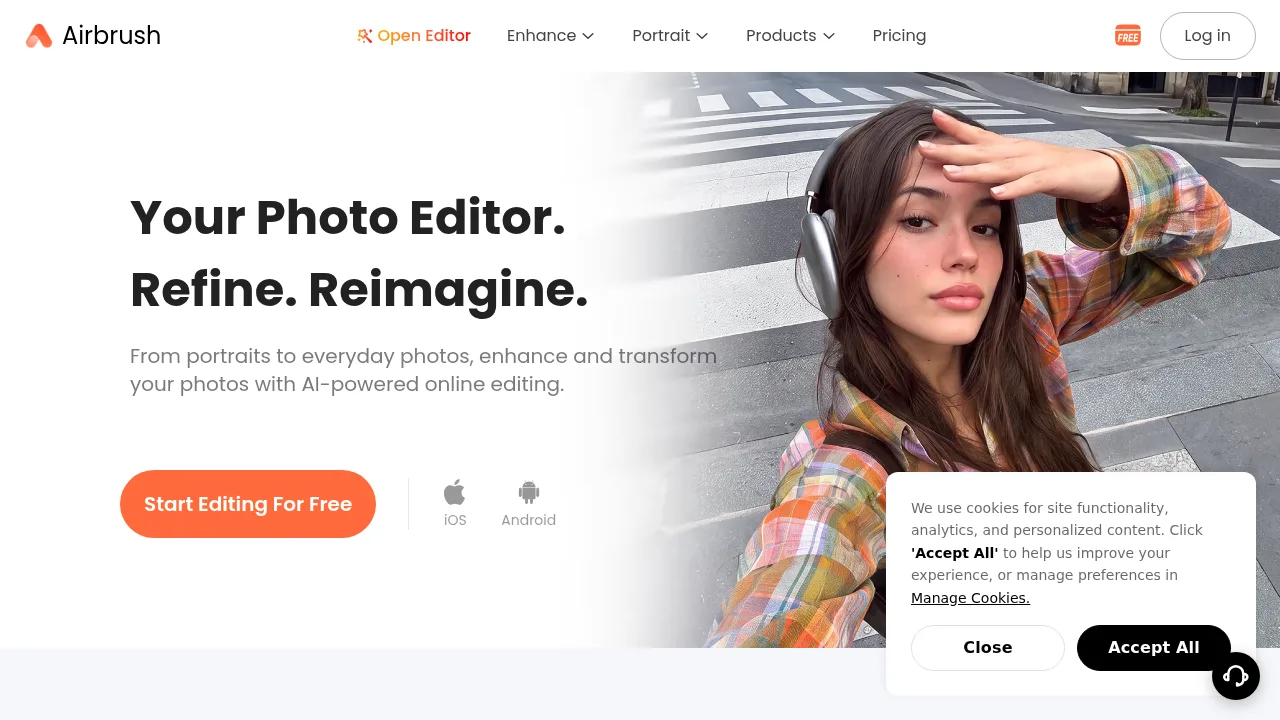
Airbrush is a browser-based studio for generating and editing images and videos from text prompts or uploaded files. It includes social media research tools to identify trending content before publishing. A free tier allows testing the studio, while full access requires a paid subscription.
What are the features of Airbrush?
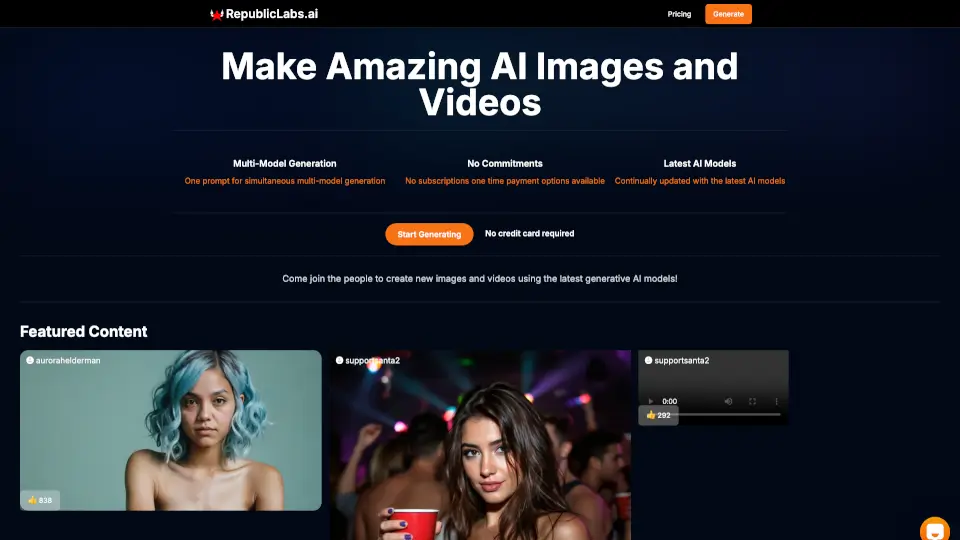
- Image generationCreates product photos, ad creatives, illustrations, and art from short text descriptions using several image models with selectable styles.
- One-click editingRemoves backgrounds, erases objects, upscales resolution, vectorizes images, and adjusts lighting.
- Video productionGenerates video with voiceover from an idea or script, edits raw footage with captions in the browser, or re-edits one video into multiple variations with distinct pacing and style.
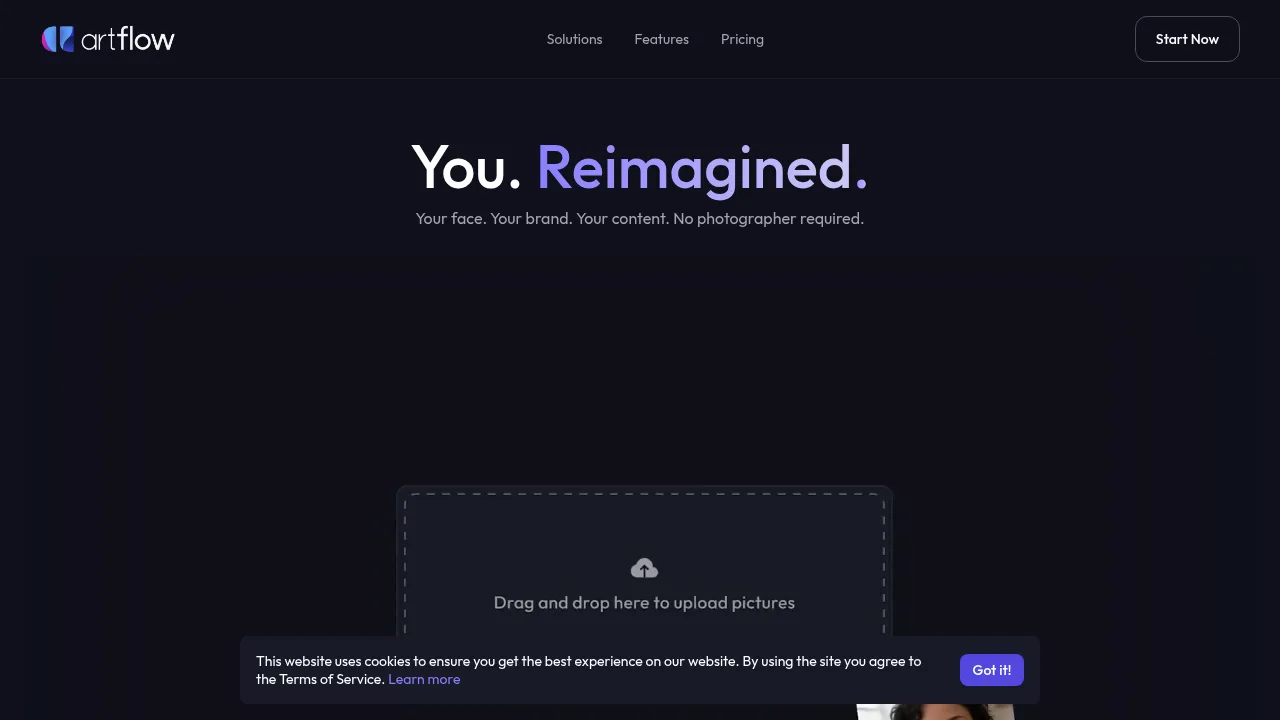
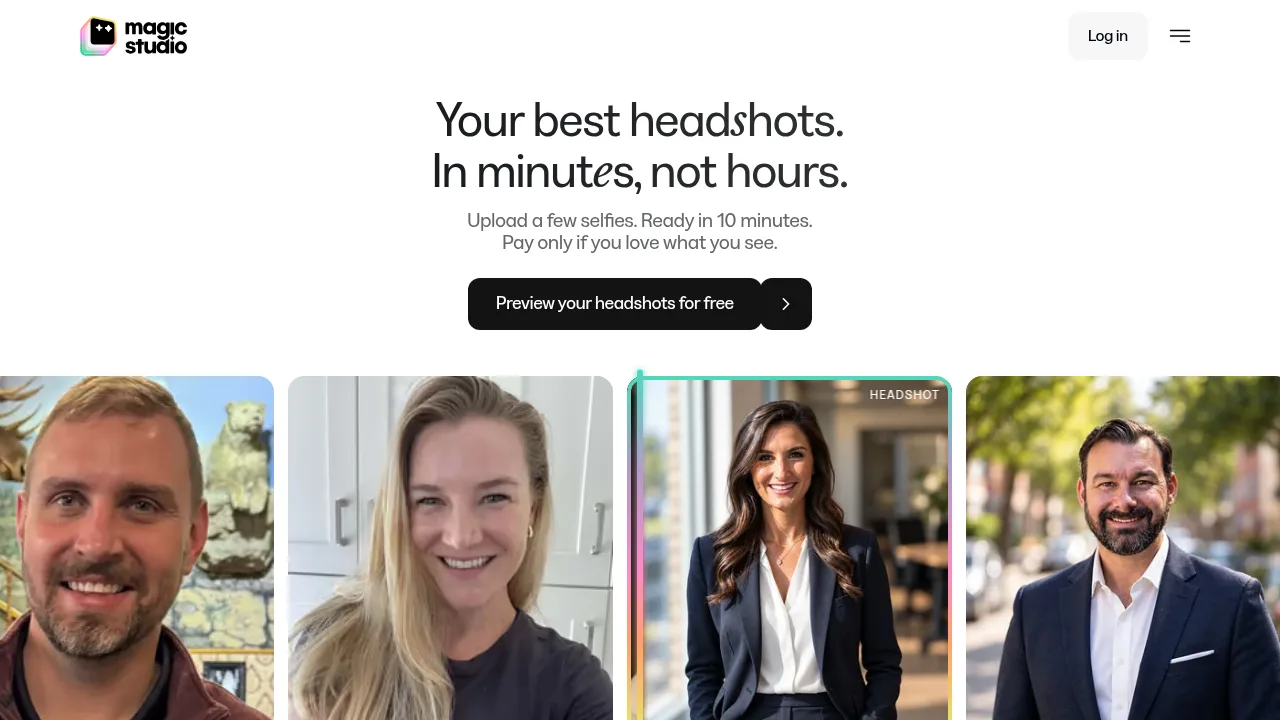
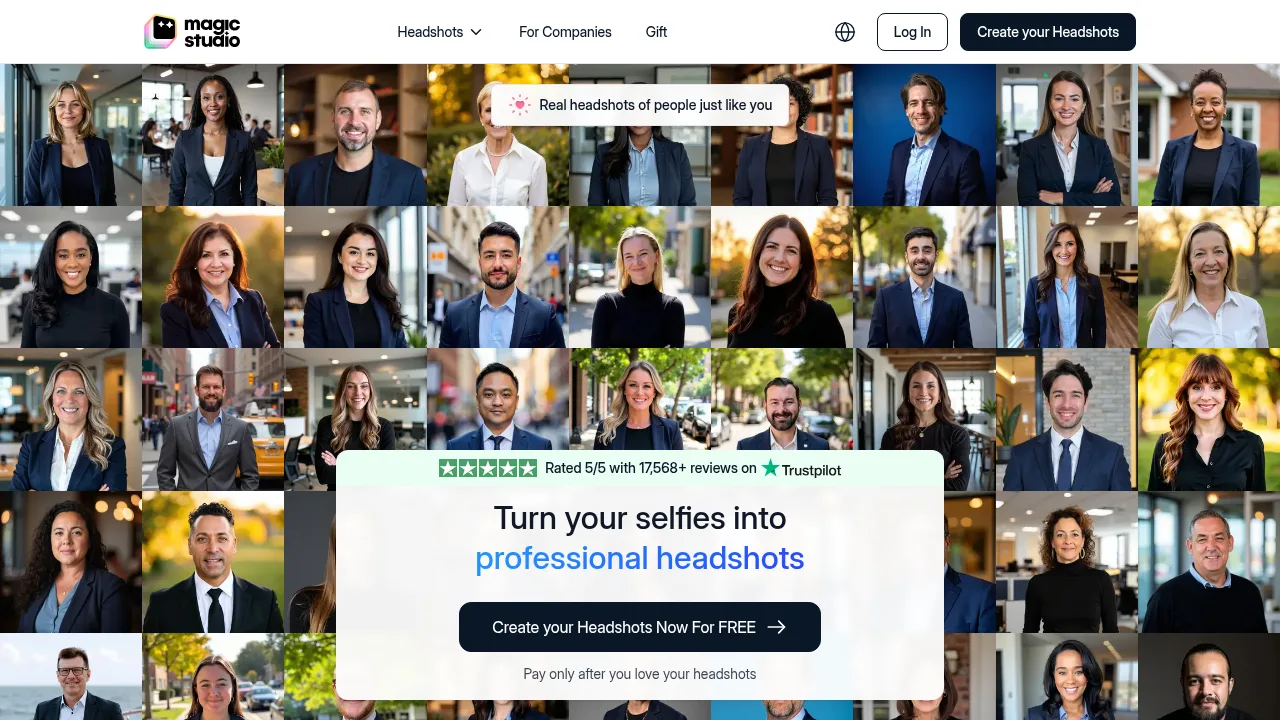
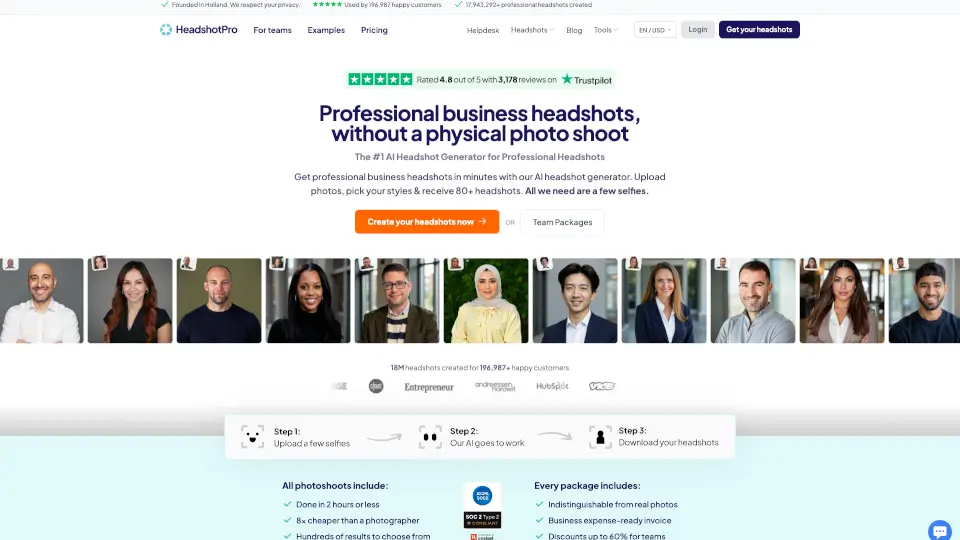
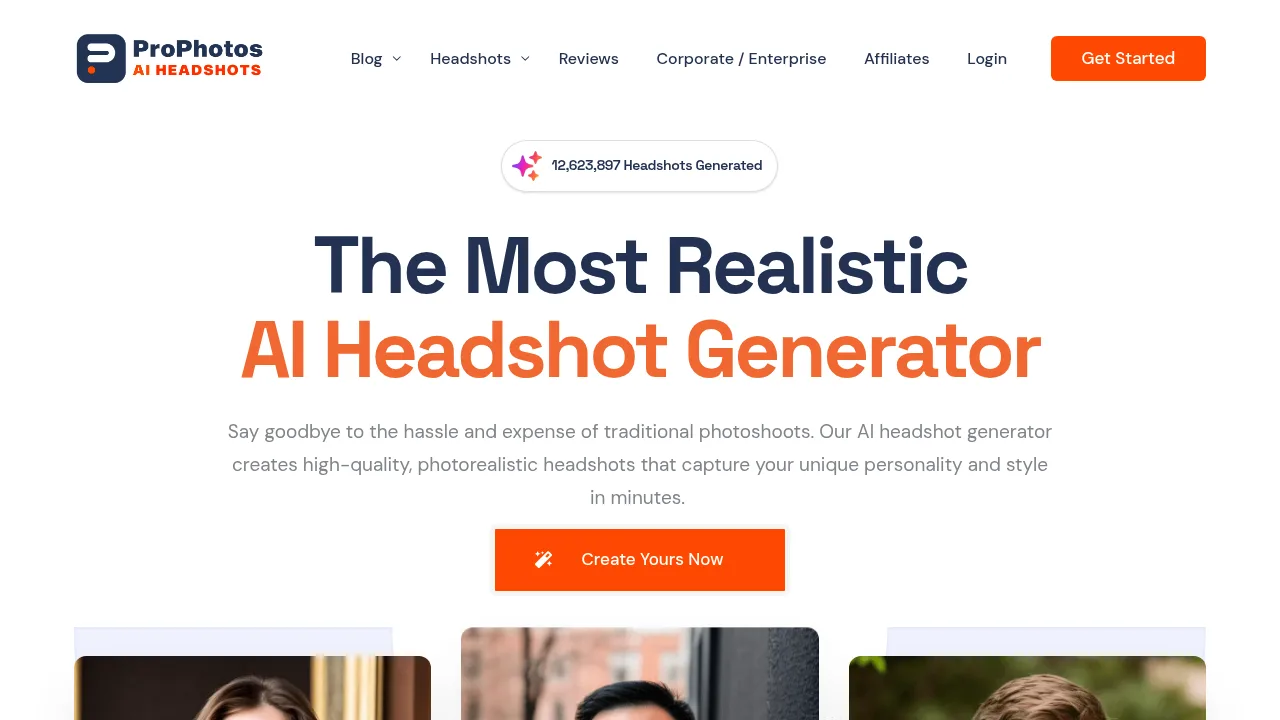
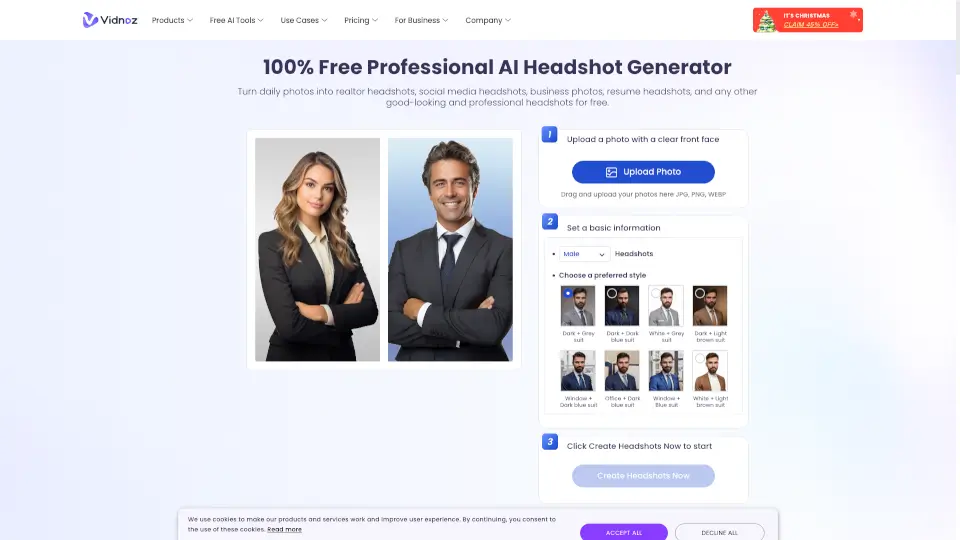
- Headshot generationProduces professional headshots from uploaded selfies.
- Social trend researchProvides viral reports, trending sounds, ad spy data for TikTok and Meta, and product trends; restricted to Monthly or AppSumo plans.
- Pre-post performance checkEvaluates likely social media performance of a video and suggests fixes; limited to one free check per week.
What are the use cases of Airbrush?
- A/B testing video adsUploads one video to generate multiple re-edited versions with different styles and captions for posting across accounts or testing performance.
- Niche content planningUses viral research reports and trending sound data to identify hooks and formats gaining traction before producing matching assets in the same studio.
- Professional profile updatesUploads selfies to generate studio-quality headshots for LinkedIn or team directories.
How to use Airbrush?
- Select a toolChoose Create, Edit, Headshots, or Video from the web studio interface based on the task.
- Provide inputUpload a photo or video file, or type a text description of the desired output.
- Download or saveStore the result in the library, download it, and use it with included commercial rights.
Airbrush Pricing Information:
- Free$0; allows testing the studio and saving outputs to the library. Includes one pre-post performance check per week and capped access to the AI assistant.
- Monthly$39 per month; flat price for full studio access including all creation, editing, video, and social growth tools. Cancel any time. Full commercial usage rights included.
- Lifetime dealMentioned as a one-time payment alternative to the monthly plan; specific price and limits are not detailed in the source.