What is AdpexAI?
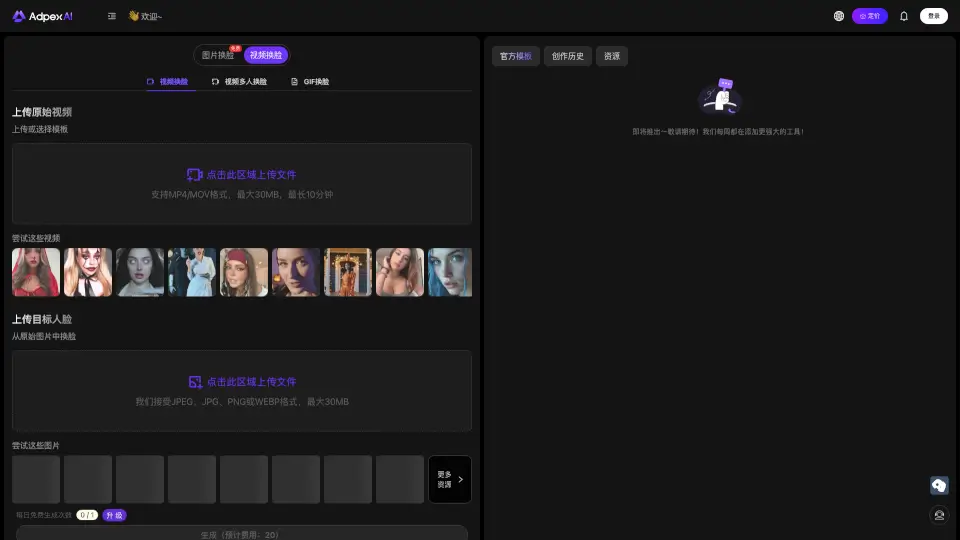
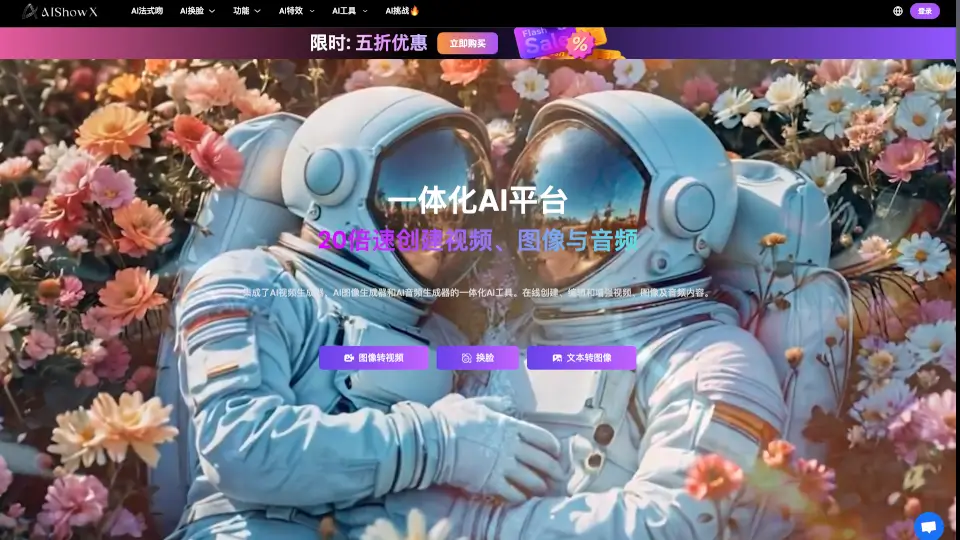
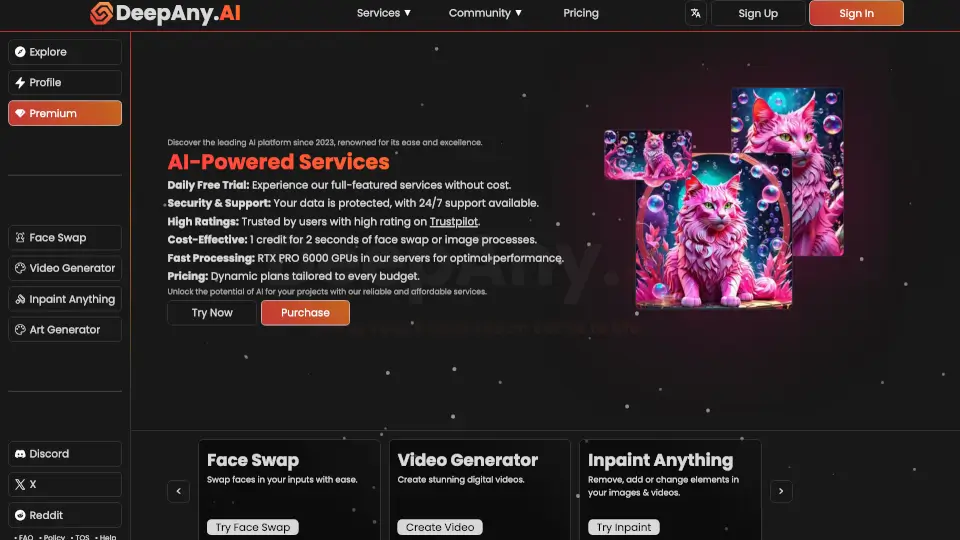
AdpexAI is your go-to, all-in-one AI tool for creating and editing high-resolution, professional-grade images and videos. Whether you're a content creator, a social media enthusiast, or just someone looking to have fun with AI, AdpexAI makes it easy to generate, edit, and transform your media without needing any design skills. With a wide range of features from seamless face swapping to stunning style effects, AdpexAI is the future of creative AI tools.
What are the features of AdpexAI?
- Seamless Face Swapping: Replace faces in photos and videos with ease, whether it's a single person or multiple people.
- AI-Driven Style Effects: Transform your content with amazing AI-driven effects, from animated portraits to dancing avatars.
- Advanced Image and Video Editing: Enhance, remove backgrounds, and apply cinematic effects to your media in seconds.
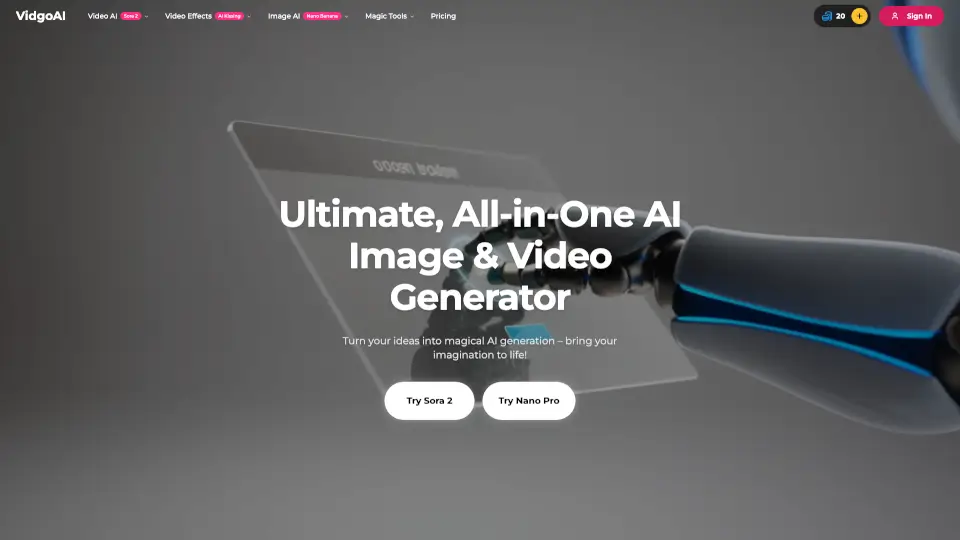
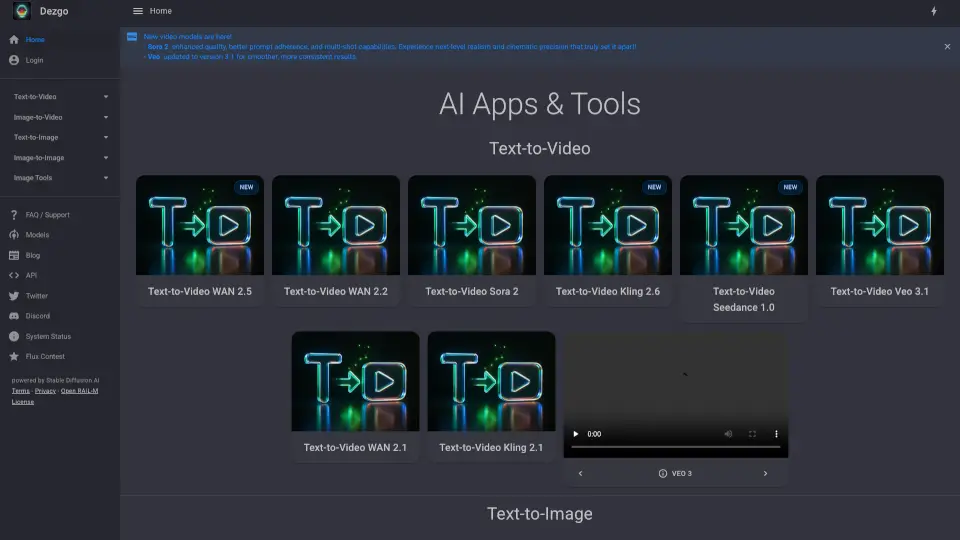
- AI Video Generation: Create high-quality videos from text prompts, making it perfect for content creation.
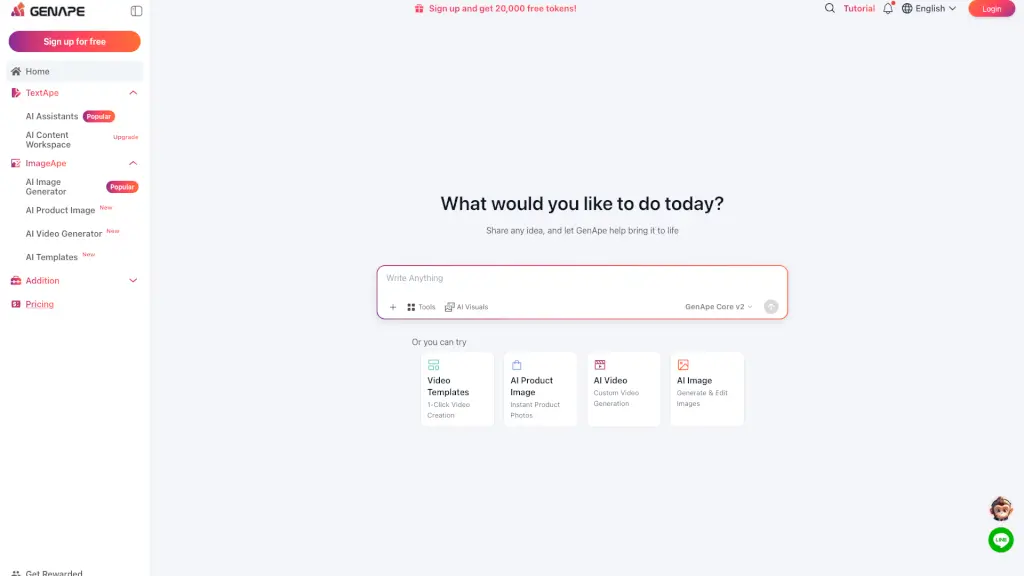
- AI Chat Assistant: Access top AI models like ChatGPT-4o, Claude 3.5, Gemini 1.5, and Qwen Max for writing, coding, research, and more.
- Code Generation: Generate functional code by simply describing what you need, ideal for creators and learners.
- Watermark Removal: Easily remove watermarks from GIFs and videos without any traces or blurriness.
What are the use cases of AdpexAI?
- Content Creators: Quickly generate and edit videos and images for social media, YouTube, and other platforms.
- E-commerce Sellers: Remove backgrounds from product photos and enhance images for a professional look.
- Social Media Enthusiasts: Apply fun and engaging AI effects to your personal photos and videos.
- Designers: Experiment with different styles and effects to create unique and visually appealing content.
- Developers: Generate code snippets and scripts for various projects, saving time and effort.
- Educators and Students: Use AI chat assistants for research, writing, and learning new coding skills.
How to use AdpexAI?
- Sign Up and Login: Create an account and log in to access all the features.
- Upload Your Media: Choose the file you want to edit or use the text-to-video feature.
- Select the Tool: Pick the specific tool or effect you want to apply, such as face swapping or background removal.
- Apply the Effect: Follow the on-screen instructions to apply the desired effect.
- Preview and Save: Preview the result and save your edited media to your device or cloud storage.
- Explore More: Try out different tools and effects to see what works best for your project.