
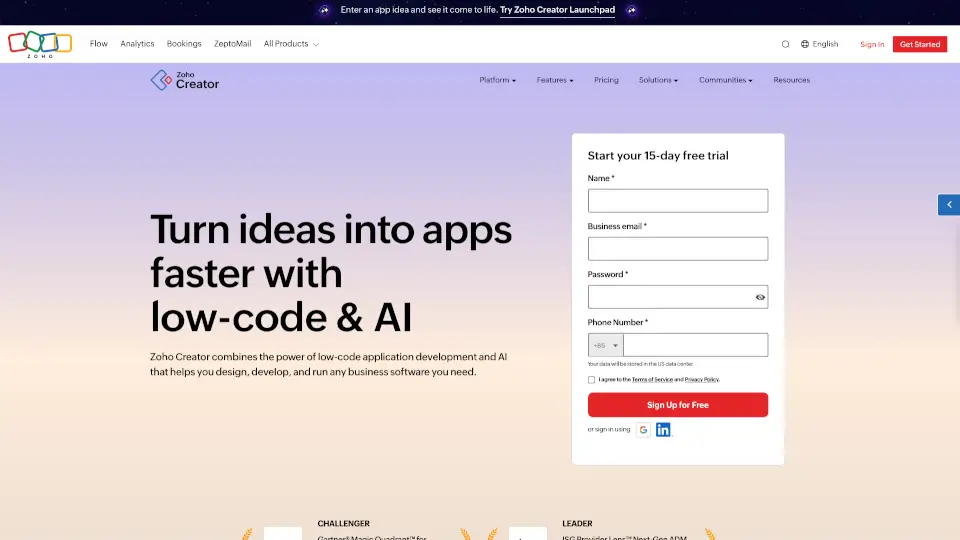
What is Zoho Creator?
Zoho Creator is an AI-powered low-code platform that lets anyone—business users, developers, or IT teams—build custom business apps fast, without deep coding skills. Just describe what you need in plain English, and its built-in AI (Zia) helps generate forms, workflows, and even full applications in seconds.
Whether you're replacing spreadsheets, automating approvals, or connecting legacy systems, Zoho Creator turns ideas into working web and mobile apps that scale with your business—all while keeping data secure and processes efficient.
What are the features of Zoho Creator?
- AI-Powered App Builder: Describe your app idea in natural language, and Zia generates forms, logic, and workflows instantly.
- Cross-Platform Mobile Apps: Every app automatically gets native iOS and Android versions—no extra work needed.
- Visual Workflow Automation: Drag-and-drop tools let you build complex approval chains, notifications, and scheduled tasks.
- 1000+ Prebuilt Integrations: Connect seamlessly with Zoho apps, ERPs, payment gateways, and third-party tools like Slack or Google Workspace.
- Built-In Analytics & Dashboards: Ask questions in plain English to get real-time insights from your app data.
- Enterprise-Grade Security: ISO 27001/27017/27018 certified and SOC 2 compliant, with data encryption and role-based access controls.
- Custom UX & Branding: Personalize your app’s look, add your logo, support multiple languages, and deploy as a progressive web app (PWA).
What are the use cases of Zoho Creator?
- Replace error-prone spreadsheets with a custom procurement or expense tracking app
- Build a customer self-service portal for order status, support tickets, or appointments
- Automate field service workflows for technicians, including job dispatch and digital signatures
- Modernize legacy SAP or ERP data by creating user-friendly front-end apps
- Create vendor or asset management systems with barcode scanning and maintenance alerts
- Develop education management tools for student enrollment, grading, or course scheduling
How to use Zoho Creator?
- Sign up for a 15-day free trial at Zoho Creator and verify your email.
- Use the AI prompt box to describe your app need (e.g., “I need an app to track equipment checkouts with approval workflows”).
- Customize the AI-generated forms, fields, and workflows using the visual builder.
- Add automation rules like email alerts, approval paths, or scheduled reports.
- Preview your app on desktop and mobile, then publish it for your team.
- Invite collaborators and assign roles using built-in user management.