What is 腾讯元宝?
Meet Yuanbao, Tencent’s all-in-one AI assistant designed to make your daily life smarter and simpler. Whether you're studying, working, or just need a creative boost, Yuanbao combines cutting-edge AI models like HunYuan Hy3 preview and DeepSeek to deliver fast, accurate, and human-like responses. It’s not just another chatbot—it’s your go-to companion for everything from homework help to content creation.
With a friendly interface and powerful tools built right in, Yuanbao helps you search smarter, write better, and solve problems faster. From snapping a photo of a tricky math problem to generating polished essays or editing images, it’s engineered to save you time while keeping things intuitive and fun.
What are the features of 腾讯元宝?
- AI-Powered Search: Get precise, up-to-date answers with intelligent web search that understands context.
- Multi-Style Writing: Easily switch between casual, professional, academic, or creative tones for any task.
- Smart Image Tools: Upload photos to identify objects, generate new images, or edit visuals with AI assistance.
- Homework & Problem Solver: Snap or upload textbook questions—Yuanbao explains solutions step by step.
- Document Support: Analyze and extract insights from files like PDFs, Word docs, spreadsheets, and presentations.
- Personalized Chat: Enjoy natural, empathetic conversations that feel more human and less robotic.
What are the use cases of 腾讯元宝?
- A student snaps a photo of a calculus problem and gets a clear, step-by-step explanation.
- A remote worker drafts professional emails or reports using tone-adjusted AI writing.
- A content creator generates social media captions or blog ideas in seconds.
- Someone planning a trip uses AI search to compare flights, hotels, and local tips—all in one chat.
- A teacher uploads a PDF worksheet and asks Yuanbao to summarize key concepts for students.
- A designer quickly edits or enhances product photos using built-in AI image tools.
How to use 腾讯元宝?
- Visit https://yuanbao.tencent.com/ and click “Try Now” or download the desktop app.
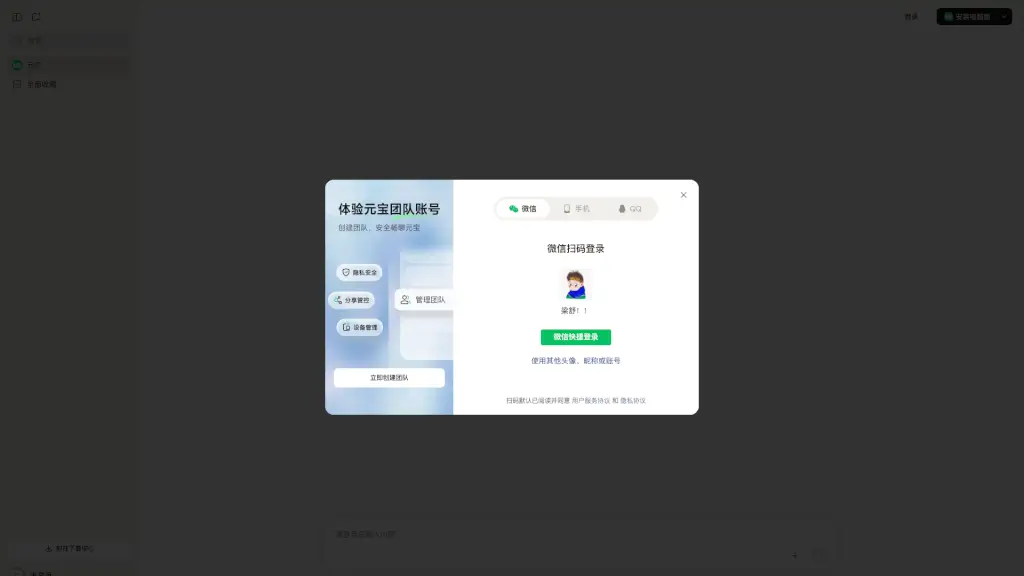
- Log in with your Tencent account (or sign up if new) to unlock full features.
- Type your question directly, or drag and drop supported files (PDF, DOCX, JPG, etc.) into the chat window.
- Use prompts like “Explain this graph,” “Rewrite this professionally,” or “Solve this equation” for best results.
- Click the camera icon to upload images for visual analysis or problem solving.
- Explore suggested prompts on the homepage if you’re unsure where to start.