
What is 易可图?
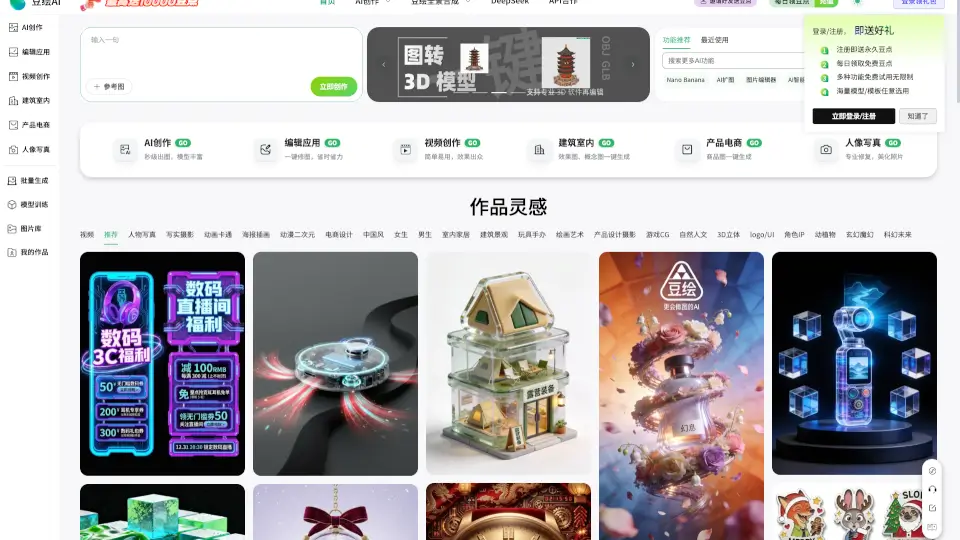
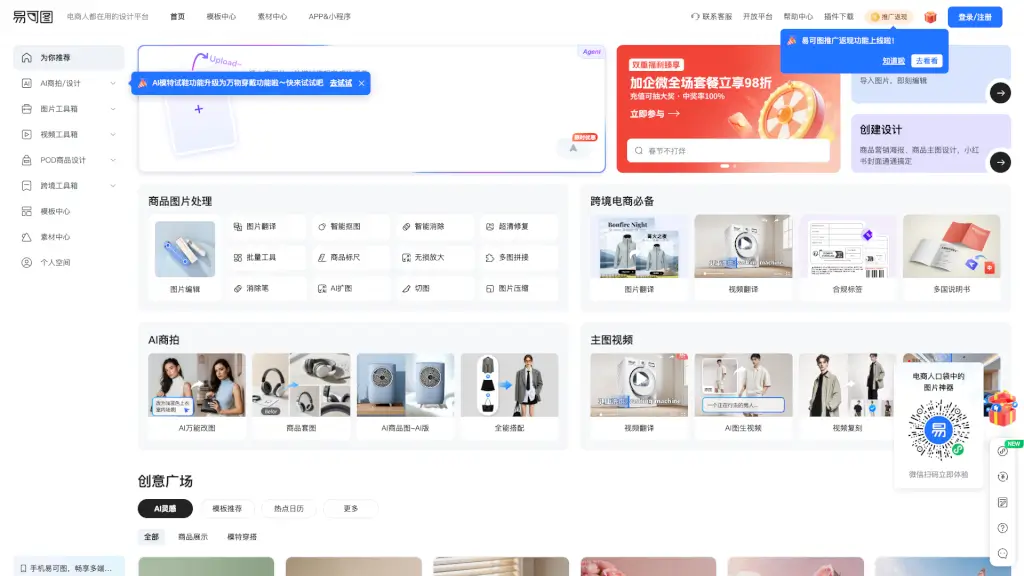
Welcome to Eketu, the ultimate online image editing and poster design platform tailored for e-commerce. Whether you're a seasoned seller or just starting out, Eketu offers a range of powerful tools to enhance your product visuals. From AI-powered background removal and model try-on to batch editing and a vast library of templates, Eketu simplifies the process of creating stunning images that stand out on platforms like Amazon, eBay, and more. With Eketu, you can easily create eye-catching designs, boost your sales, and make your products look their best.
What are the features of 易可图?
- AI Smart Background Replacement: Automatically change the background of your product images to match any setting.
- AI Model Try-On: See how your clothing looks on different models without the need for a photoshoot.
- One-Click Image Cropping: Quickly and accurately remove backgrounds from your images.
- Batch Editing: Edit multiple images at once, saving you time and effort.
- Massive Template Library: Access a wide range of professionally designed templates for various e-commerce needs.
- Image Translation: Translate text in images to reach a global audience.
- Video Tools: Create and edit videos for your product listings with ease.
What are the use cases of 易可图?
- Product Listing Enhancements: Improve the visual appeal of your product listings on e-commerce platforms.
- Social Media Marketing: Create engaging posts and ads for platforms like Instagram, Facebook, and Pinterest.
- Promotional Banners: Design eye-catching banners for your store's homepage or special promotions.
- Catalog Creation: Build professional-looking catalogs for print or digital distribution.
- Cross-Border Sales: Optimize images for international markets with translation and compliance features.
- Content Creation: Generate high-quality content for blogs, newsletters, and other marketing materials.
How to use 易可图?
- Upload Your Images: Start by uploading the images you want to edit.
- Select a Tool: Choose from the available tools, such as AI background replacement or one-click cropping.
- Customize Your Design: Use the provided options to customize your image, such as changing colors or adding text.
- Save and Download: Once satisfied, save your edited image and download it in the desired format.
- Batch Processing: For multiple images, use the batch editing feature to apply changes uniformly.
- Explore Templates: Browse the template library to find a design that fits your needs, then customize it with your own images and text.