
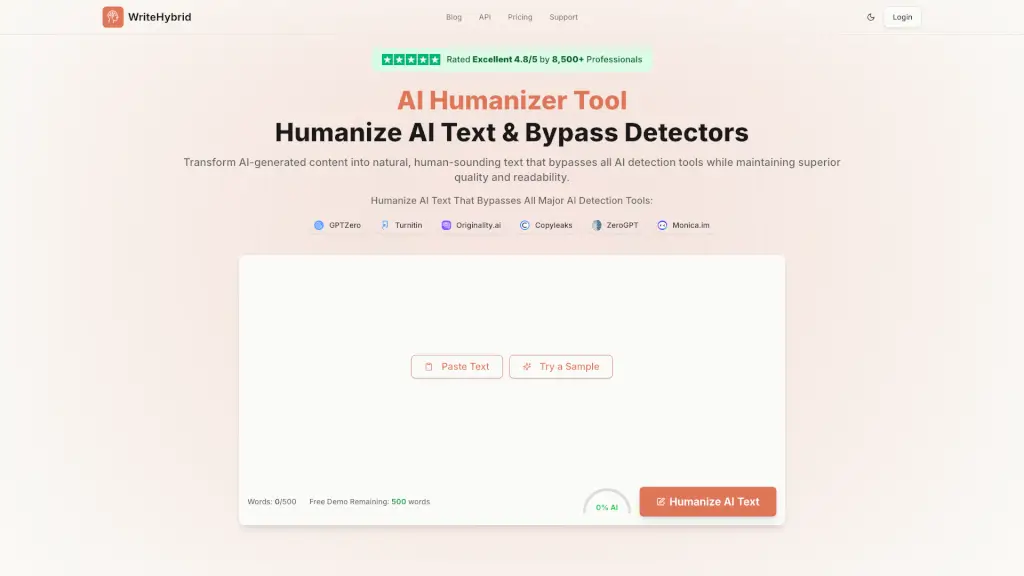
What is Humanize AI Text & AI Humanizer Online?
Welcome to WriteHybrid, your go-to solution for transforming AI-generated content into natural, human-sounding text. Whether you're a student, a professional, or a content creator, our advanced AI humanizer tool is designed to help you bypass AI detection tools while maintaining the highest quality and readability. Say goodbye to robotic, detectable AI text and hello to authentic, engaging content that reads like it was written by a human.
What are the features of Humanize AI Text & AI Humanizer Online?
- AI Humanization: Transform AI-generated content into natural, human-sounding text.
- Bypass Detection: Consistently outsmarts all major AI detection tools like GPTZero, Turnitin, and Originality.ai.
- Quality-First Technology: Prioritizes text quality and readability, ensuring your content flows naturally.
- Instant Results: No waiting—get your humanized text instantly.
- Multiple Rewrite Tones: Customize the tone of your content to fit your specific needs.
- Secure Processing: Your content is processed securely and never stored, ensuring complete privacy.
What are the use cases of Humanize AI Text & AI Humanizer Online?
- Academic Writing: Help students and researchers create undetectable, high-quality academic papers.
- Content Marketing: Enhance blog posts and marketing copy to improve SEO and reader engagement.
- Professional Documents: Make reports, proposals, and other business documents sound more natural and human-like.
- Creative Writing: Elevate your creative writing projects with a more authentic, human touch.
- Social Media Content: Create engaging, undetectable content for social media platforms.
- SEO Optimization: Improve the readability and authenticity of your web content to boost search engine rankings.
How to use Humanize AI Text & AI Humanizer Online?
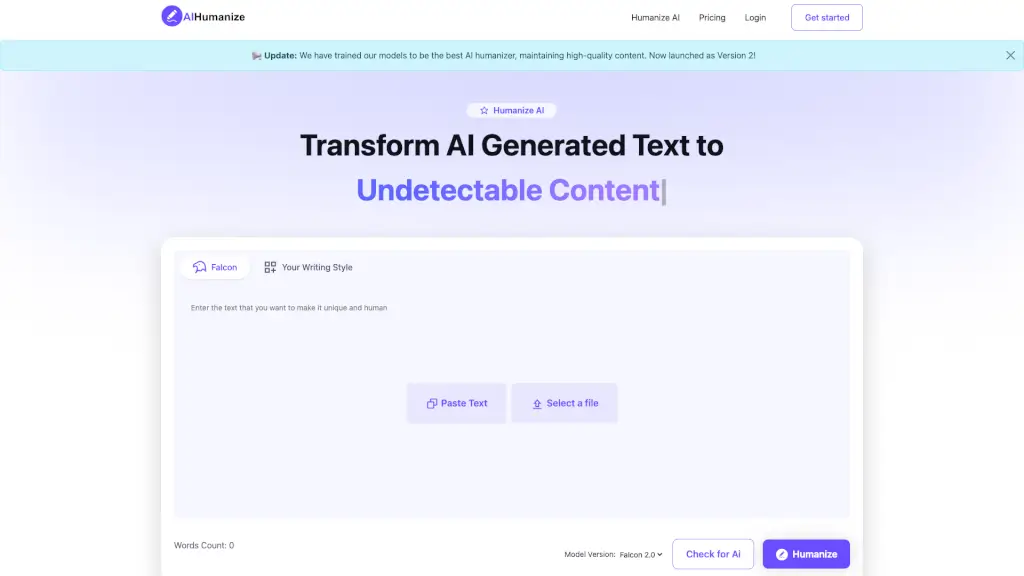
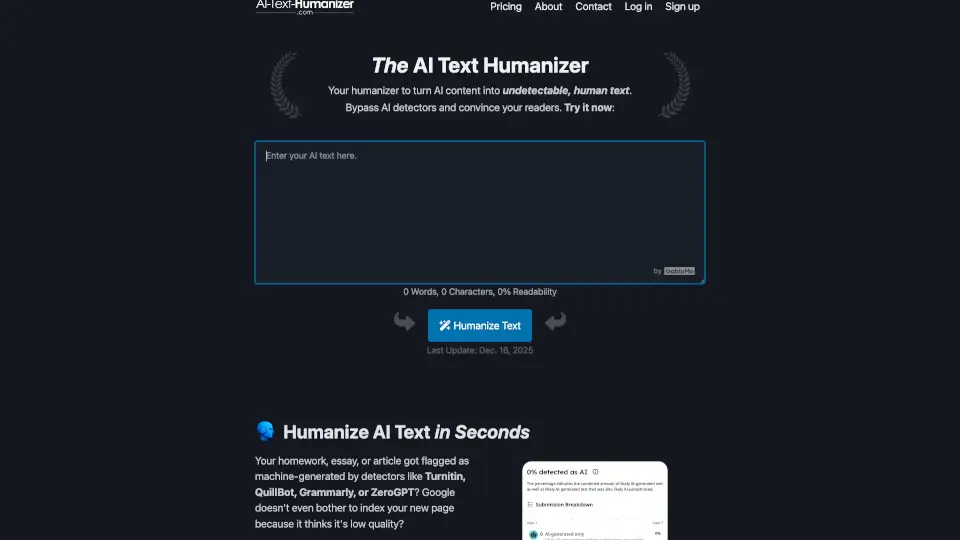
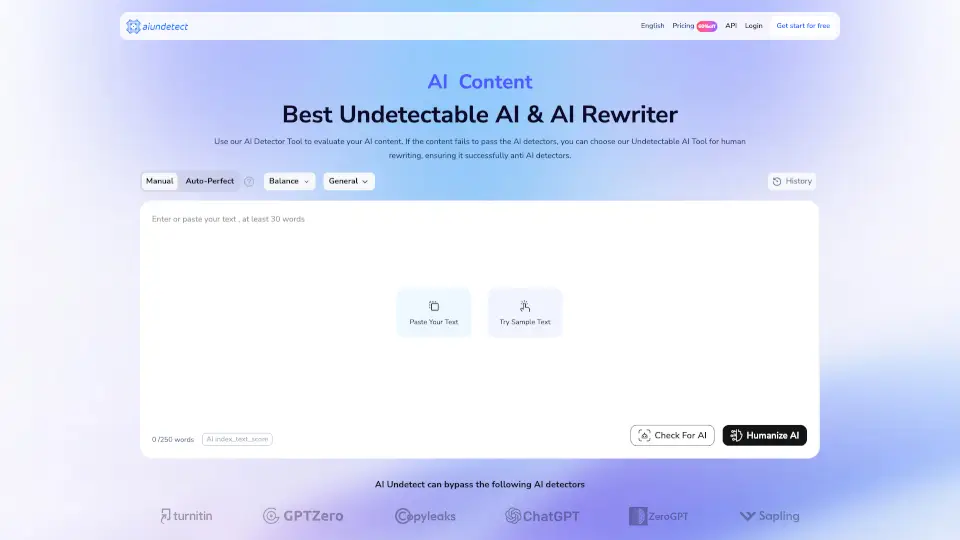
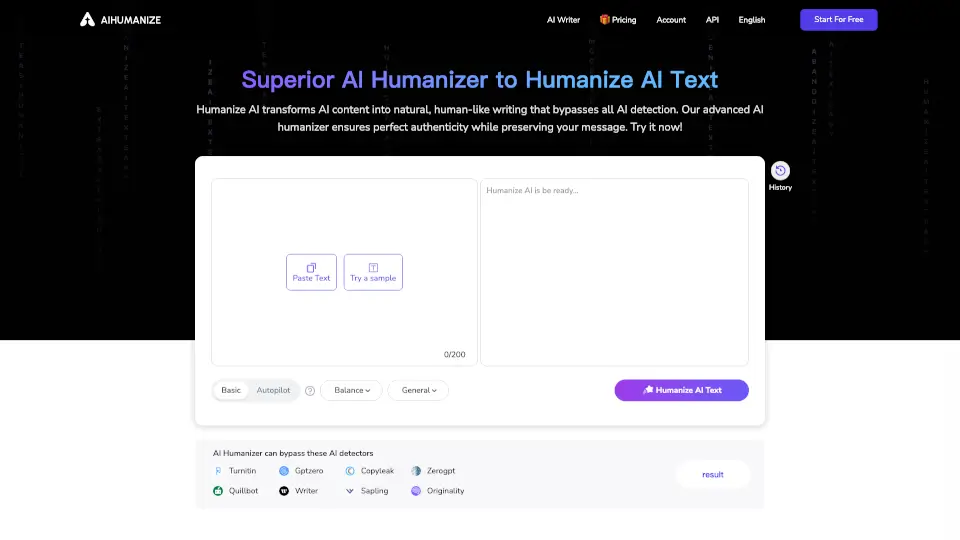
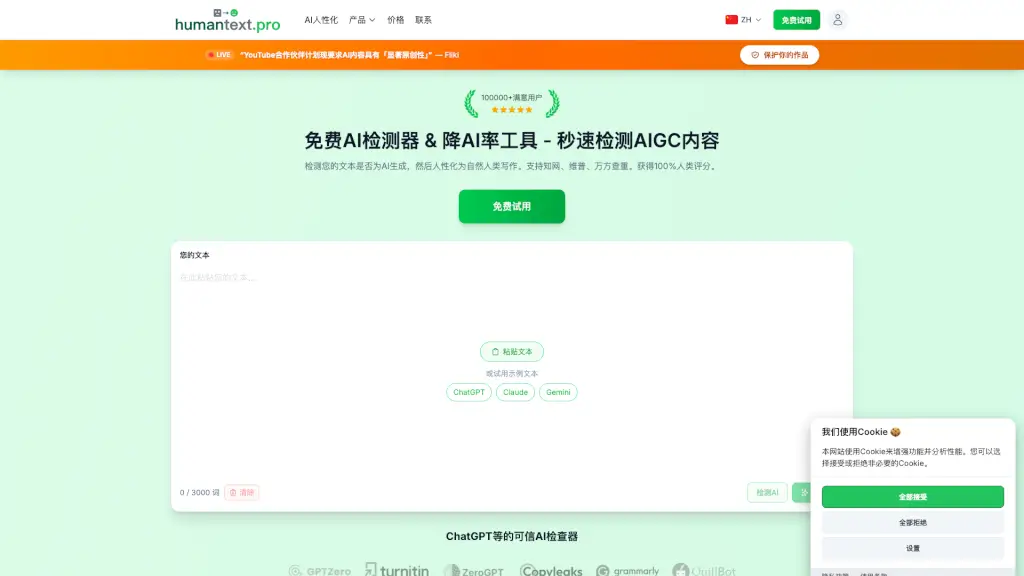
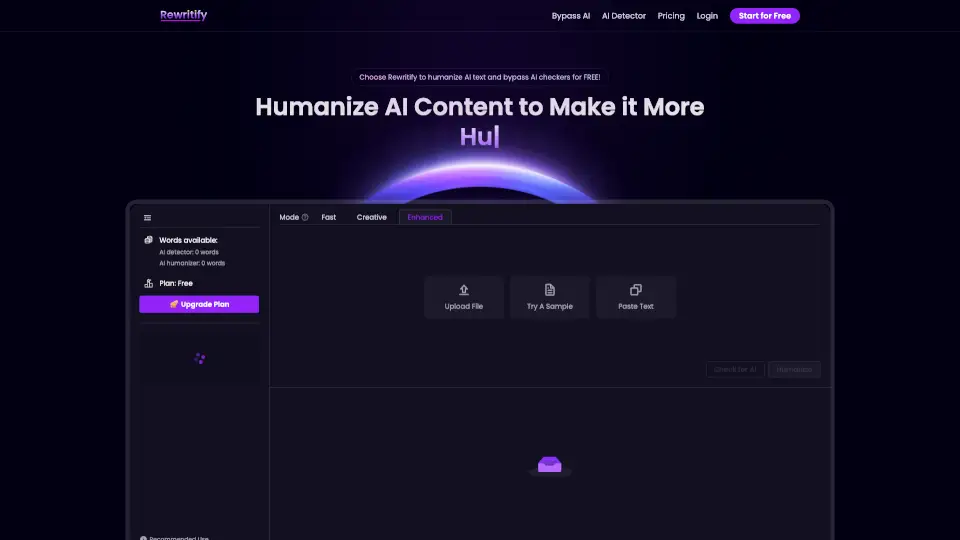
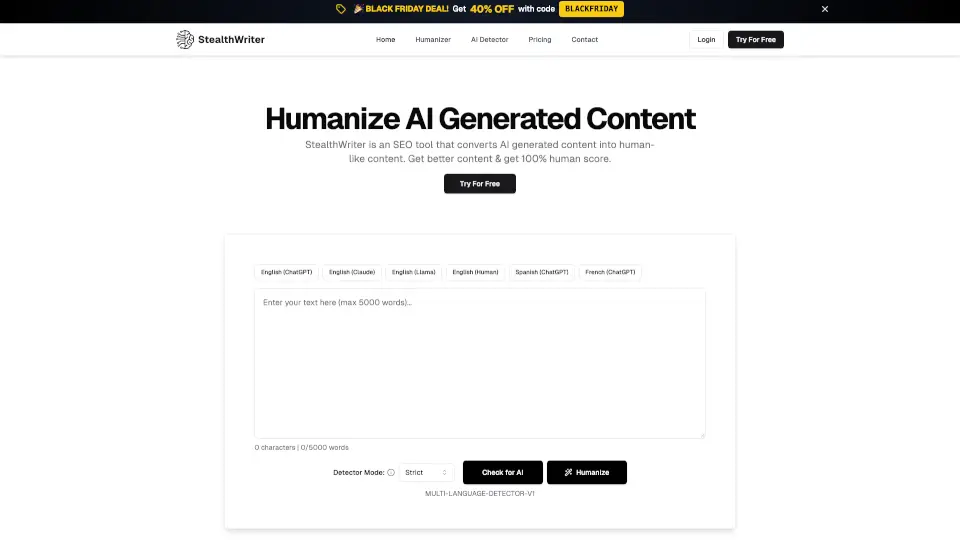
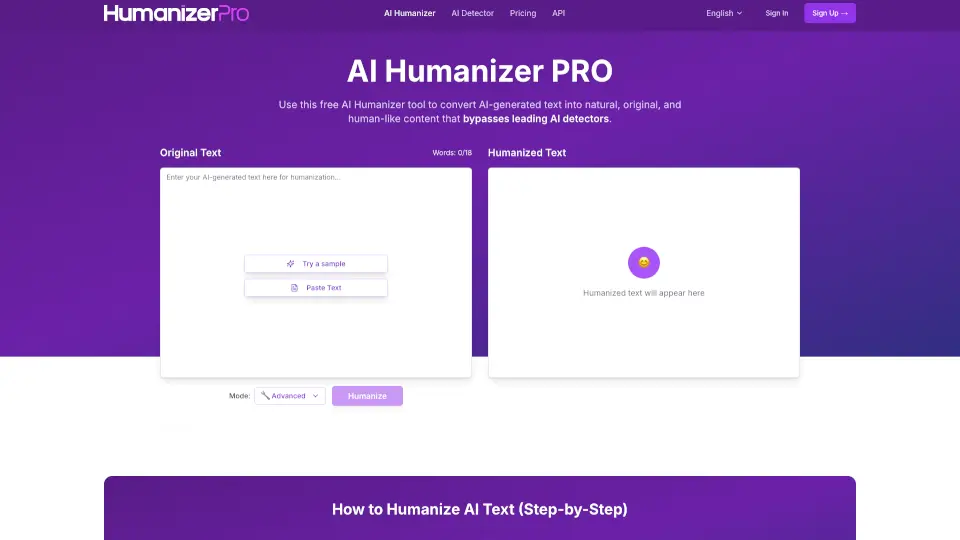
- Paste Your Text: Copy and paste your AI-generated text into the WriteHybrid tool.
- Select Tone (Optional): Choose a rewrite tone that best fits your content's purpose.
- Humanize Text: Click the "Humanize" button to transform your text.
- Review and Edit: Review the humanized text and make any necessary edits.
- Copy and Use: Copy the humanized text and use it in your document or platform.
- Monitor Results: Track the performance of your content and adjust as needed.