
What is WOXO?
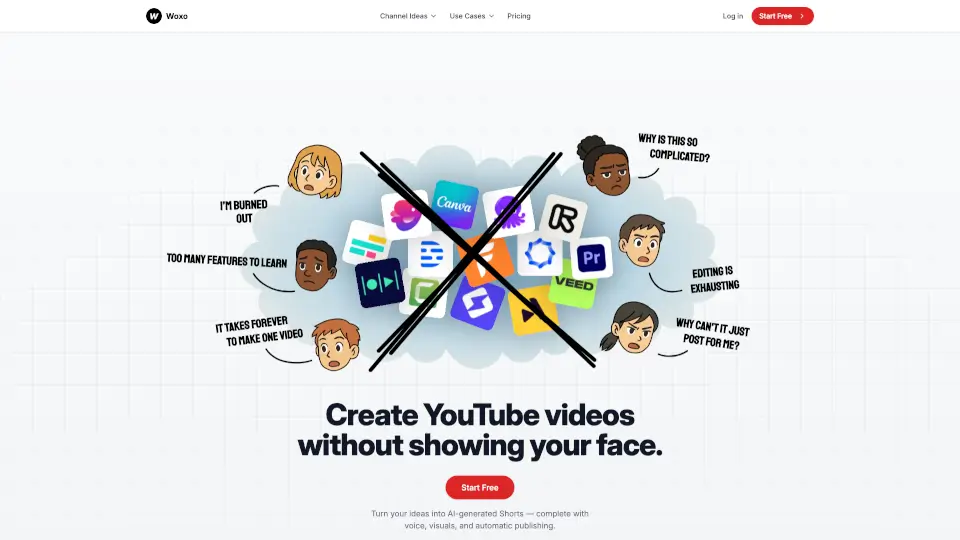
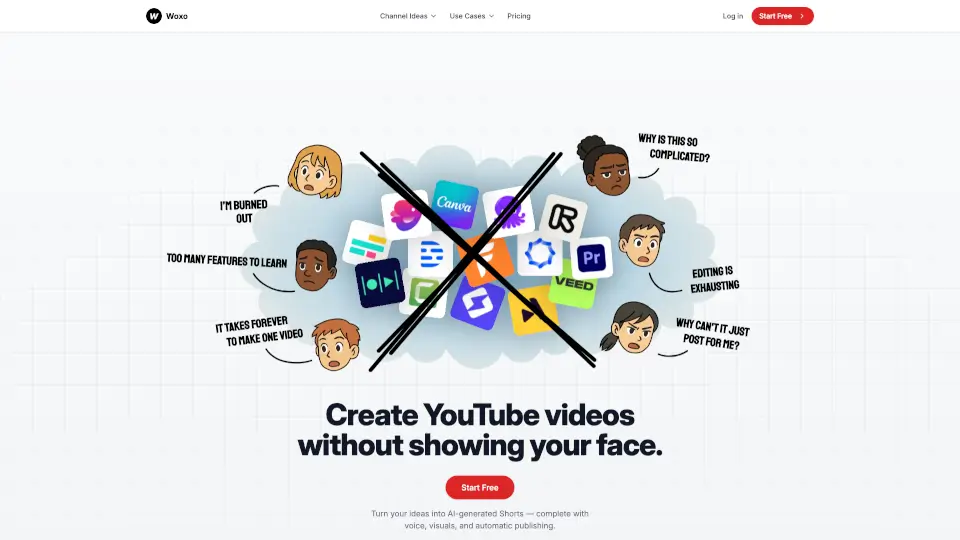
Woxo is an AI-powered tool built for faceless YouTube creators who want to publish engaging Shorts—fast. Instead of spending hours scripting, filming, or editing, you simply type a video idea (like “What if you dig a hole through the Earth?”), and Woxo automatically generates a complete, publish-ready Short with voiceover, visuals, captions, and pacing optimized for YouTube.
No camera, no microphone, no editing software needed. Whether you’re into history, sci-fi, gaming commentary, or viral “what if” scenarios, Woxo turns your one-sentence prompt into a scroll-stopping video in under a minute. It’s designed for creators who value speed, consistency, and growth—without showing their face or recording their voice.
What are the features of WOXO?
- AI Script Builder: Turn a single sentence into a compelling, structured script tailored for YouTube Shorts.
- Copyright-Free AI Visuals: Get dynamic, eye-catching visuals generated by AI—no stock footage or licensing worries.
- Natural AI Voiceover: Choose from human-like voices that sync perfectly with your video’s pacing and tone.
- One-Click YouTube Publishing: Publish or schedule your Shorts directly to YouTube without downloading or editing.
- Optimized for Retention: Every video includes hooks, captions, and rhythm designed to boost watch time and engagement.
- Zero Editing Required: From idea to upload, everything is automated—ideal for beginners and busy creators alike.
What are the use cases of WOXO?
- A history enthusiast creates daily documentary-style Shorts about ancient civilizations without filming or voice recording.
- A gaming channel posts motivational commentary over gameplay clips using AI-narrated stories.
- A finance creator explains crypto mistakes (“He lost $1M doing this…”) as viral faceless Shorts.
- Sci-fi fans explore wild “what if” scenarios (e.g., living on Jupiter) with fully AI-generated visuals and narration.
- New YouTubers test content ideas quickly using free credits before committing to a niche.
- Multi-channel managers scale output across several faceless channels using automation and Zapier integration.
How to use WOXO?
- Type your video idea as a simple prompt (e.g., “Why can’t robots check ‘I’m not a robot’?”).
- Let Woxo auto-generate the script, voiceover, visuals, and captions in seconds.
- Preview your Short and make minor tweaks if needed (available on paid plans).
- Click “Publish” to send it directly to your YouTube channel—or schedule it for later.
- Repeat daily: Create multiple Shorts in minutes to stay consistent and grow faster.
- Use free credits first to experiment with topics before upgrading for higher volume.