
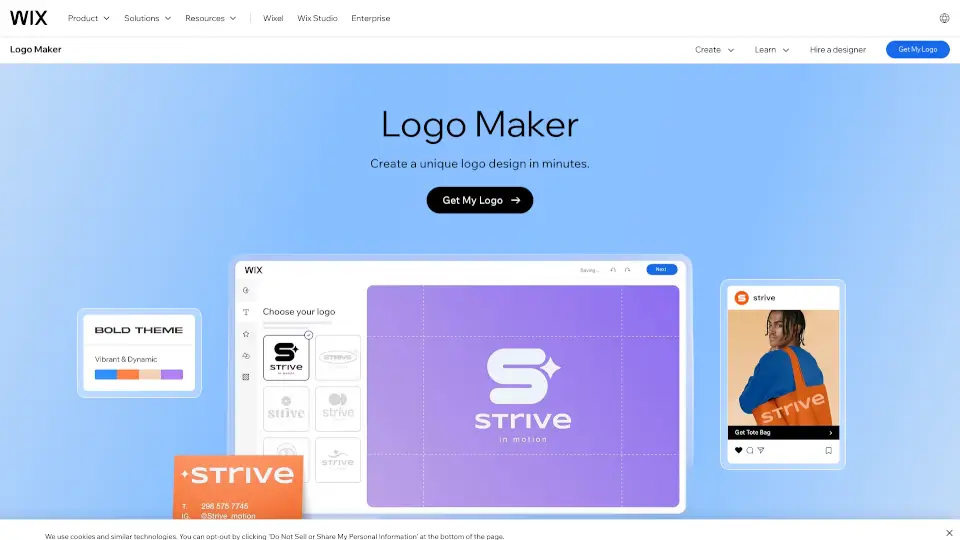
What is Wix Logo Maker?
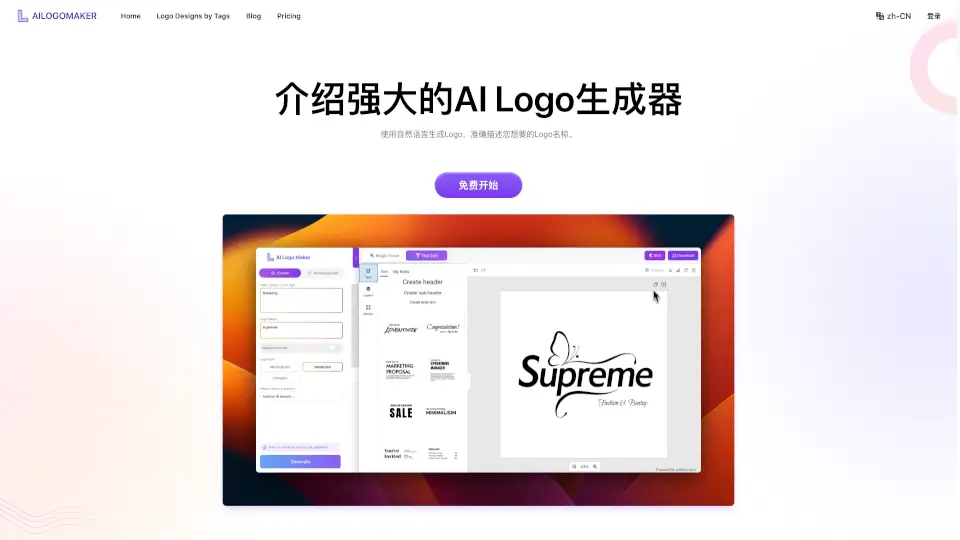
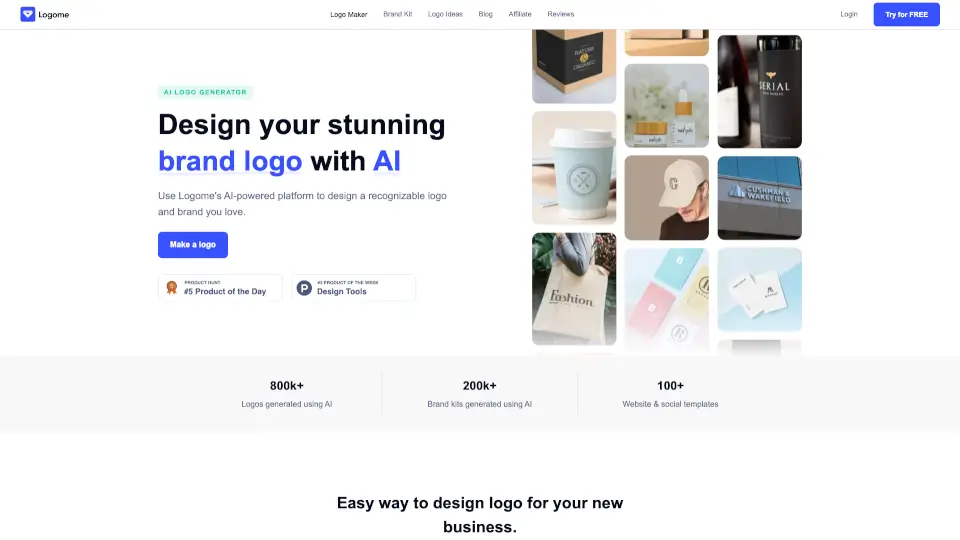
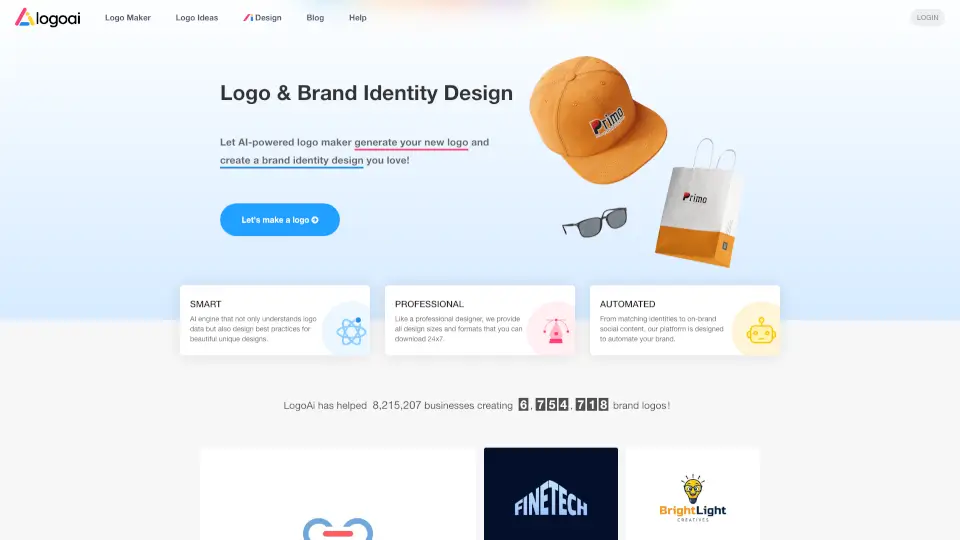
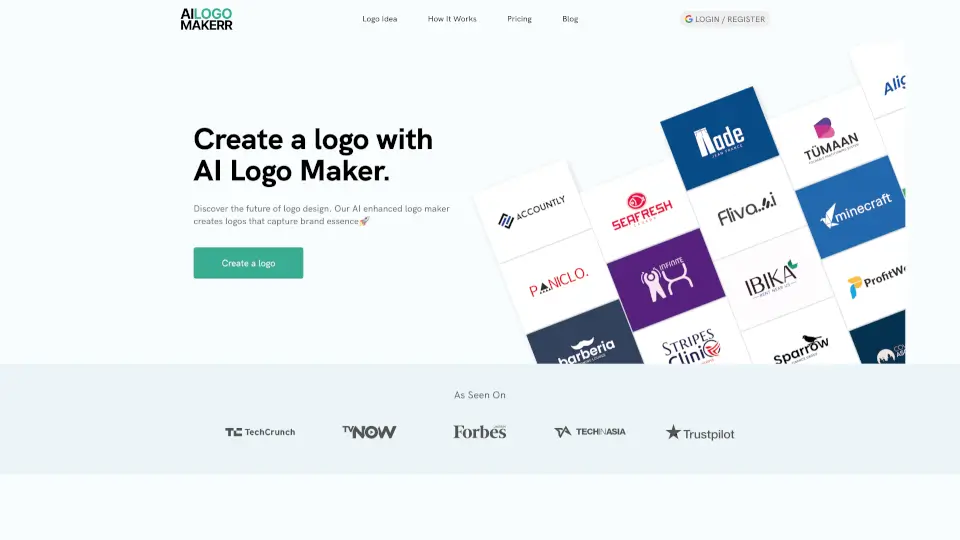
Starting a new business or giving your current brand a fresh look? Your logo is the face of your company, and Wixel's Free Logo Maker makes designing one incredibly easy. You don't need to be a professional graphic designer to create something amazing. This online tool combines smart AI with beautiful templates to help you build a unique logo that truly represents your vision.
What makes Wixel stand out is how much control you get without the usual headache. You can fine-tune every single detail, from the fonts and colors to the layout and icons. Once you're happy with your design, you can download it in high-resolution formats like SVG and PNG completely for free. It’s all about giving you the tools to build a recognizable brand identity quickly and effortlessly.
What are the features of Wix Logo Maker?
- AI Logo Generator: Just type in a prompt about your business, and the AI will generate on-trend, tailored design concepts for you in seconds.
- Customizable Templates: Start with a professionally designed template and tweak the layout, colors, and elements to make it 100% yours.
- One-of-a-Kind Icons: Generate original, unique icons that fit your brand's style so your business stands out from the crowd.
- Extensive Font Library: Explore a huge selection of typography to find the perfect font pairing that matches your brand's personality.
- Flexible High-Res Downloads: Grab your finished logo in multiple formats, including transparent PNGs and scalable SVGs, at no extra cost.
- Brand Theme Generator: Instantly create a full brand identity based on your logo's colors and fonts to keep your designs consistent everywhere.
What are the use cases of Wix Logo Maker?
- Launching a new startup and need a memorable, professional logo for your website and business cards.
- Refreshing an outdated brand identity with a modern, clean look that appeals to a new target audience.
- Creating consistent profile pictures and banners for social media platforms like Instagram, LinkedIn, and YouTube.
- Designing custom merchandise, like t-shirts or mugs, using the high-resolution vector files.
- Building a cohesive visual identity for freelance portfolios, consulting businesses, or local shops.
How to use Wix Logo Maker?
- Enter your business name: Type your company name into the maker, or pick a pre-designed template to start customizing right away.
- Sign in or create an account: Log in to your free Wixel account to unlock the design tools and save your progress.
- Customize your design: Answer a few quick questions about your brand, then tweak the colors, fonts, and icons until it looks perfect.
- Download your high-res files: Choose your preferred format (like SVG or PNG) and download your logo for free in top quality.
- Build your brand theme: Use your new logo's colors and style to generate a brand theme for all your future Wixel designs.