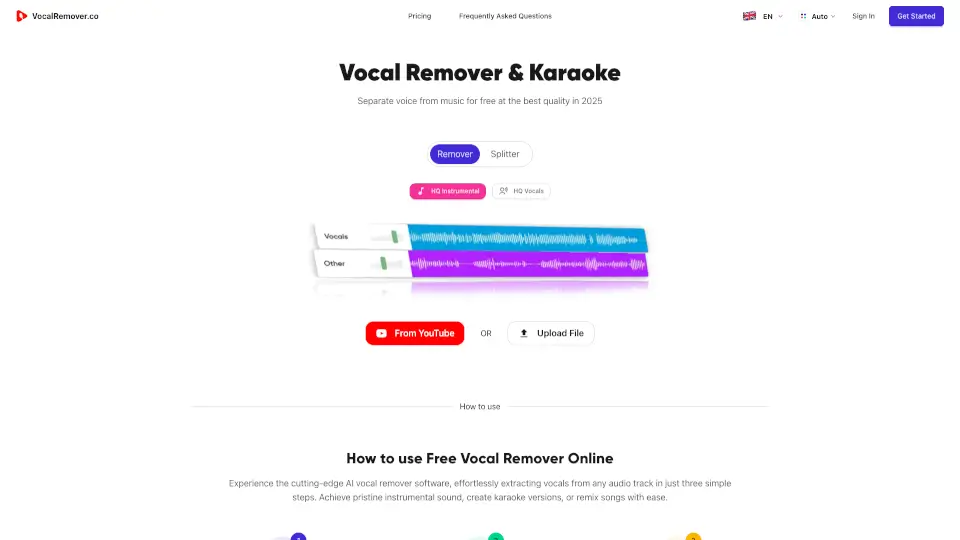
What is VocalRemover.co?
Welcome to VocalRemover.co, your go-to platform for transforming your music with the power of AI. Whether you're a musician, producer, or just someone who loves to sing along, our AI-powered vocal remover and stem separator is here to help. With VocalRemover.co, you can easily extract vocals or instruments from any audio track, creating high-quality karaoke versions in just a few seconds. Say goodbye to complicated software and hello to a simple, intuitive tool that lets you focus on what you love—making music.
What are the features of VocalRemover.co?
- Vocal RemovalEffortlessly remove vocals from any song, leaving you with a pristine instrumental track.
- Stem SeparationIsolate individual instruments like guitar, drums, and bass, giving you full control over your mix.
- High-Quality OutputEnjoy top-tier audio separation with our advanced AI, ensuring your tracks sound professional.
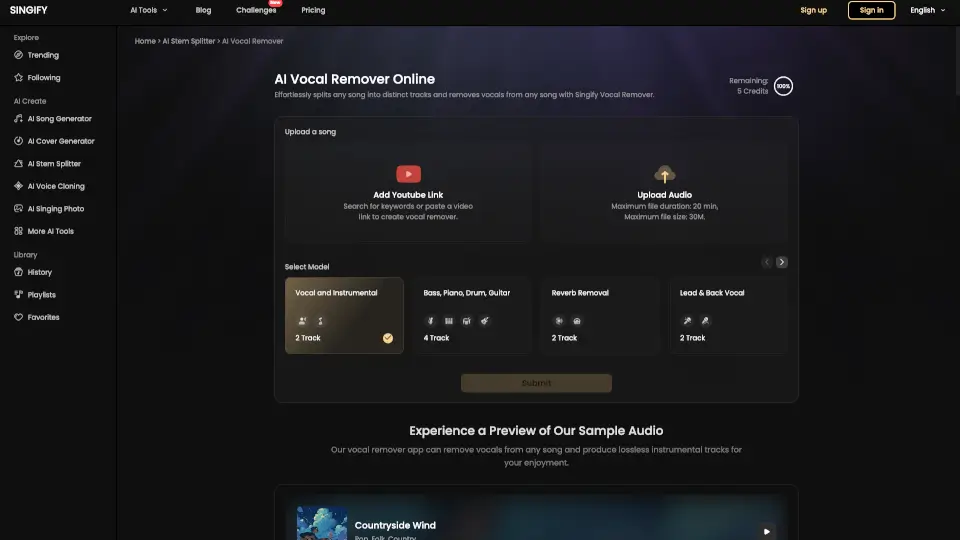
- YouTube IntegrationDirectly upload songs from YouTube, making it easy to work with your favorite tracks.
- Lyrics DisplayRead the lyrics while the song plays, enhancing your karaoke experience.
- Multiple File FormatsSupport for MP3, WAV, FLAC, and more, so you can work with the files you have.
- Priority QueueGet faster processing times with our priority queue, perfect for when you need results quickly.
What are the use cases of VocalRemover.co?
- Karaoke CreationMake your own karaoke tracks by removing vocals and keeping the instrumental.
- Music ProductionSeparate stems to remix or produce new versions of your favorite songs.
- Practice SessionsSing along with instrumentals to improve your vocal skills.
- Podcast EditingRemove background noise and isolate voices for clearer audio.
- Content CreationCreate unique content by mixing and matching different audio elements.
- Educational PurposesTeach music theory and production by breaking down songs into their components.
How to use VocalRemover.co?
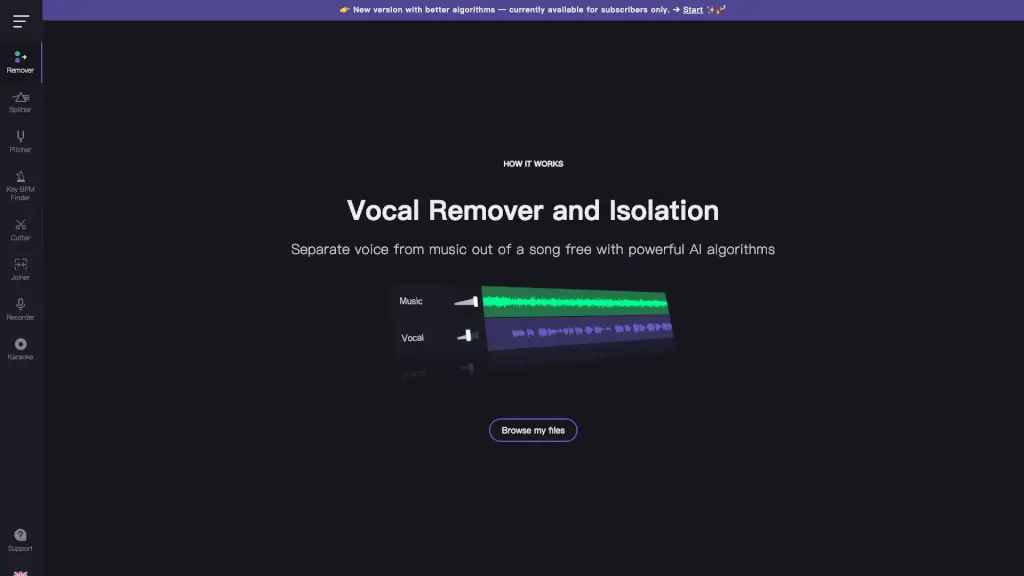
- Upload your audio file by clicking 'Browse Files' or directly from YouTube.
- Let our AI algorithm automatically recognize and separate the vocals and instruments.
- Preview the separated tracks and download the ones you need, such as the instrumental or karaoke version.
- Customize your output by muting or emphasizing specific instruments.
- Save your files and start creating your own unique music.