
What is Visla?
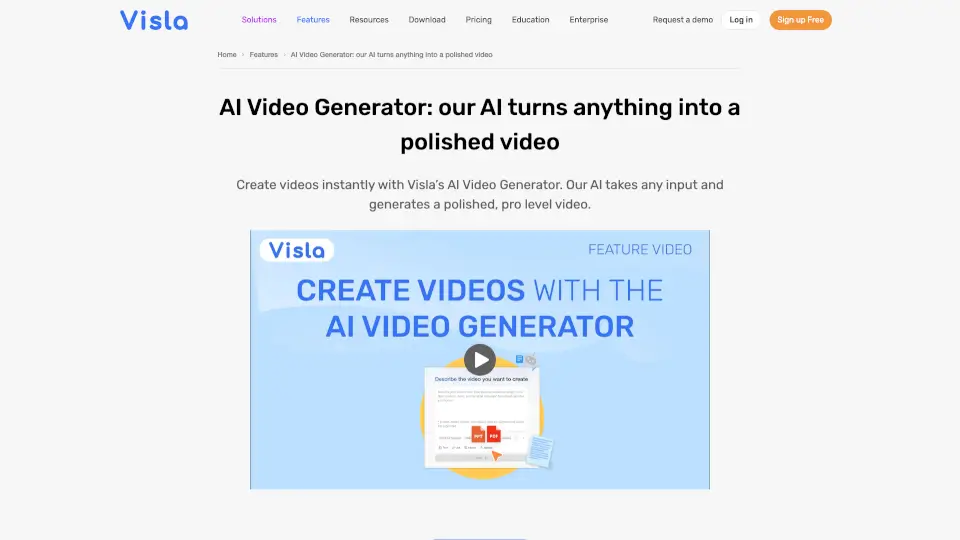
Visla’s AI Video Generator turns anything into a polished video—fast. Whether you have a script, PDF, blog post, audio clip, or just an idea, Visla’s AI handles the heavy lifting: it picks relevant stock footage, adds natural-sounding voiceovers, syncs background music, and even creates lifelike AI avatars so you don’t need to appear on camera. No editing experience? No problem. You get a professional-quality first draft in minutes.
Designed for teams across marketing, sales, HR, education, and customer success, Visla eliminates the “blank page” struggle of video creation. Instead of waiting days for production, you go from raw content to shareable video in one seamless workflow—keeping your brand consistent and your message clear.
What are the features of Visla?
- AI Video Generator: Instantly converts text, scripts, PDFs, PPTs, audio, or URLs into complete videos with visuals, voiceover, and music.
- AI Avatar: Create realistic digital presenters from a photo or text prompt—perfect for demos, training, or personalized messages without filming yourself.
- Scene-Based Video Editor: Edit by tweaking scenes like paragraphs—swap clips, adjust pacing, add branding, or refine voiceovers with zero timeline confusion.
- AI Director Mode: Generates cohesive storyboards with consistent characters, environments, and objects across all scenes for narrative-driven videos.
- Step Recorder & Screen Capture: Record screen workflows with voice and cursor highlights to build clear SOPs, tutorials, or product walkthroughs.
- Custom Branding & Voice: Apply logos, colors, fonts, and even cloned AI voices to ensure every video matches your brand identity.
What are the use cases of Visla?
- Marketing teams turning blog posts or campaign briefs into scroll-stopping social videos in minutes.
- Sales reps creating personalized demo videos from a few bullet points to boost lead conversion.
- Educators converting lecture notes or PDF handouts into engaging lesson videos with automatic subtitles.
- HR departments transforming policy documents into welcoming onboarding videos using AI avatars.
- Customer support teams building self-serve FAQ videos from existing help docs to reduce ticket volume.
- Product teams showcasing new features with Ken Burns-style zooms on screenshots or prototypes.
How to use Visla?
- Start by uploading your source material—text, script, PDF, audio, or even a webpage URL.
- Choose your preferences: language, voice style, video length, aspect ratio (e.g., 9:16 for Reels, 16:9 for YouTube), and background music mood.
- Let Visla’s AI generate a full draft with matched visuals, voiceover, and subtitles—usually in under 2 minutes.
- Refine your video using the scene-based editor: reorder scenes, swap stock clips, add your logo, or insert an AI avatar.
- Preview, then share directly via link, download in HD, or embed on your website or LMS.
- Collaborate with teammates using shared workspaces—leave comments on specific scenes for faster feedback.