
What is Vimeo AI?
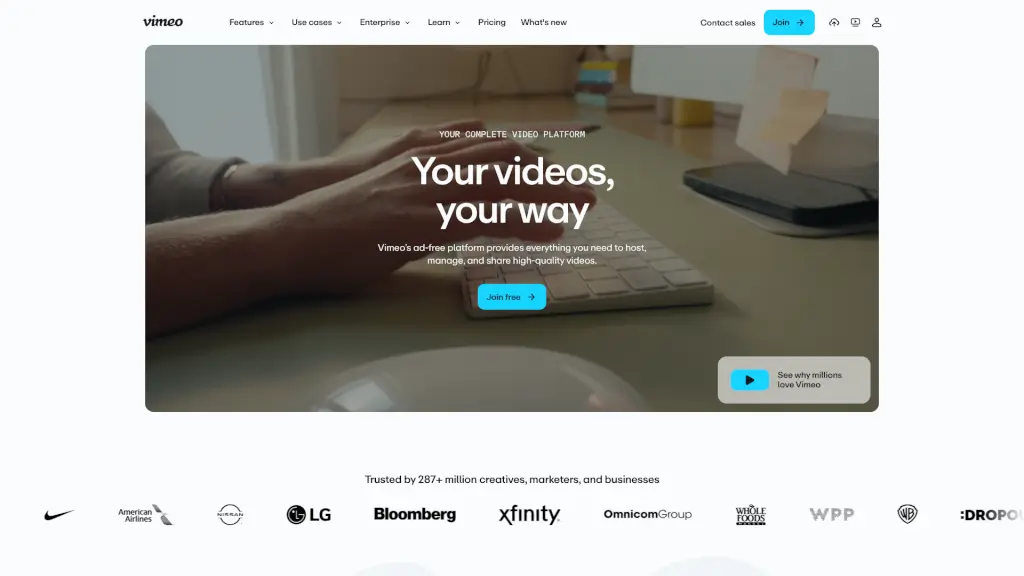
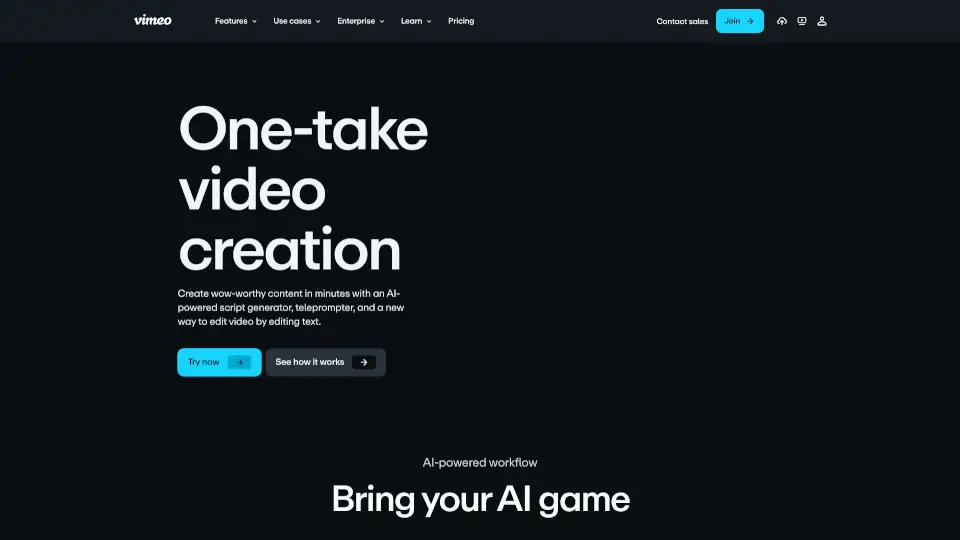
Tired of spending hours scripting, recording, and editing videos? Vimeo’s AI-powered video tools let you create polished, professional videos in just one take—no experience needed. Whether you're a marketer, educator, or content creator, Vimeo combines smart AI features like script generation, teleprompter support, and text-based editing to turn your ideas into high-quality videos in minutes.
From generating a full script from a simple prompt to automatically removing “ums” and awkward pauses by editing the transcript, Vimeo streamlines your entire workflow. Plus, with built-in hosting, customizable players, and mobile app support, you can record, edit, and share anywhere—without juggling multiple apps.
What are the features of Vimeo AI?
- AI Script Generator: Create engaging video scripts in seconds by describing your topic—perfect for beginners and pros alike.
- Built-in Teleprompter: Get clear, on-screen guidance while recording so you speak confidently and stay on message.
- Text-Based Video Editing: Edit your video by simply deleting unwanted words (like “um” or pauses) from the auto-generated transcript—changes apply instantly to your footage.
- AI Translation & Captions: Automatically translate audio and captions into dozens of languages to reach global audiences fast.
- In-Browser Video Editor: Trim clips, add branding, and polish your video without downloading software or learning complex tools.
- Mobile App with AI Tools: Record with teleprompter support, edit with AI, and publish—all from your phone.
What are the use cases of Vimeo AI?
- A small business owner creates social media ads quickly using AI-generated scripts and one-take recording.
- An L&D team produces training videos with translated captions for international employees in under an hour.
- A freelance creator records client testimonials on location using the mobile app’s teleprompter and edits on the go.
- Educators film lesson videos with automatic chapter creation and clean transcripts for accessibility.
- Marketing teams launch product demos with branded players and track engagement through built-in analytics.
- Content businesses monetize shows via Vimeo On Demand or build their own subscription streaming service.
How to use Vimeo AI?
- Start by typing a short description of your video idea into Vimeo’s AI script generator to get a ready-to-use script.
- Use the built-in teleprompter during recording to deliver your lines smoothly—no memorization needed.
- After recording, open the transcript editor and delete filler words or mistakes; your video updates automatically.
- Apply your brand colors, logo, and player settings to maintain consistent visuals across all videos.
- Publish directly to your website or social channels, or use Vimeo’s secure hosting for private sharing.
- For global reach, use AI translation to generate captions and voiceovers in multiple languages with one click.