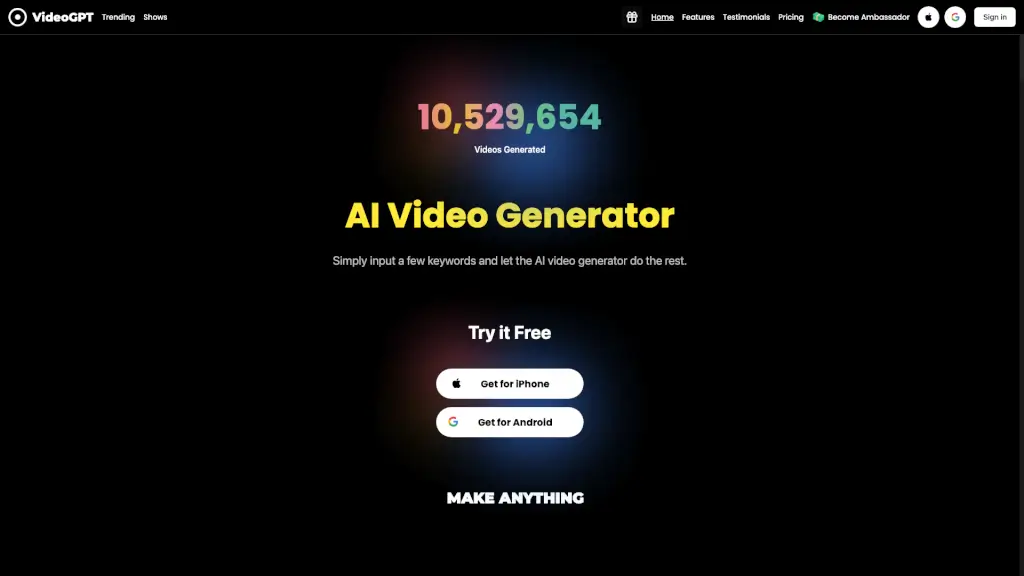
What is VideoGPT?
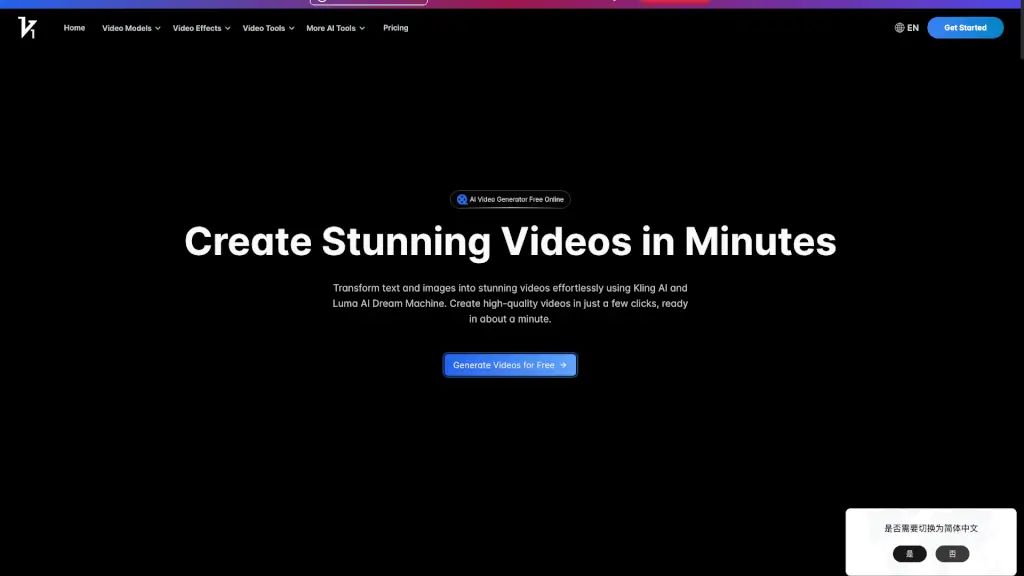
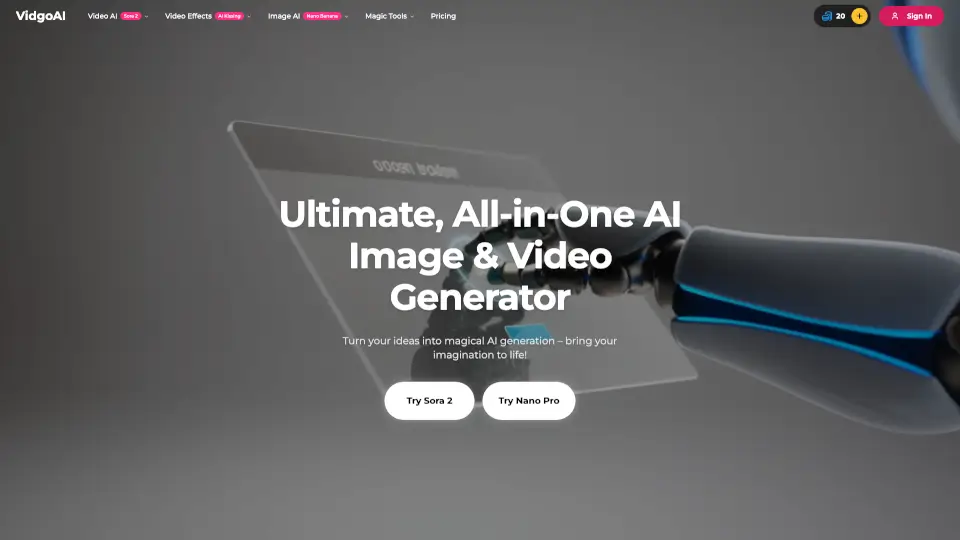
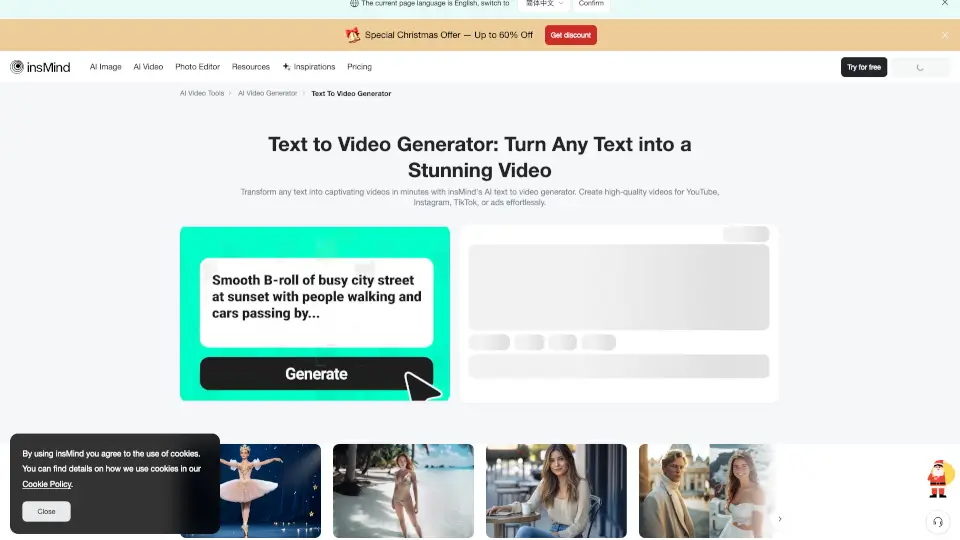
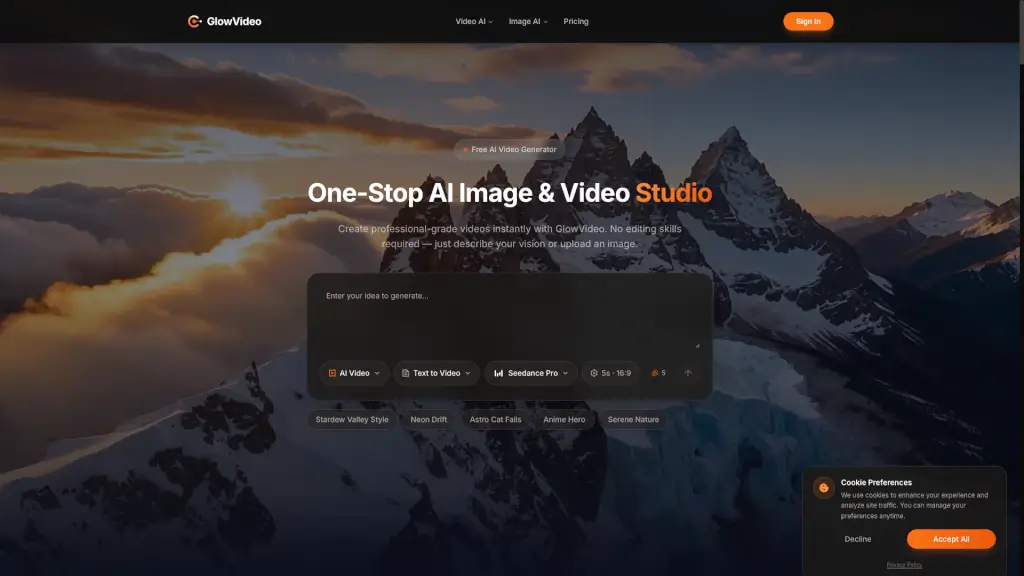
VideoGPT is a revolutionary AI video generator app that makes creating stunning videos as easy as typing a few keywords. Whether you're a YouTuber, a small business owner, or just someone with a creative idea, VideoGPT can transform your concepts into engaging visual stories in seconds. With its user-friendly interface and powerful AI features, you can create realistic videos, films, and short clips with cinematic effects, realistic voiceovers, and an extensive music library. No video editing skills are required, making it perfect for anyone looking to produce high-quality content quickly and easily.
What are the features of VideoGPT?
- AI Anime Video Generator: Create captivating anime-style videos with just a few keywords.
- Cinematic Effects: Add professional-grade cinematic effects to your videos for a polished look.
- Ultra-Realistic AI Voiceover: Enhance your videos with professional narration using our ultra-realistic AI voiceover feature.
- Extensive Music Library: Choose from a wide range of genres and moods to add depth and emotion to your videos.
- Instant Creativity: Transform your ideas into engaging visual stories in seconds.
- No Editing Skills Required: Easily create and publish videos without any technical knowledge.
What are the use cases of VideoGPT?
- YouTubers and Vloggers: Quickly generate engaging content for your YouTube channel, saving time and effort.
- Small Business Owners: Create professional-looking promotional videos to showcase your products and services.
- Content Creators: Produce visually stunning videos for social media platforms like TikTok and Instagram.
- Marketing Teams: Generate high-quality marketing videos to boost your brand's online presence.
- Educators and E-Learning: Create educational content with engaging visuals and realistic voiceovers.
- Event Planners: Promote events with captivating videos that grab attention.
How to use VideoGPT?
- Input Your Keywords: Start by entering a few keywords or a brief description of the video you want to create.
- Select a Style: Choose from a variety of AI styles, including anime, cinematic, and more.
- Add Background Music: Select the perfect soundtrack from our extensive music library.
- Generate the Video: Click the "Generate" button and let the AI do the rest.
- Customize and Edit: Make any final adjustments to the video, such as adding text or changing the voiceover.
- Publish and Share: Download your video and share it on your preferred platform, like YouTube or TikTok.