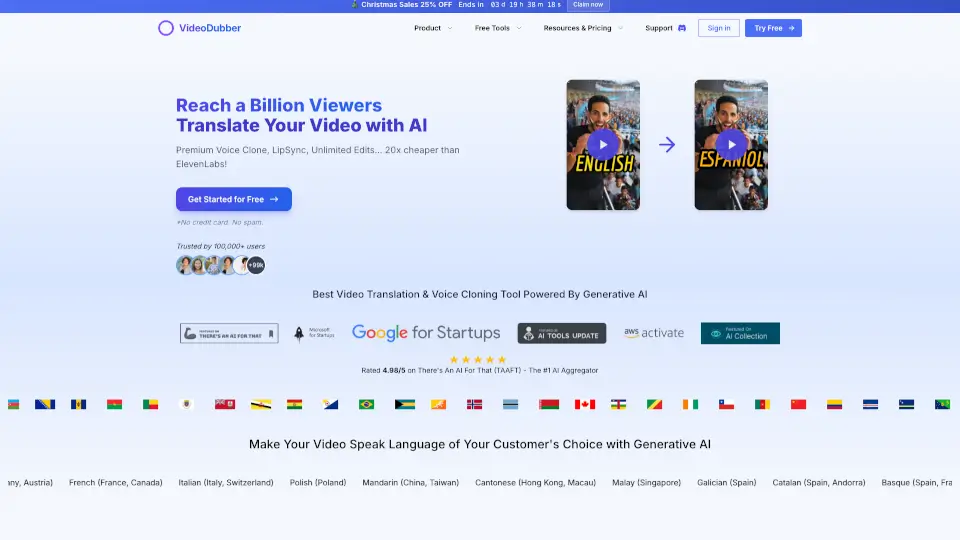
What is VideoDubber?
VideoDubber is an AI-powered platform that makes it easy to translate and dub videos into 150+ languages—complete with realistic voice cloning, perfect lip sync, and natural-sounding audio. Whether you're a YouTuber, educator, or business owner, VideoDubber helps you reach global audiences by letting your video "speak" in your viewers’ native language while keeping your original voice intact.
Unlike generic AI voiceovers, VideoDubber uses authentic voice cloning so your personality and emotional tone come through in every language. Plus, it’s built for real-world use: no credit card needed to start, unlimited free edits, and pricing up to 20x cheaper than competitors like ElevenLabs.
What are the features of VideoDubber?
- Realistic AI Voice Cloning: Recreate your exact voice in 150+ languages so your audience always hears you, not a robot.
- One-Click Video Translation: Upload a video, pick a language, and get a fully dubbed version in seconds—no editing skills required.
- Perfect Lip Sync & Subtitles: AI automatically syncs dubbed audio with mouth movements and generates accurate, timed subtitles.
- Unlimited Free Edits: Tweak translations, adjust timing, switch voices, or re-export as many times as you want—no extra fees.
- Regional Accent Support: Choose local variants like Spanish (Mexico vs. Spain) or English (US vs. UK) for authentic connection.
- Affordable Pricing: Starting at just $0.09 per minute, with plans offering up to 2,000 minutes/month for serious creators.
What are the use cases of VideoDubber?
- YouTube Creators expanding their channel to non-English audiences without losing brand identity.
- Online Educators making courses accessible to learners worldwide in their native languages.
- E-commerce Brands running multilingual ad campaigns that feel personal and trustworthy.
- Travel & Food Vloggers connecting with local viewers using region-specific accents and cultural nuance.
- Documentary Filmmakers sharing stories globally while preserving emotional authenticity.
- SaaS Companies creating localized demo videos to boost international sign-ups and engagement.
How to use VideoDubber?
- Sign up for a free account (no credit card needed) at VideoDubber.ai.
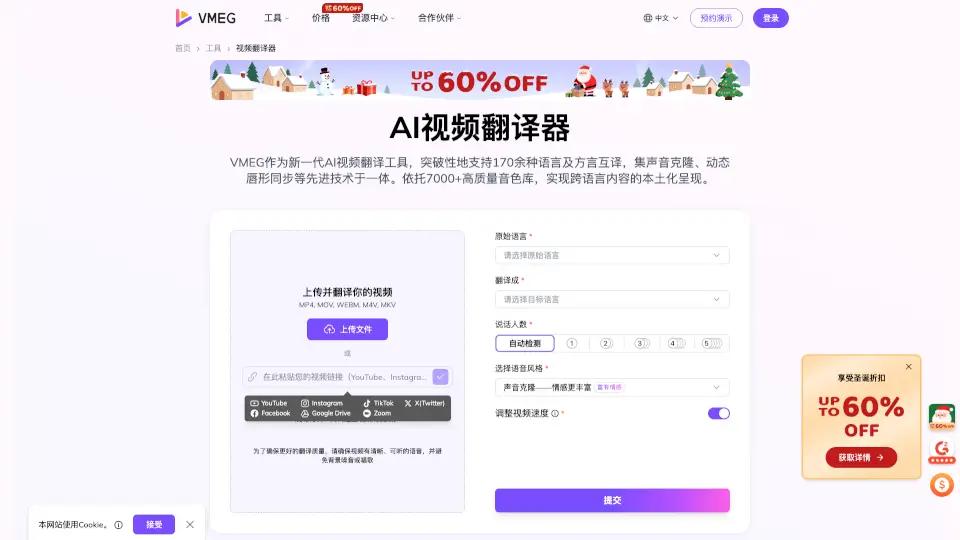
- Upload your video—MP4, MOV, or even a YouTube link works.
- Select your target language and preferred accent (e.g., French - Canada).
- Choose to clone your voice or pick a premium AI voice.
- Review the auto-generated translation and make unlimited free edits if needed.
- Export your final dubbed video with synced audio, subtitles, and background music preserved.