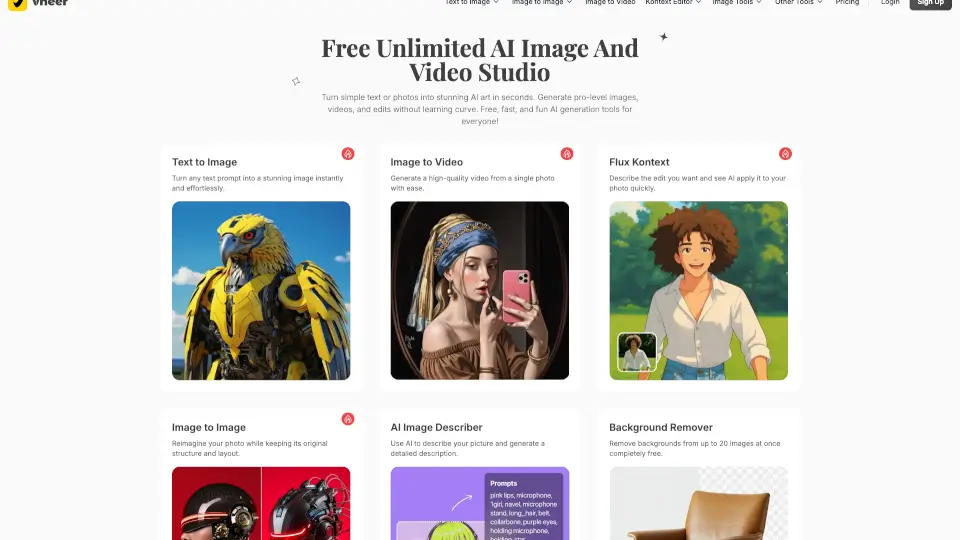
Vheer is a free AI platform that lets you generate images from text, turn photos into videos, and edit pictures with advanced tools, making it easy to create professional visuals quickly and easily.

Social Media:

Vheer Product Information

What is Vheer?

Vheer is your go-to online platform for creating stunning AI-generated images and videos. Whether you're a student, artist, or just someone looking to have fun with creative tools, Vheer has got you covered. With no need for sign-ups or subscriptions, you can instantly generate unique and high-quality visuals from text, transform photos into videos, and edit images like a pro. It's perfect for personal projects, social media, and even commercial use.

What are the features of Vheer?

  • Text to Image
    Turn any text prompt into a beautiful image in seconds.
  • Image to Video
    Create cinematic videos from a single still photo.
  • Flux Kontext Editor
    Smartly edit your photos by describing the changes you want.
  • Background Remover
    Remove backgrounds from up to 20 images at once, free of charge.
  • AI Image Describer
    Generate detailed descriptions of your images for consistent style and variations.
  • Batch Processing
    Handle multiple images simultaneously for efficient editing and generation.

What are the use cases of Vheer?

  • Social Media Content
    Create eye-catching posts and stories with unique images and videos.
  • Personal Projects
    Design custom art, tattoos, and avatars for your personal use.
  • Marketing Materials
    Generate professional-looking visuals for ads, presentations, and more.
  • Educational Tools
    Use AI-generated images and videos to enhance learning materials.
  • Creative Exploration
    Experiment with different styles and effects to bring your ideas to life.

How to use Vheer?

  • Start with Text to Image
    Enter a text prompt and let Vheer generate a unique image.
  • Transform Photos to Videos
    Upload a still image and convert it into a cinematic video.
  • Edit with Flux Kontext
    Describe the edits you want, and Vheer will apply them automatically.
  • Remove Backgrounds
    Upload multiple images and remove their backgrounds in one go.
  • Generate Descriptions
    Use the AI Image Describer to get detailed prompts for consistent visuals.
Do you like this tool?

Upvote to help others discover it!

Vheer Alternatives

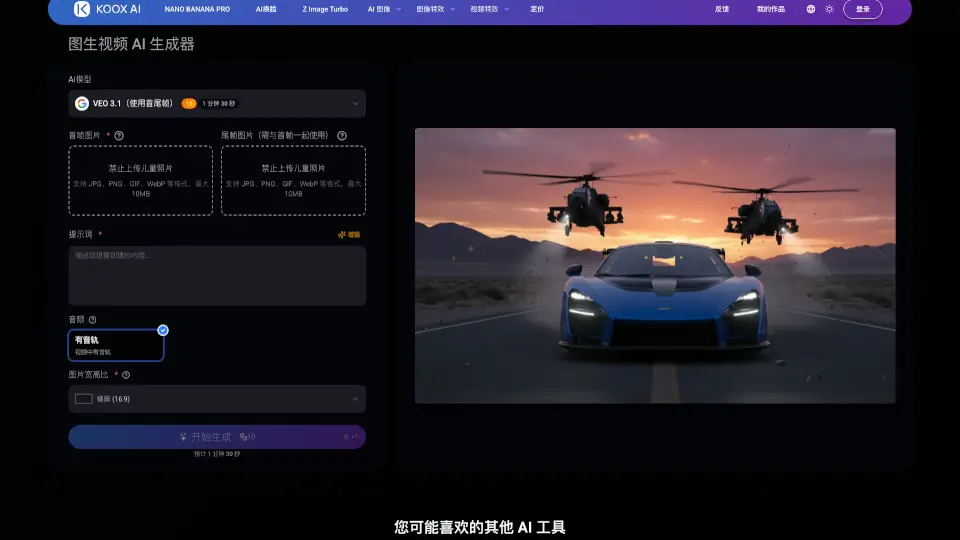
KOOX AI

KOOX AI

Transform any photo into a dynamic, lifelike video with KOOX AI's free Image to Video generator, featuring realistic motion and synchronized audio.

US
14.27%
52.3K
0
Viva

Viva

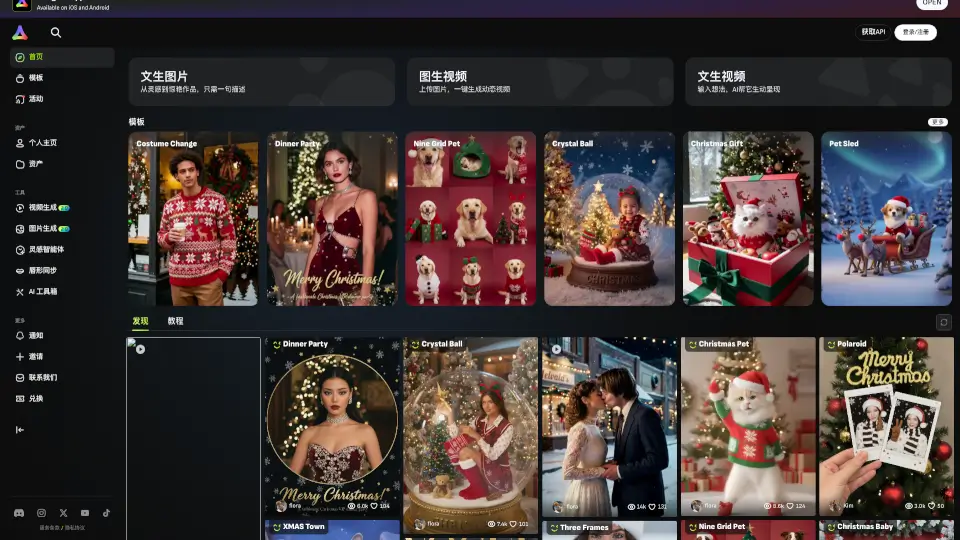
Vivago.ai is a free, all-in-one AI platform for generating and editing high-quality images and 4K videos using intuitive text or image prompts.

VN
39.65%
570.6K
0
ImageToVideo AI

ImageToVideo AI

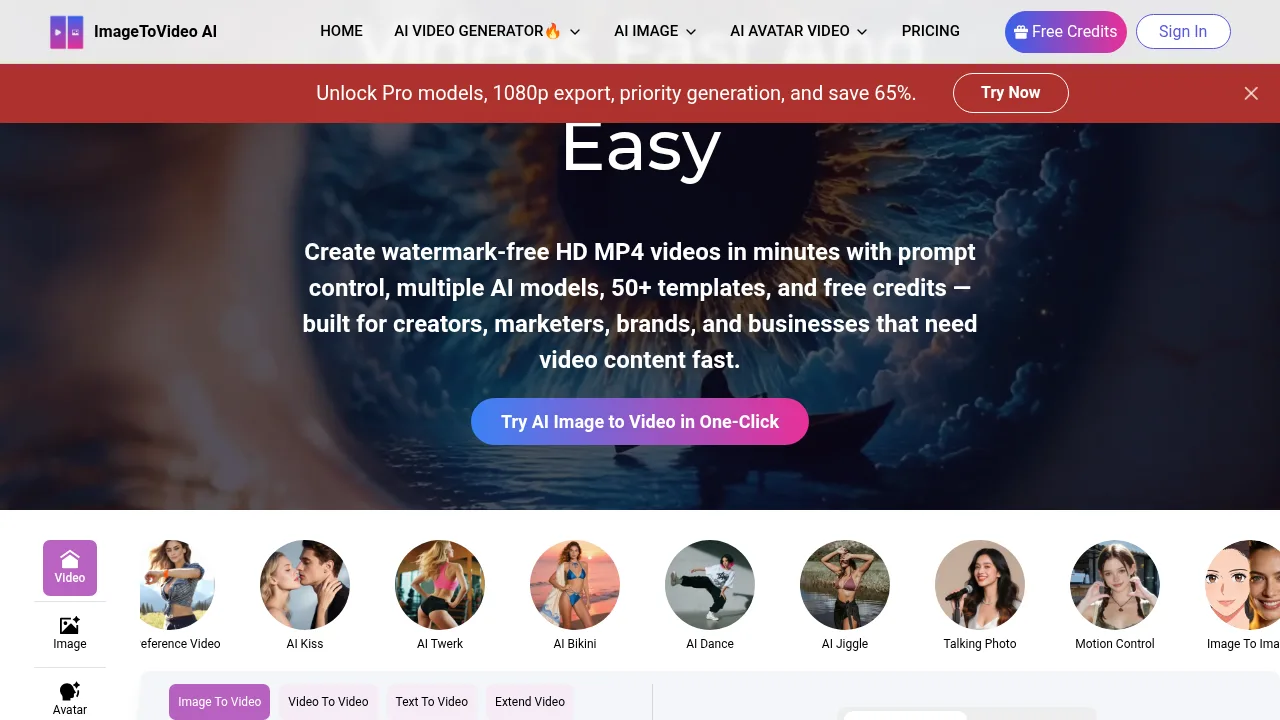
ImageToVideo AI generates MP4 videos from uploaded images using text prompts and selectable motion models in a web browser.

US
26.21%
75.1K
0
Photo to Video

Photo to Video

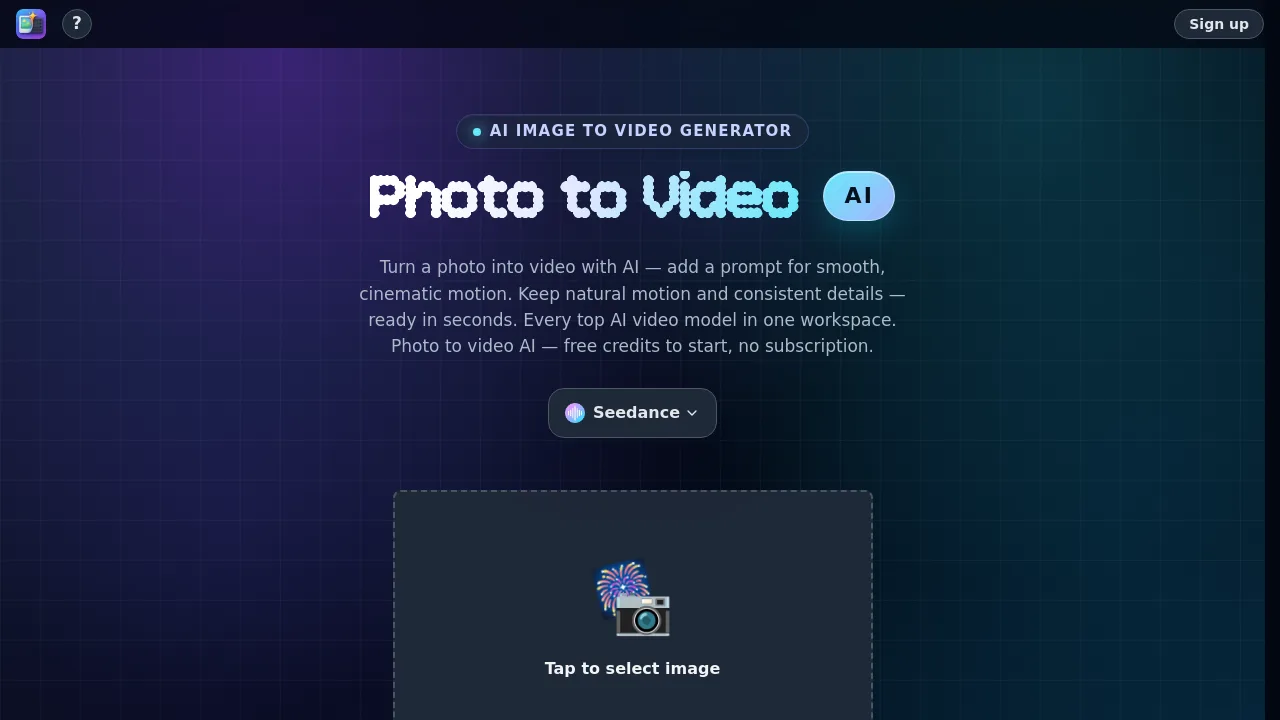
Photo to Video AI is an image-to-video generator that lets creators animate still photos into short clips using multiple AI video models, with free credits and no subscription.

US
73.86%
5.7K
0
Vidful.ai

Vidful.ai

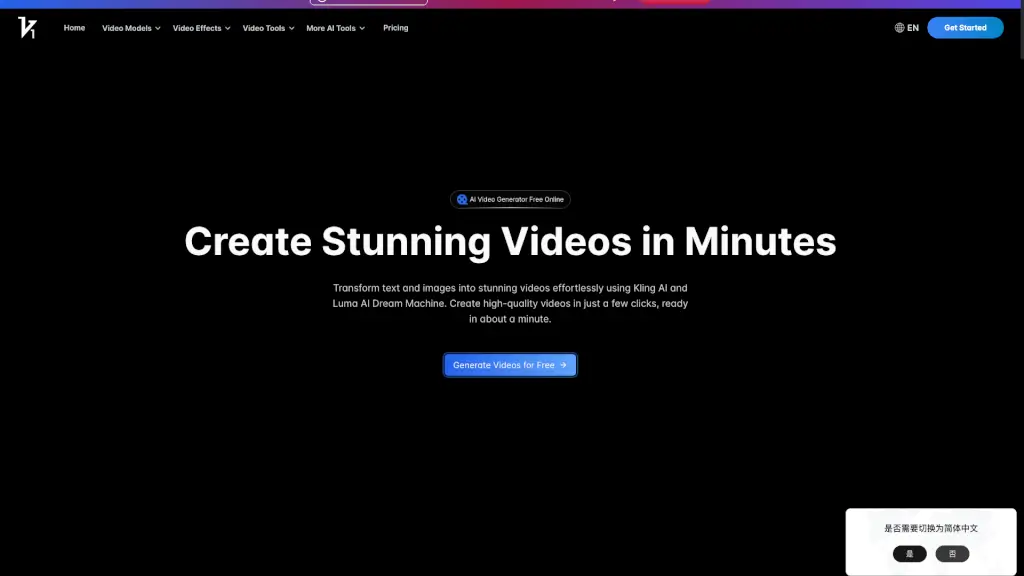
Create stunning, professional videos effortlessly with Vidful.ai’s AI video generator, powered by cutting-edge technologies like Kuaishou Kling AI and Luma AI Dream Machine.

US
12.99%
284.1K
0
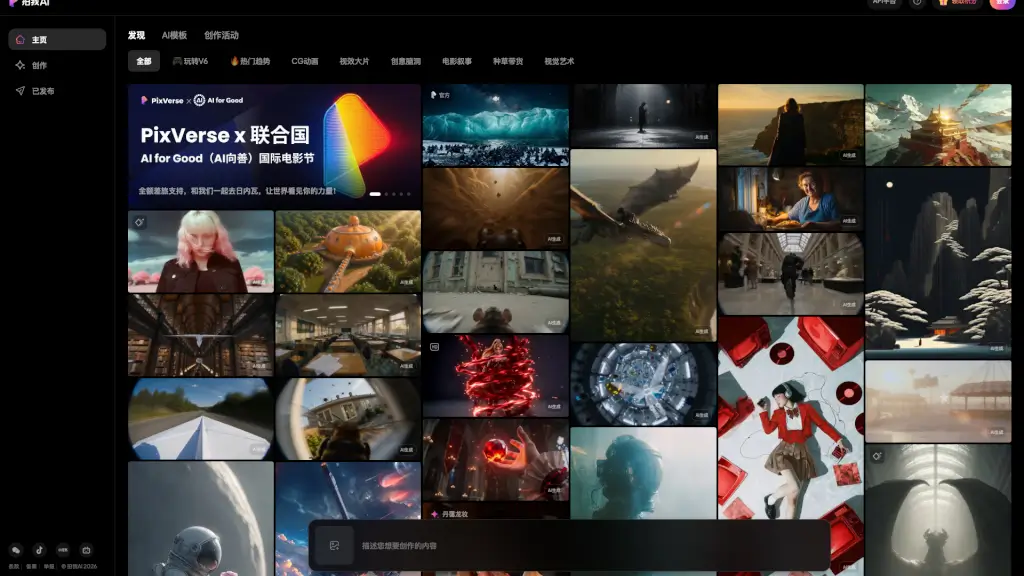
拍我AI

拍我AI

Transform your imagination into stunning video content with PixVerse, the leading AI video generator.

CN
88.14%
40.6K
0
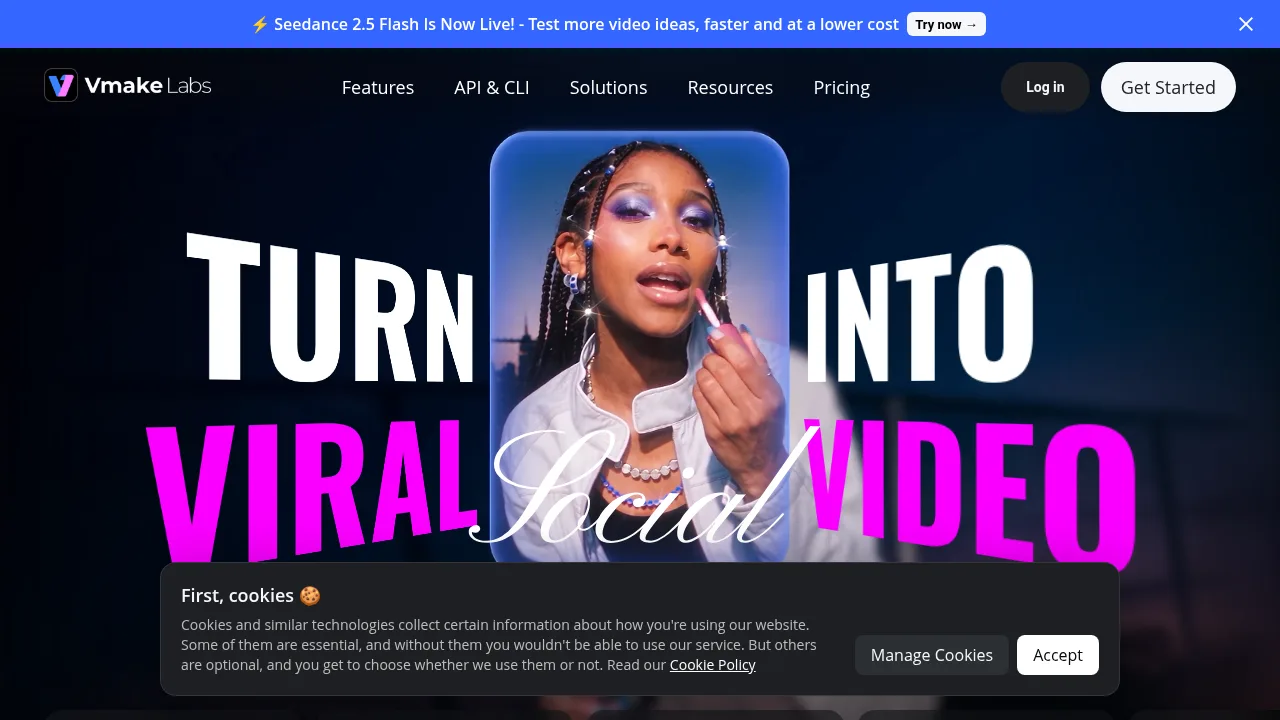
Vmake AI

Vmake AI

Vmake AI converts product photos and reference videos into edited, enhanced short-form social videos using multiple generative models.

IN
20.69%
2.4M
0
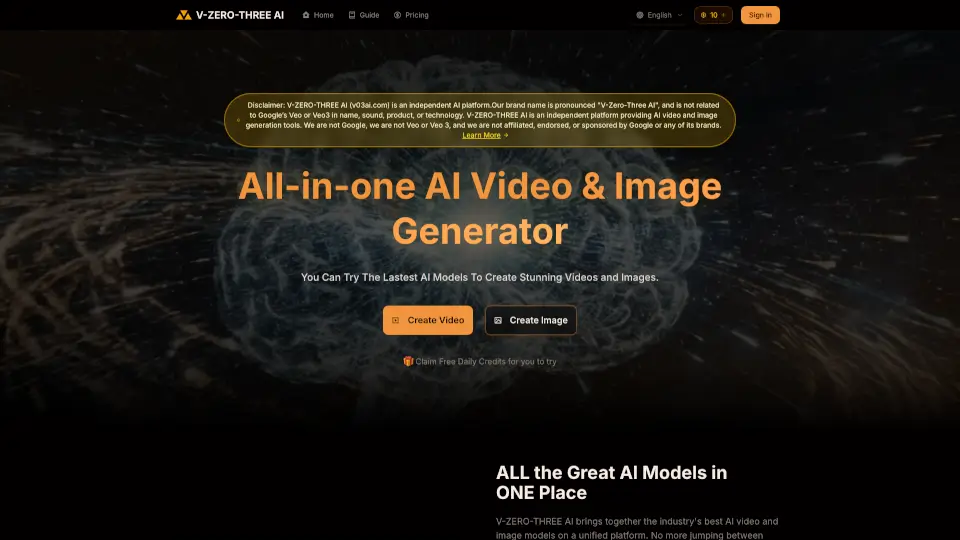
V03AI

V03AI

V03 AI Video Generator, powered by Google Veo 3.1, creates stunning, realistic videos with synchronized audio from text or images—fast, easy, and perfect for any creator.

US
26.93%
64.5K
0

Vheer Related Other Categories

Vheer Traffic Analysis

Website traffic estimates for vheer.com. Visits are not unique users or product usage.

Data month: 2026-10

💡 Insights

⭐
Medium Scale
Estimated monthly visits exceed 100,000 and are at most 1 million.
⚠️
Slight Decline
Estimated visits decreased 0.5% from the previous month.
💎
Browsing depth
Bounce rate: 35%; average pages per visit: 4.8.
🎯
Direct-led traffic
Direct traffic accounts for 54% of estimated visits.
  • Monthly Visits

    739.14K

  • Bounce Rate

    35.40%

  • Pages Per Visit

    4.78

  • Visit Duration

    00:05:03

  • Global Rank

    59102

  • Country Rank

    40799

Visits Over Time

Traffic Sources

Direct53.98%
Search Organic34.39%
Social Organic6.49%
Referrals3.68%
Gen Ai1.01%
Mail0.26%
Display Ads0.09%
Social Paid0.05%
Affiliate0.04%
Search Paid0.00%

Top Keywords

1
vheer ai
CPC$0.20
31.23KTraffic
2
vheer
CPC$0.96
21.54KTraffic
3
vheer image to image
CPC$1.28
1.94KTraffic
4
ai image describe vheer
1.43KTraffic
5
eliminar fondo de imagenes por grupo
1.21KTraffic

Top Regions

RegionPercentage
United States
United States
17.12%
India
India
8.25%
Indonesia
Indonesia
6.18%
Spain
Spain
5.19%
Egypt
Egypt
4.19%
Low
High

Powered by SimilarWeb

Vheer FAQ

What is Vheer AI and what can it do?

Vheer AI is a free platform that lets you generate images from text, turn photos into videos, and edit pictures with AI-powered tools. It also includes features to enhance image quality, making it easy to create professional visuals quickly.

How does the Text-to-Image Generator work?

Simply enter a text prompt, and Vheer’s AI will generate a high-quality image based on your description. You can create portraits, logos, tattoos, anime avatars, fantasy maps, and more.

Can I create videos from a single image?

Yes, Vheer’s image-to-video tool transforms a single still photo into a cinematic video. No additional reference images are needed.

Can I customize the video generation?

Yes, you can adjust the video length, frame rate, resolution, and output format. Vheer produces smooth videos in formats like MP4 or WEBM and resolutions up to 1080p.

Can I remix or restyle existing images?

Yes, with the image-to-image tool, you can restyle photos while keeping their layout and details. Adjust lighting, style, or background to create consistent variations.

How does the Batch Background Remover work?

You can upload up to 20 images at once. Vheer’s AI detects and removes backgrounds automatically, handling fine details such as hair, jewelry, or thin objects with professional accuracy.

What is an AI Image Describer?

The AI Image Describer analyzes an image and generates a detailed description of its content. It identifies key elements, objects, and styles, creating prompts for generating similar visuals or new variations.

What types of photo edits does Flux Kontext support?

Flux Kontext supports edits like color changes, filters, object replacement, text editing, colorizing old photos, and style transfer. It applies edits intelligently based on context, making adjustments precise and effortless.

Do I need technical or design skills to use Vheer?

No, Vheer is designed to be intuitive and beginner-friendly. You can generate images, videos, or edits easily without any prior technical or design experience.

How long does it take to generate an image or a video?

Images are generated within seconds. Videos may take a few minutes, as creating smooth motion and animation requires more processing than a single image.

Vheer Reviews

0
0 Reviews
Sign Into leave a review

Recent Reviews

No reviews yet

Vheer Embed

Use website badges to drive community support for SeekTool.ai. They are easy to embed in your homepage or footer.

Light
Dark
Vheer - Featured on SeekTool.aiVheer - Featured on SeekTool.ai
How to install?