
What is Upstream?
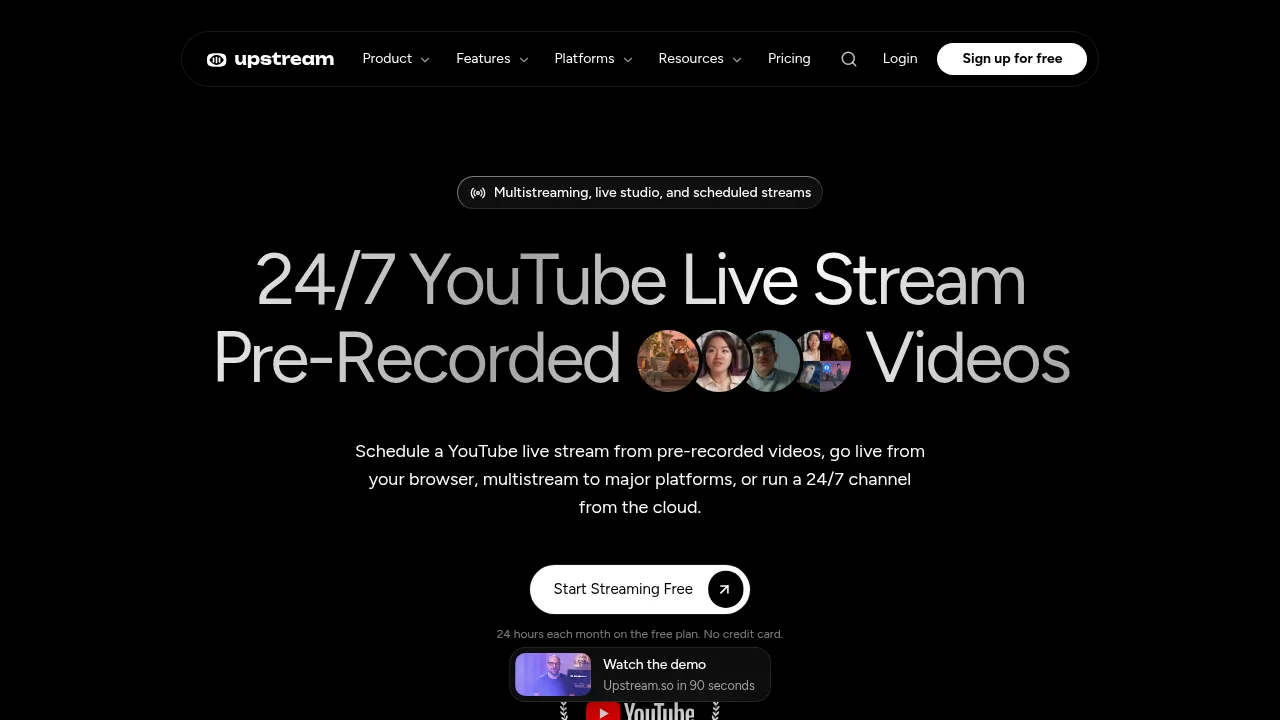
Upstream is a cloud live streaming platform that runs 24/7 channels, scheduled pre-recorded broadcasts, and browser-based live shows from its servers so local computers can remain off. It supports multistreaming to over 30 platforms simultaneously. The free tier provides 24 hours of streaming per month without requiring a credit card.
What are the features of Upstream?
- Continuous cloud playoutUpload videos to build an ordered or shuffled playlist that loops around the clock from Upstream's servers while the local computer stays off.
- Simultaneous multistreamingSend one feed via RTMP or the browser studio, and the cloud delivers it to up to 10 of 30+ supported destinations at once.
- Browser-based live production (Live Studio)Invite up to 10 guests via a link without requiring them to create accounts, switch layouts, share screens, and add overlays directly in the browser.
- Scheduled pre-recorded streamsUpload finished videos and set specific dates, times, and repeating schedules for them to broadcast as live events.
- Stream designer with templatesApply 70 ready-made overlay templates, including now-playing cards, clocks, lower thirds, and branding, to a 1920x1080 canvas.
- Unified chat viewRead incoming messages from YouTube, Twitch, Kick, and Rumble in a single combined feed during multistreams.
What are the use cases of Upstream?
- Music labels and radio-style channelsLoop separate audio and video playlists continuously on platforms like YouTube without keeping a VPS or local machine running.
- Church services and community eventsSchedule weekly pre-recorded ceremonies to broadcast automatically at set times while adding branded overlays.
- Live podcasts and webinarsHost browser-based interviews by sending guests a join link, then multistream the episode to multiple platforms simultaneously.
How to use Upstream?
- Upload mediaAdd pre-recorded video files to the platform to build a continuous playlist.
- Configure loop settingsChoose whether the background playlist plays in order or shuffled, and set the video fit option.
- Design the streamSelect a template from the stream designer and customize layers such as station names, clocks, or now-playing cards.
- Set destinationsConnect target platforms like YouTube, Twitch, or custom RTMP endpoints where the stream will be delivered.
- Start streamingPublish the channel so Upstream plays the content from the cloud around the clock.
Upstream Pricing Information:
- Free plan24 hours of streaming per month; includes full functionality, one stream, no watermark, and no credit card required. Hours reset monthly.
- EnterpriseAvailable for teams, labels, and agencies; specific pricing and limits are not stated in the source.