
What is Unsplash?
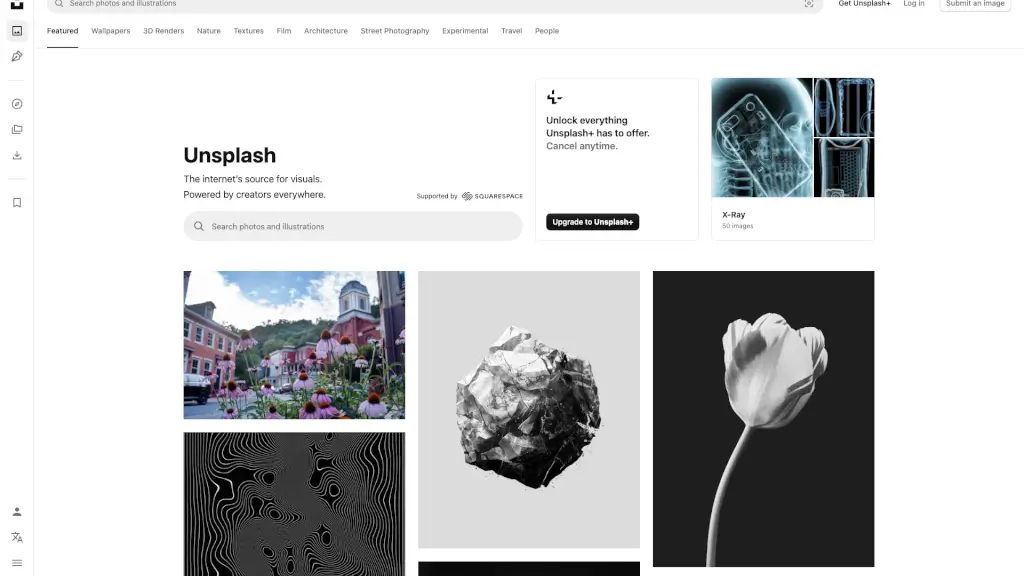
Unsplash is a treasure trove of beautiful, high-quality images and photos that you can download and use for any project, completely free. Whether you're a student working on a school project, a blogger looking to enhance your posts, or a designer in need of stunning visuals, Unsplash has got you covered. With a vast collection of images contributed by talented photographers from around the world, you'll find the perfect picture for every occasion.
What are the features of Unsplash?
- High-Quality Images: Access to millions of high-resolution photos that are perfect for any project.
- Free to Use: All images on Unsplash are free to download and use, even for commercial purposes.
- Diverse Categories: Browse through a wide range of categories like nature, architecture, people, and more.
- No Attribution Required: Unlike many stock photo sites, you don't need to give credit to the photographer (though it's always appreciated!).
- Regular Updates: New photos are added daily, so there's always fresh content to explore.
- User-Friendly Interface: The website is easy to navigate, making it simple to find and download the images you need.
What are the use cases of Unsplash?
- School Projects: Enhance your presentations, reports, and assignments with high-quality, relevant images.
- Blogging and Content Creation: Add visual appeal to your blog posts, articles, and social media content.
- Design and Marketing: Use Unsplash images for graphic design, marketing materials, and advertising campaigns.
- Website and App Development: Find the perfect background images, icons, and other visual elements for your digital projects.
- Personal Projects: Create personalized gifts, home decor, and more with unique and beautiful images.
How to use Unsplash?
- Search for Images: Use the search bar to find specific images or browse through different categories.
- Download Images: Click on an image and select the "Download Free" button to save it to your device.
- Customize Your Download: Some images offer options to choose the size and format before downloading.
- Save for Later: Bookmark your favorite images to easily find them again in the future.
- Contribute Your Own Photos: If you're a photographer, you can submit your own images to share with the community.