

What is Text2Infographic?
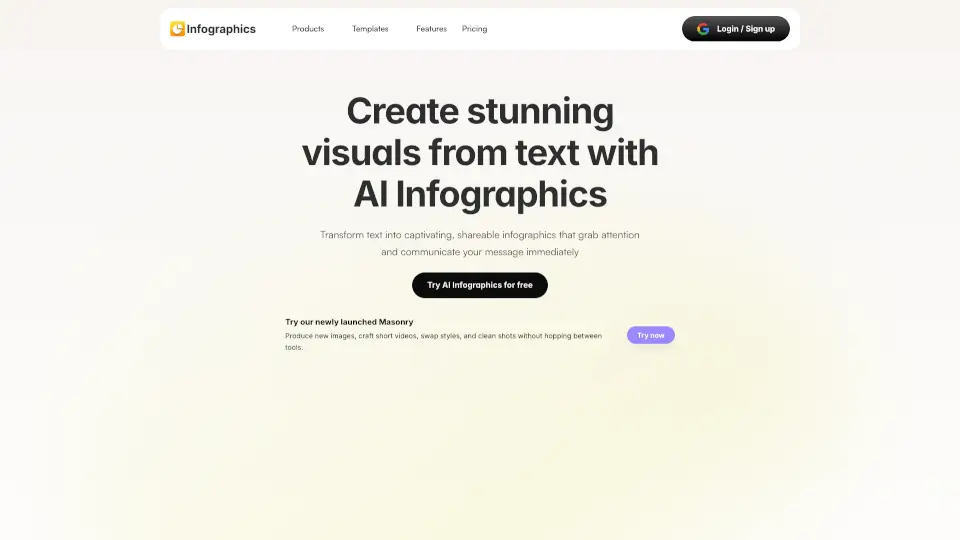
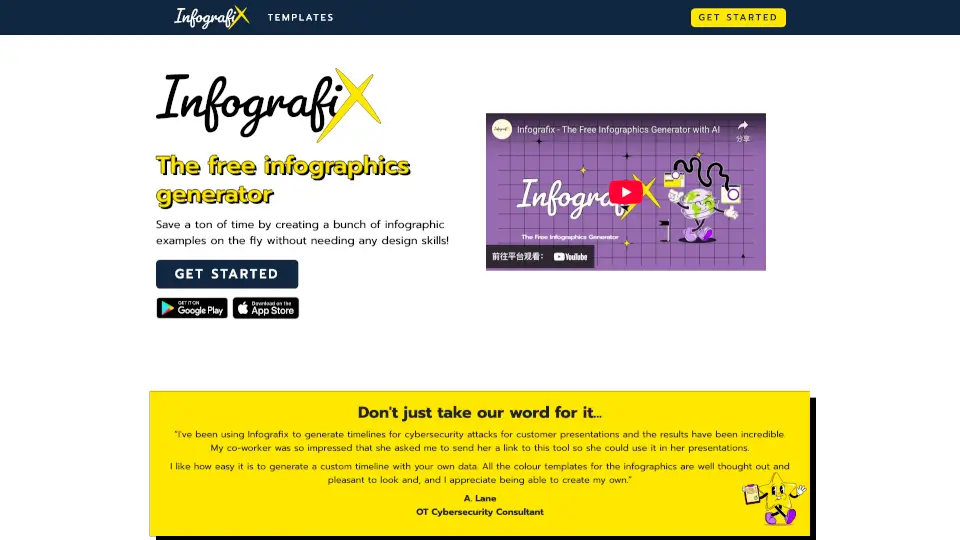
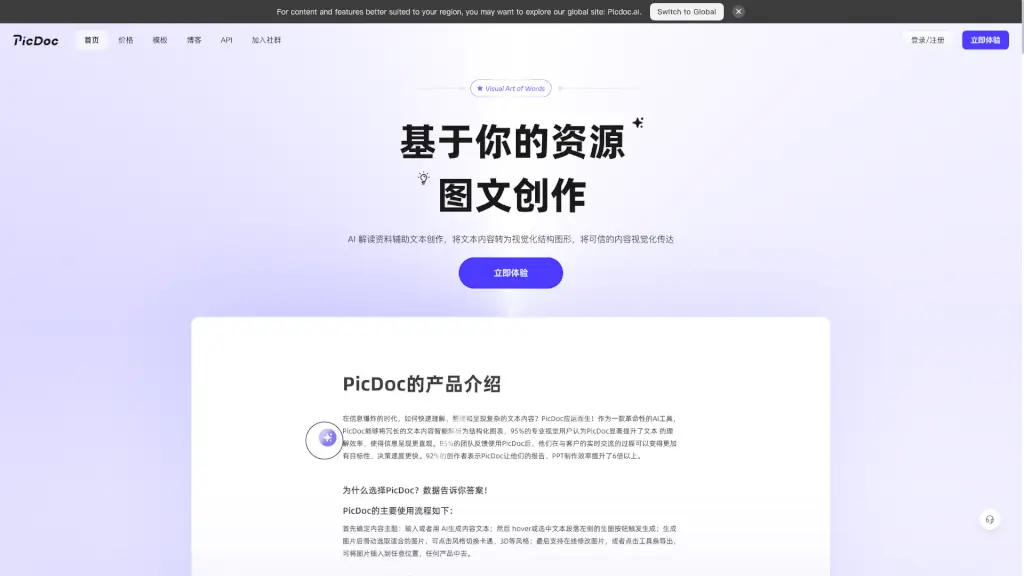
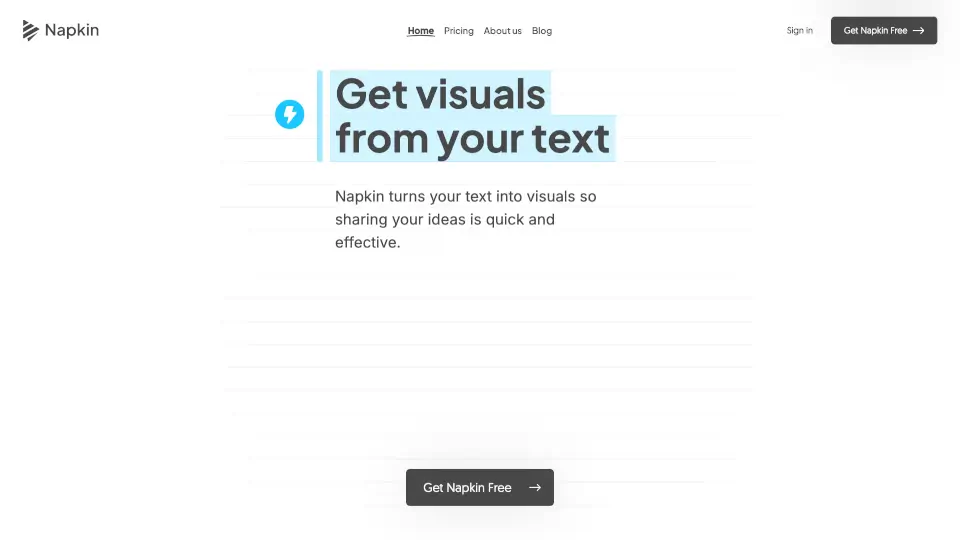
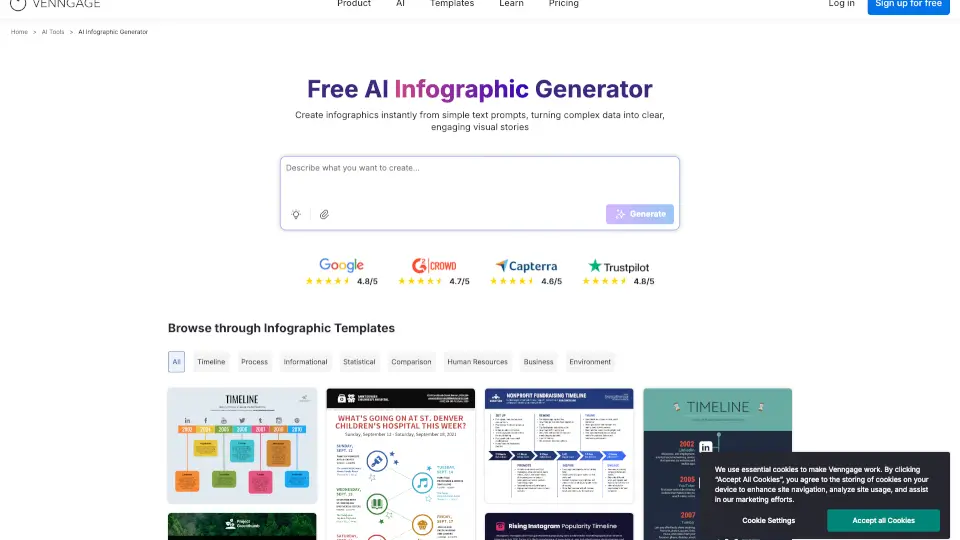
Text to Infographic is a game-changing AI tool that turns your text into eye-catching visuals in just a couple of minutes. Whether you're a blogger, a social media manager, or anyone looking to jazz up your content, this tool makes it super easy. No need to spend hours fumbling with design tools or hiring a designer—Text to Infographic does all the heavy lifting for you, saving you time and money.
What are the features of Text2Infographic?
- AI-Powered DesignAutomatically generates professional-quality infographics from your text, URLs, or files.
- Instant ResearchThe AI analyzes and summarizes your content in seconds, finding the most relevant information.
- Auto Image SourcingPerfect visuals are sourced automatically, so you don't have to hunt for images.
- Customization OptionsModify colors, fonts, images, logos, and content to fit your brand.
- 20+ LanguagesCreate infographics in over 20 languages, making it perfect for global communication.
- Auto CitationsSources are cited perfectly, ensuring your infographics are credible and well-researched.
- Unlimited AccessWith a lifetime pass, you can create as many infographics as you want without worrying about credits.
What are the use cases of Text2Infographic?
- BloggingTransform your blog posts into engaging infographics to share on social media.
- Social Media ManagementCreate visually appealing content for platforms like Twitter, Instagram, and Facebook.
- PresentationsAdd a visual element to your presentations to make them more engaging and memorable.
- Reports and WhitepapersSummarize complex data and research into easy-to-understand infographics.
- Educational MaterialsMake learning more fun and interactive with visually rich infographics.
- Marketing CampaignsEnhance your marketing efforts with compelling visuals that grab attention.
How to use Text2Infographic?
- Sign UpCreate an account on the Text to Infographic website.
- Input Your ContentEnter your text, URL, or upload a file.
- Choose a TemplateSelect from a variety of templates or let the AI choose one for you.
- CustomizeAdjust colors, fonts, and images to match your brand.
- Review and DownloadCheck the final design and download your infographic.
- SharePost your infographic on your blog, social media, or any other platform.