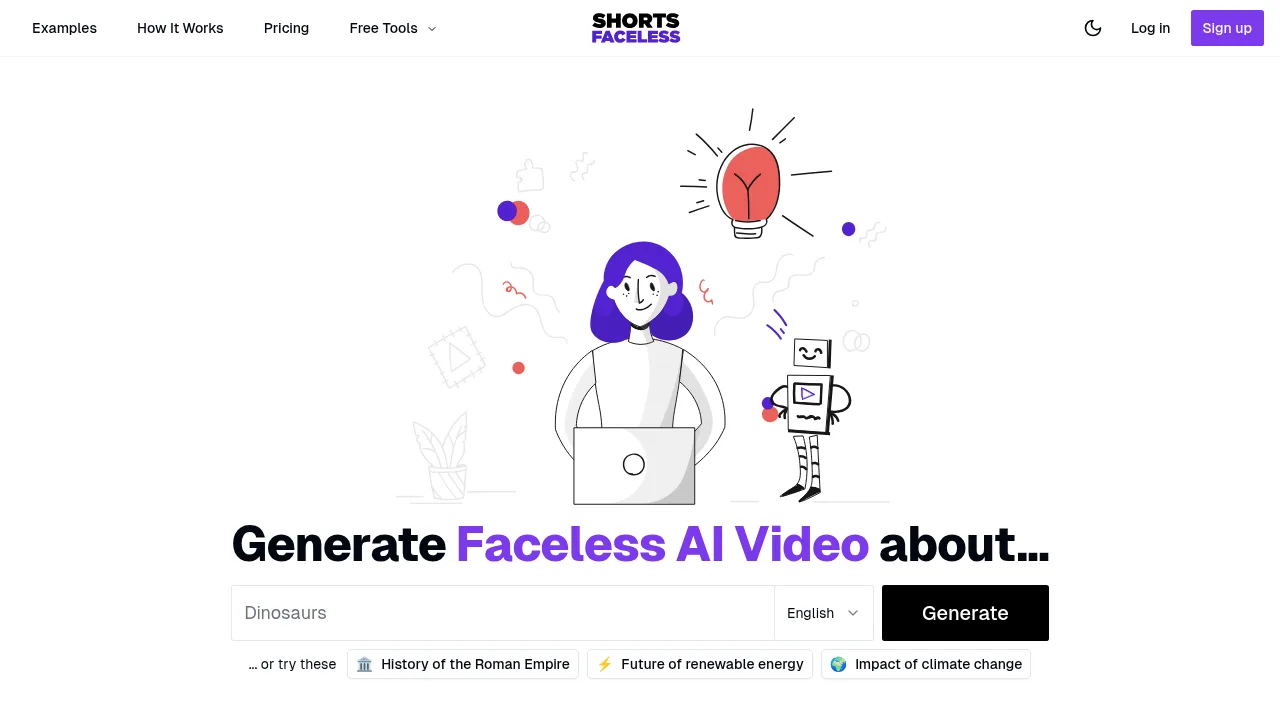


What is Syllaby.io?
Syllaby.io generates faceless videos, AI avatar presentations, and short-form or long-form content from text prompts. It supports web, mobile app, API, and MCP access for creators and developers. New users can sign up to create one video free with 50 starting credits.
What are the features of Syllaby.io?
- Faceless video generationProduces videos with visuals, transitions, captions, and background music automatically from a provided script.
- Multi-model video renderingGenerates scenes using selectable models including Veo 3, Veo 3.1, Seedance, Kling, Grok Imagine, and MiniMax.
- Voice cloningCreates a custom voice for videos by uploading a 30-second voice sample.
- Programmatic APIGenerates faceless videos programmatically via the
api.syllaby.io/v2endpoint using cURL, Node.js, or Python. - AI avatarsRenders hyper-realistic avatars that speak a provided script, including options to create an avatar resembling the user.
- Video exportOutputs videos up to 4K resolution in MP4, MOV, or WebM formats across social media aspect ratios like 16:9, 9:16, 1:1, and 4:5.
What are the use cases of Syllaby.io?
- Real estate listingsTurns property details into cinematic walkthrough videos without a camera or editing suite.
- E-commerce campaignsGenerates product videos on demand for marketing creatives.
- YouTube channel growthA source case study describes a creator who used AI-generated faceless videos to grow a dormant channel from 0 to 50K subscribers in 90 days.
How to use Syllaby.io?
- Generate ideaEnter a topic or prompt to receive a drafted angle, hook, and structure.
- Write scriptEdit the draft, swap lines, and select a voice for the narration.
- Generate videoChoose AI models so scenes, voiceover, and visuals render in parallel.
- Schedule and publishExport the finished video or schedule it directly to connected social accounts.
Syllaby.io Pricing Information:
- Free sign-upIncludes creation of the first video free plus 50 credits in the account.
- Annual plansUnused credits roll over monthly.
- Credit costsVeo 3 Fast uses 4 credits per second, Veo 3 Quality uses 11 credits per second, and faceless videos use approximately 13 credits per minute. Exact costs are displayed before generating.