
What is STUDIO AI?
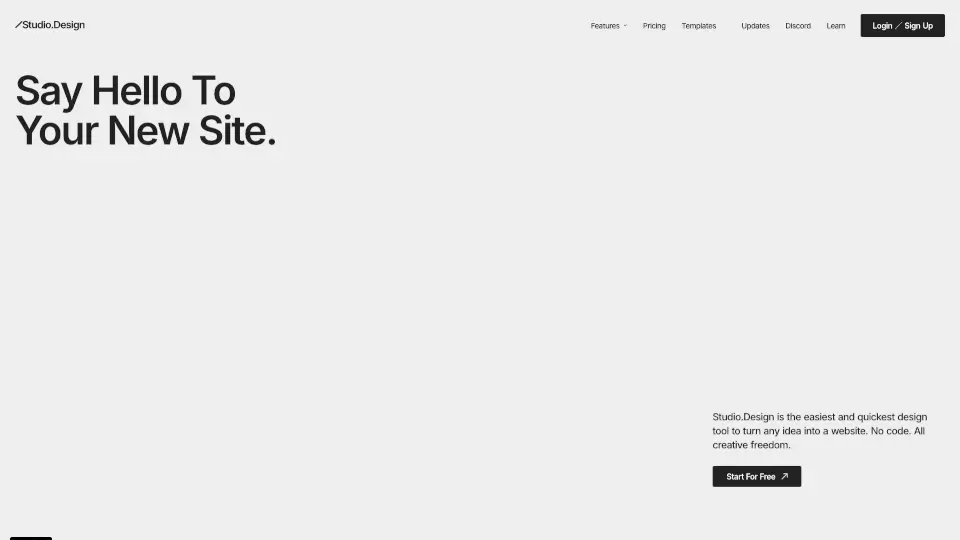
Studio.Design is your go-to tool for creating stunning websites without any coding. Whether you're building a portfolio, a landing page, or anything in between, Studio.Design offers all the creative freedom you need. It’s quick, easy, and perfect for anyone who wants to bring their ideas to life online.
What are the features of STUDIO AI?
- Design Editor: Create layouts with a powerful yet intuitive UI. Perfect for pixel-perfect adjustments and dynamic animations.
- CMS: Collaborate on content creation in real-time, all in one central location.
- One-Click Publishing: Publish your designs as live websites with just one click—no coding or server setup required.
- Custom Forms: Design engaging forms with customizable animations and colors.
- SEO Control: Easily optimize for search engines with auto-generated sitemaps and tailored content.
- Lottie Animations: Add immersive animations to your designs by importing Lottie files.
- Figma Integration: Bring your Figma designs into Studio, automatically generate breakpoints, and publish as a live site.
What are the use cases of STUDIO AI?
- Portfolio Websites: Showcase your work with a professional, custom-designed site.
- Landing Pages: Create eye-catching pages to promote your products or services.
- Collaborative Projects: Work with a team to design and publish content in real-time.
- Engaging Forms: Build interactive forms to connect with your audience.
How to use STUDIO AI?
- Sign Up: Create an account on Studio.Design.
- Choose a Template: Start with a free or paid template from award-winning designers.
- Customize: Use the Design Editor to tweak layouts, add animations, and more.
- Publish: Click the publish button to make your site live instantly.