
What is SheetAI.app?
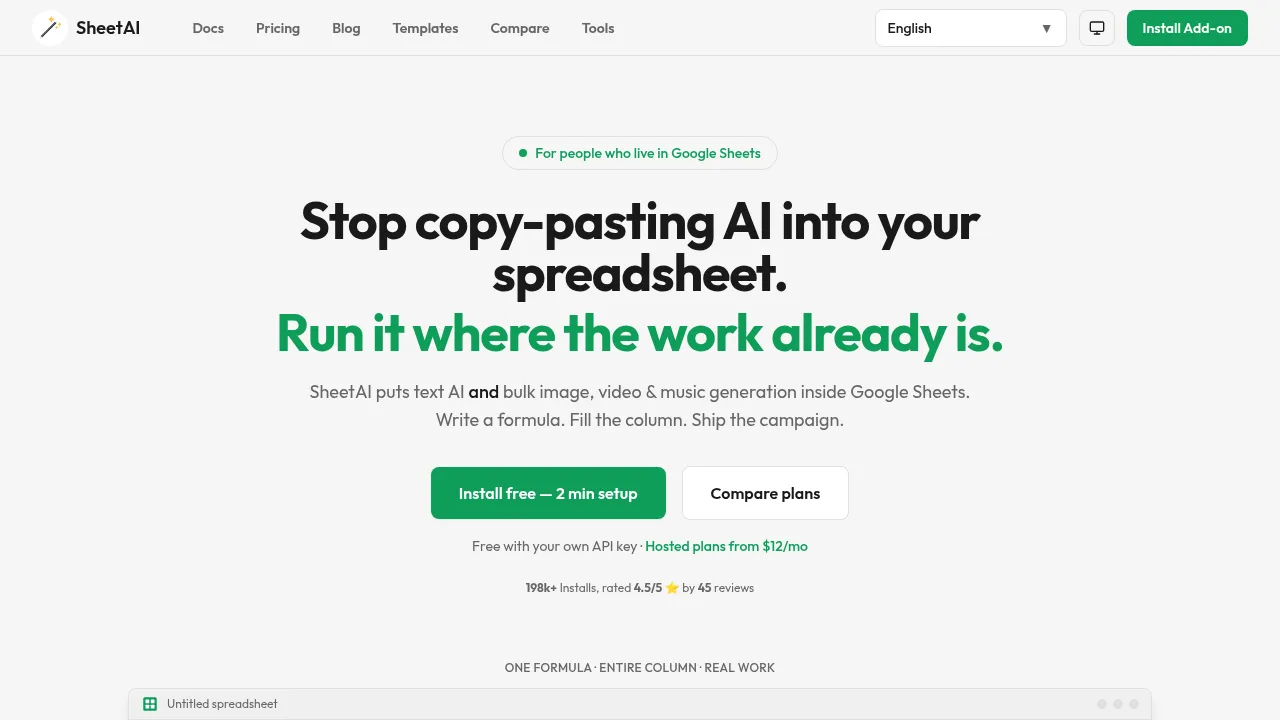
SheetAI.app is a Google Sheets add-on that runs AI text generation and Replicate-powered image, video, and music creation directly inside spreadsheets using formulas. It targets users who need to process bulk rows of prompts or data without leaving their existing sheets. Access is free when supplying your own API keys for supported models, while hosted plans remove the key requirement.
What are the features of SheetAI.app?
- Text generation formulaThe
=SHEETAI()function accepts a plain English prompt in a cell and returns generated text output, which can be filled down across multiple rows. - Media generation functionsFormulas such as
=SHEETAI_IMAGE()use Replicate models to generate images, video clips, or audio tracks row-by-row based on cell prompts. - Bring your own API keyConnects personal OpenAI, Claude, Gemini, Grok, or Replicate keys to run unlimited generations billed directly by those providers.
- Formula generator sidebarA built-in tool assists users in constructing AI formulas within the spreadsheet interface.
- Bulk fill-down processingDragging a single formula down a column applies the same AI task to hundreds of rows simultaneously.
What are the use cases of SheetAI.app?
- Campaign asset productionGenerate ad copy, product images, short video reels, and background music from a single sheet of prompts per SKU.
- Dataset classificationTag, categorize, and clean messy transaction records by filling an AI formula down a column of raw entries.
- Research summarizationExtract key findings and organize paper abstracts into structured rows alongside source citations.
How to use SheetAI.app?
- Install the add-onAdd SheetAI.app from the Google Workspace Marketplace to open it inside an existing spreadsheet.
- Connect credentialsPaste an API key for OpenAI, Claude, Gemini, Grok, or Replicate, or rely on a paid hosted plan to skip this step.
- Write the formulaEnter a function like
=SHEETAI("prompt")or=SHEETAI_IMAGE(A2)in a cell to define the task. - Fill down the columnDrag the cell to apply the formula across multiple rows, generating text or media assets for each entry.
SheetAI.app Pricing Information:
- BYOK Free$0 forever; unlimited calls and formula generation using your own OpenAI, Claude, Gemini, Grok, or Replicate API keys, with model costs billed by the provider.
- Starter$12/month; hosted AI access requiring no API key, up to approximately 500 AI runs per month, includes BYOK and Replicate media models, formula generator sidebar, and email support.
- Pro$29/month; hosted AI with higher soft unlimited usage, bulk image/video/music via Replicate, bulk fills, classify and summarize tools, BYOK multimodel support, and priority support.
- Pro Yearly$290/year; same features as the Pro monthly plan, billed once annually.
- Credit packsOne-time purchases starting at $29 for up to 97M tokens, $79 for up to 260M tokens, $139 for up to 460M tokens, and $299 for up to 1B tokens.