What is seedance 2.0 video studio?
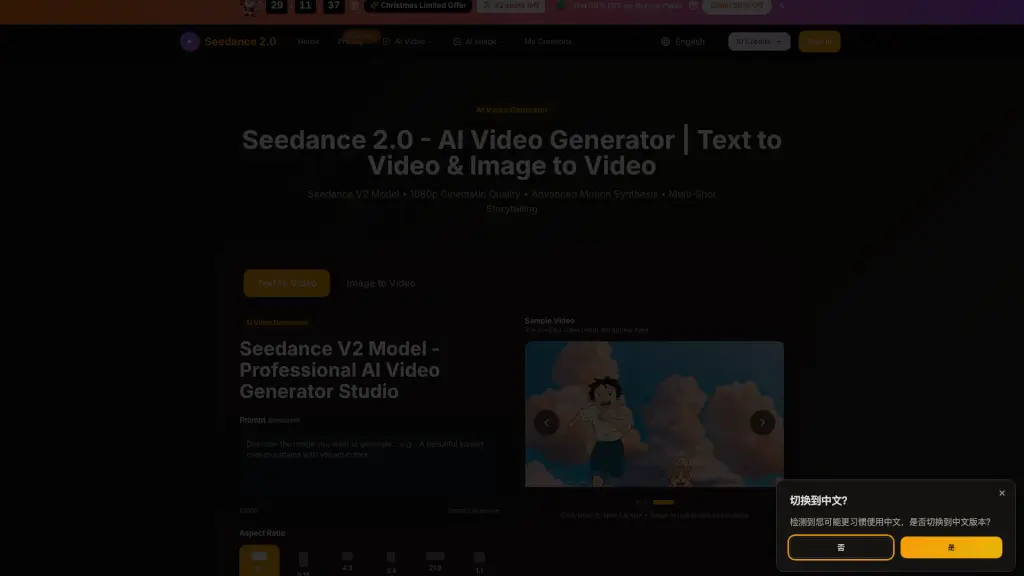
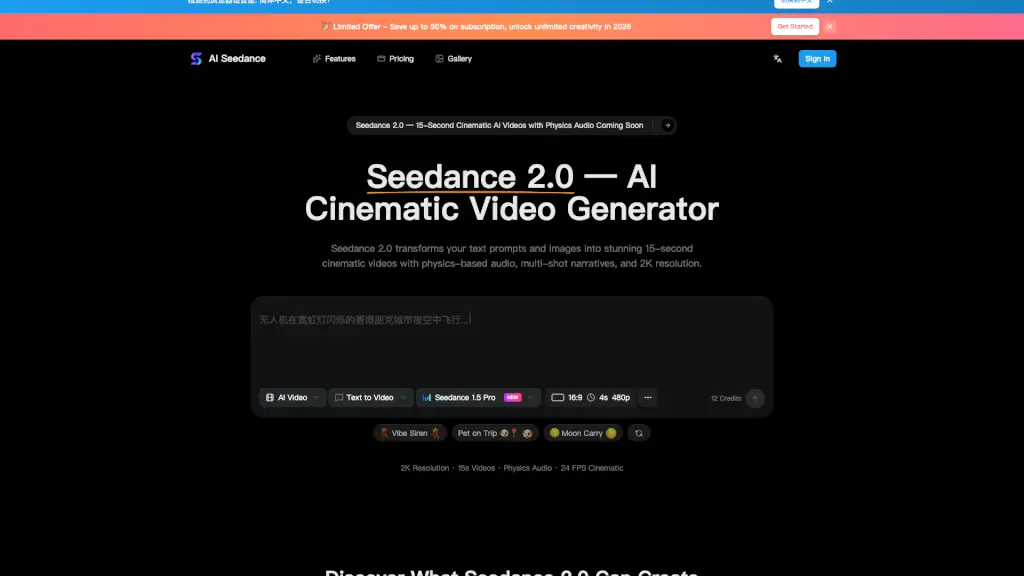
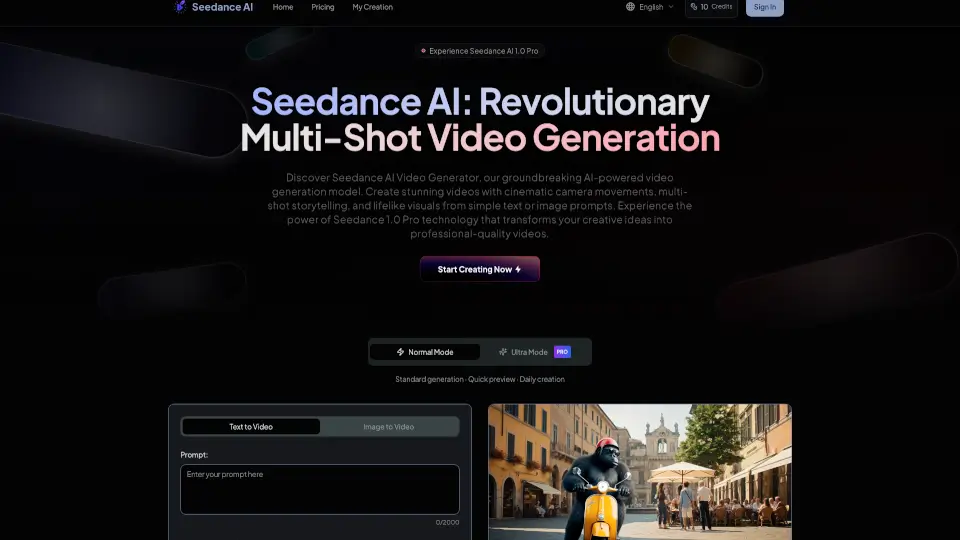
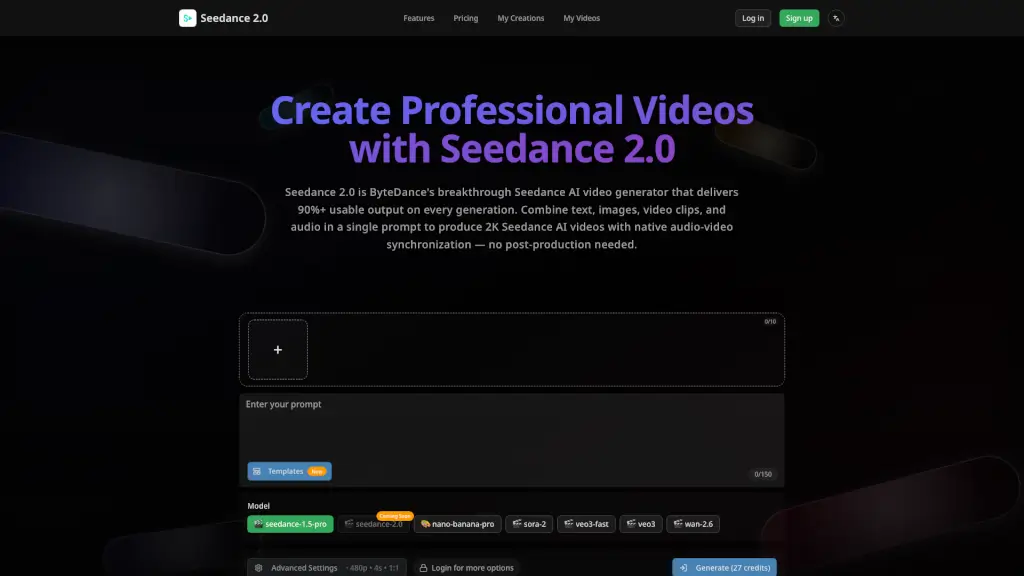
Seedance 2.0 is the latest and most advanced AI video generator by ByteDance, designed to help creators produce professional-quality videos in seconds. With a 90%+ usable output rate, this tool ensures that almost every video you generate is ready for use, saving you time and money. Whether you're a solo creator, part of a team, or working on an enterprise project, Seedance 2.0 makes it easy to create stunning 2K resolution videos with native audio-video synchronization. Just combine text, images, video clips, and audio in a single prompt, and let the AI do the rest.
What are the features of seedance 2.0 video studio?
- 90%+ Usable Output Rate: Unlike other AI video generators, Seedance 2.0 delivers over 90% usable output, meaning you can rely on it to produce high-quality videos consistently.
- Native Audio-Video Synchronization: Generate videos where the audio and video are perfectly in sync, with precise lip movements, ambient sounds, and background music that match the narrative.
- Quad-Modal Creative Input: Feed up to 12 files at once, including text prompts, images, video clips, and audio tracks, to create a seamless and coherent video.
- 2K Native Resolution Output: Enjoy sharp, detailed videos at 2K resolution, perfect for social media, advertising, and commercial distribution.
- Auto Storyboarding: Describe your story, and Seedance 2.0 will automatically break it into professionally framed shots, handling shot composition, transitions, and pacing.
- Smart Camera System: The AI generates dynamic camera movements, such as pans, zooms, and tracking shots, that match the content and mood of your video.
- Multi-Shot Narrative Consistency: Characters maintain their appearance, clothing, and features across every shot, ensuring consistency in short films, series content, and branded storytelling.
- Enterprise API & Integration: Access Seedance 2.0 programmatically through a robust API, allowing for automated video production at scale and integration into existing workflows.
What are the use cases of seedance 2.0 video studio?
- Social Media Content Creation: Quickly generate engaging, high-quality videos for platforms like Instagram, TikTok, and YouTube.
- Advertising Campaigns: Create compelling ad videos with consistent branding and high production value.
- E-commerce Product Demos: Produce detailed and visually appealing product demo videos that boost conversion rates.
- Educational Tutorials: Develop engaging tutorial videos with proper narration and visuals, enhancing the learning experience.
- Corporate Communications: Generate internal communications, training videos, and event recaps with professional quality.
- Short Films and Series: Create short films and episodic content with multi-shot narrative consistency and cinematic camera movements.
- Game Trailers and Promotional Clips: Generate game trailers and promotional clips that rival manual work, saving time and resources.
How to use seedance 2.0 video studio?
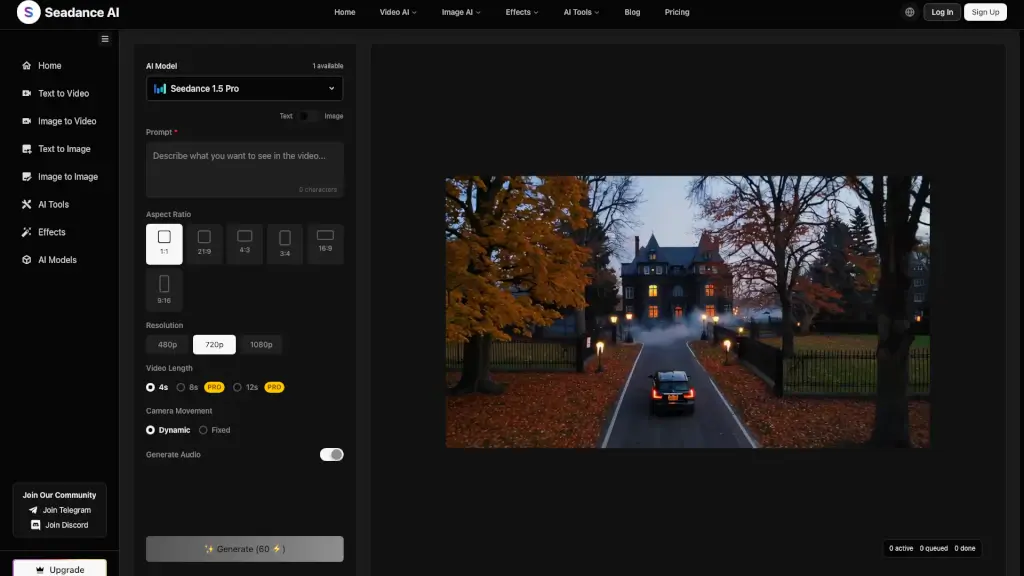
- Combine Your Inputs: Gather your text, images, video clips, and audio tracks. You can use up to 12 files in total.
- Describe Your Vision: Write a clear and concise description of what you want the video to look like. Include any specific details or references.
- Select Your Settings: Choose the desired resolution, duration, and aspect ratio. You can also adjust advanced settings if needed.
- Generate the Video: Click the "Generate" button and wait for the AI to create your video. This process is usually quick.
- Review and Download: Once the video is generated, review it to ensure it meets your expectations. If everything looks good, download the video.
- Edit and Enhance (Optional): If you need to make any adjustments, you can use the editing tools provided or integrate the video into your existing workflow.