
What is SalesRobot?
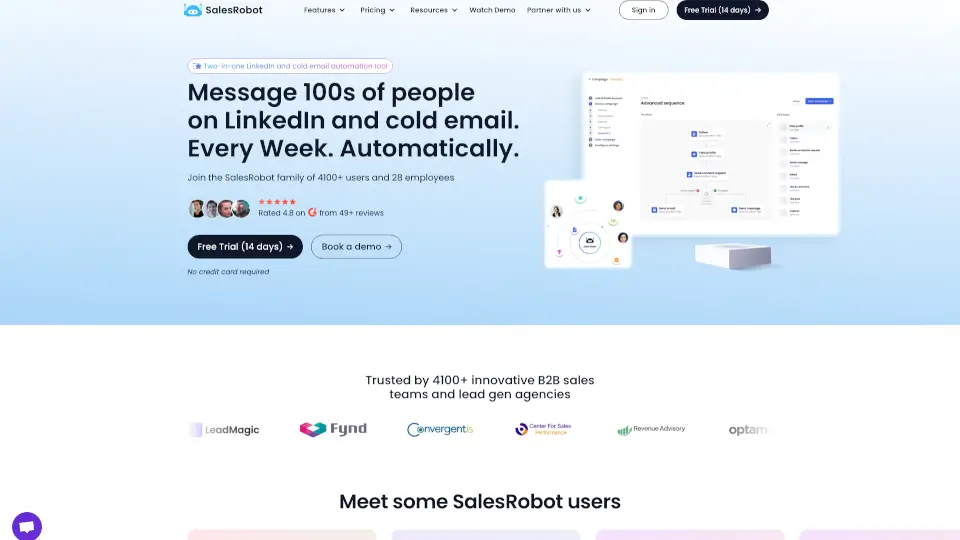
SalesRobot is an AI-powered sales engagement platform for B2B sales teams and lead gen agencies that automates cold outreach on LinkedIn and email. It runs in the cloud with dedicated IPs per account, uses LinkedIn mobile APIs to reduce account ban risk, and supports sending personalized voice notes and videos. The tool is designed for users who want to run multi-channel drip campaigns, manage replies with AI, and scale outreach without switching between separate tools.
What are the features of SalesRobot?
- LinkedIn & Email Automation: Send connection requests, messages, InMails, and cold emails from a single platform. Supports Gmail, Outlook, or custom SMTP.
- AI Personalized Voice Notes & Videos: Record or generate voice notes and video messages at scale, sent directly on LinkedIn. Users report reply rates above 40%.
- AI Appointment Setter (Add-on): Automatically nurtures leads and replies to inbox messages within minutes, keeping conversations moving until a meeting is booked.
- Smart Reply Detection: Campaigns automatically stop messaging a lead once they reply, preventing over-communication and improving response quality.
- Whitelabel & Reseller Program: Agencies can rebrand SalesRobot as their own product and earn recurring revenue (40% first month, 20% months 2–12).
What are the use cases of SalesRobot?
- B2B sales teams running multi-channel cold outreach sequences across LinkedIn and email simultaneously.
- Lead gen agencies managing 50+ client accounts with automated LinkedIn and email campaigns from one dashboard.
- Founders and SDRs sending personalized voice notes and videos at scale to increase reply rates on LinkedIn.
- Teams importing prospects from LinkedIn Search, Sales Navigator, or CSV, then launching automated drip campaigns with follow-ups.
How to use SalesRobot?
- Add your LinkedIn account to SalesRobot. The setup takes about 2 minutes.
- Import leads from LinkedIn Search, Sales Navigator, or upload a CSV file.
- Write your LinkedIn messages and emails using the built-in AI or manually, then schedule the campaign.
- Let the AI manage replies and book meetings, or monitor the unified inbox yourself.