
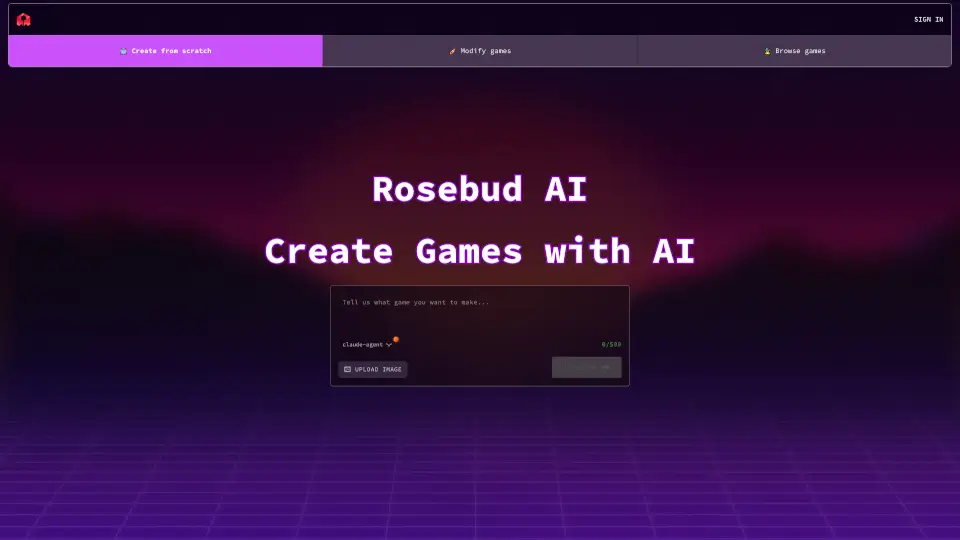
What is Rosebud?
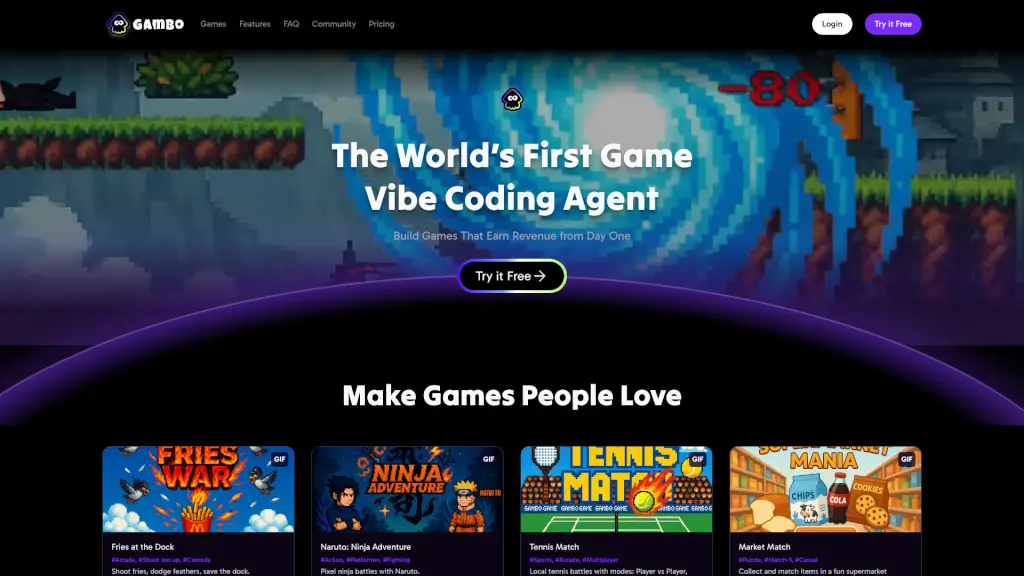
Tired of wrestling with complex code just to bring your game ideas to life? Rosebud AI lets you create full 3D games and interactive worlds using simple text prompts—no programming required. Think of it as “vibe coding”: describe the experience you want, and Rosebud builds it for you instantly. Whether you're dreaming up a retro-style shooter, a cozy city builder, or an immersive RPG, this platform turns imagination into playable reality in minutes.
Perfect for beginners, educators, indie creators, and even seasoned developers looking to prototype fast, Rosebud AI removes technical barriers while keeping creative control in your hands. With one-click deployment, your game goes live on the web immediately—ready to share with friends, students, or players worldwide.
What are the features of Rosebud?
- Vibe Coding: Create entire games by describing them in plain English—no syntax, no debugging.
- Instant 3D Game Maker: Build and deploy browser-based 3D games without installing software or writing code.
- AI-Powered Templates: Jumpstart projects with smart templates like Vampire Survivors, City Builder, Multiplayer Obby, and more.
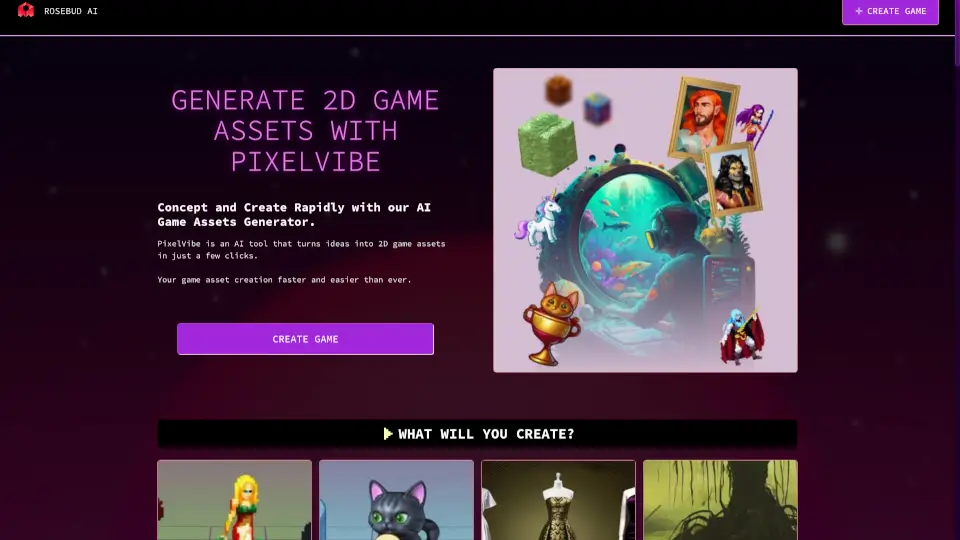
- AI NPCs & Assets: Generate characters, dialogue, sprites, and environments automatically using built-in AI tools.
- One-Click Web Deployment: Publish your game online instantly with a shareable link—no hosting setup needed.
- Three.js Editor Integration: Access professional-grade 3D capabilities under the hood, simplified for non-coders.
- Cross-Category Tools: Includes RPG Maker, Visual Novel Maker, Cozy Games Maker, and Therapeutic Games for diverse genres.
What are the use cases of Rosebud?
- A high school teacher creates an interactive history quest for students to explore ancient civilizations.
- An indie artist prototypes a voxel-based adventure game in under an hour to pitch to collaborators.
- A therapist designs a calming, therapeutic mini-game to help clients practice mindfulness.
- A YouTuber builds a custom multiplayer obby (obstacle course) to feature in their next video.
- A parent helps their child make their first 3D game based on a bedtime story they wrote together.
- A game jam participant uses Rosebud to rapidly develop and submit a working entry in 48 hours.
How to use Rosebud?
- Start by clicking “Create from Scratch” or choose a pre-built template like “Vampire Survivors” or “City Builder.”
- Describe your game idea in the prompt box—be specific about genre, mood, mechanics, or art style.
- Upload reference images if you have visual inspiration (optional but helpful for asset generation).
- Use the Vibe Coding Tool to refine elements like characters, levels, or rules through follow-up prompts.
- Preview your game in real time as Rosebud generates it.
- Click “Deploy” to publish instantly and get a shareable web link—no coding or server setup required.