
What is Recast Studio?
Recast Studio is an AI-powered video editor for marketing teams that repurposes long-form recordings—webinars, podcasts, interviews, and Zoom calls—into social-ready clips. It also generates written content like show notes, blog drafts, and LinkedIn posts from the same recording. The tool is built for teams that want to publish consistently across TikTok, Instagram, YouTube, Facebook, LinkedIn, and Twitter without waiting on a traditional video editor or juggling separate scheduling tools.
What are the features of Recast Studio?
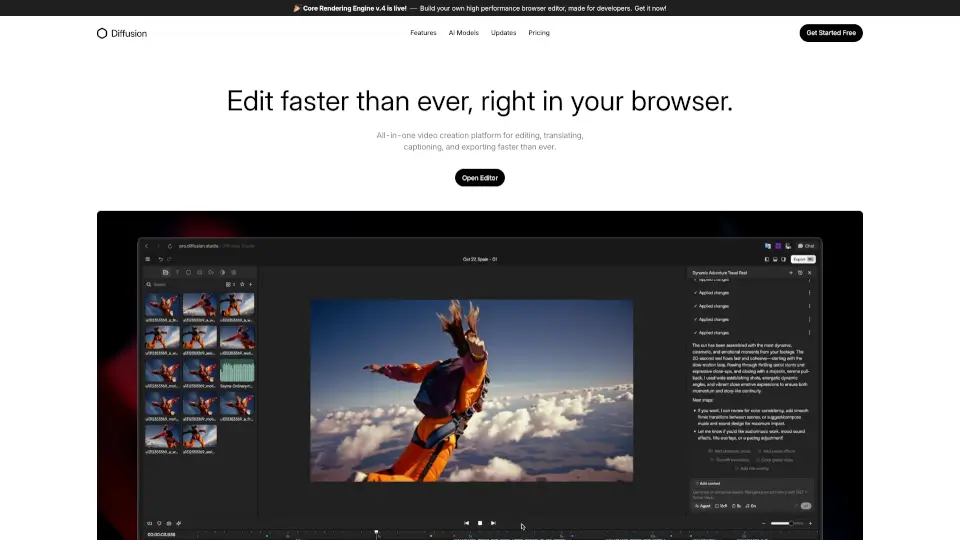
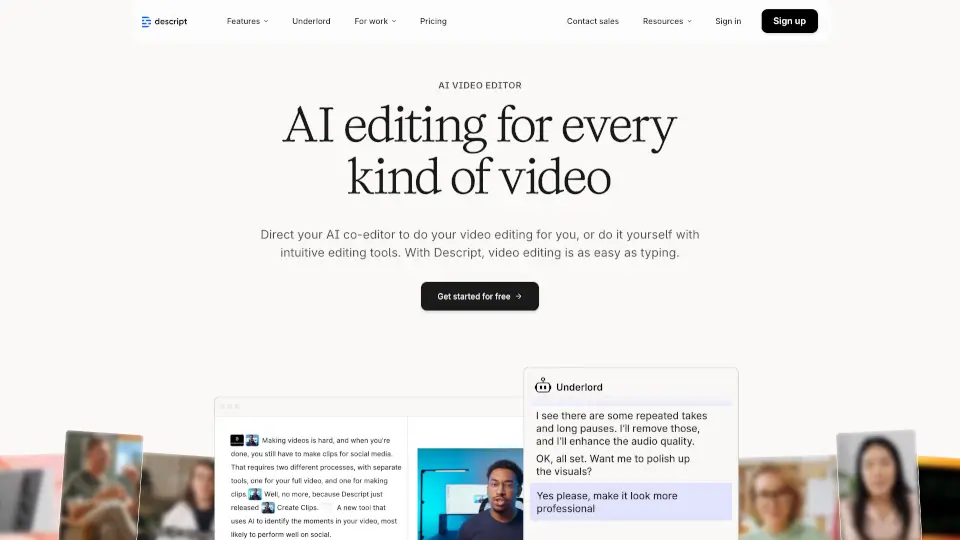
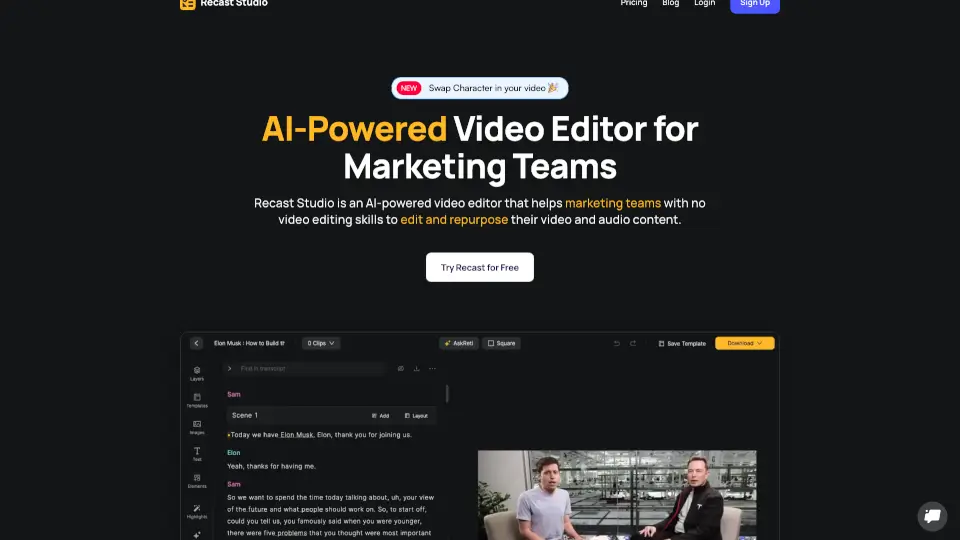
- Transcript-Based Editing: Highlight and delete transcript text to trim video, remove filler words, and keep captions in sync automatically—no timeline needed.
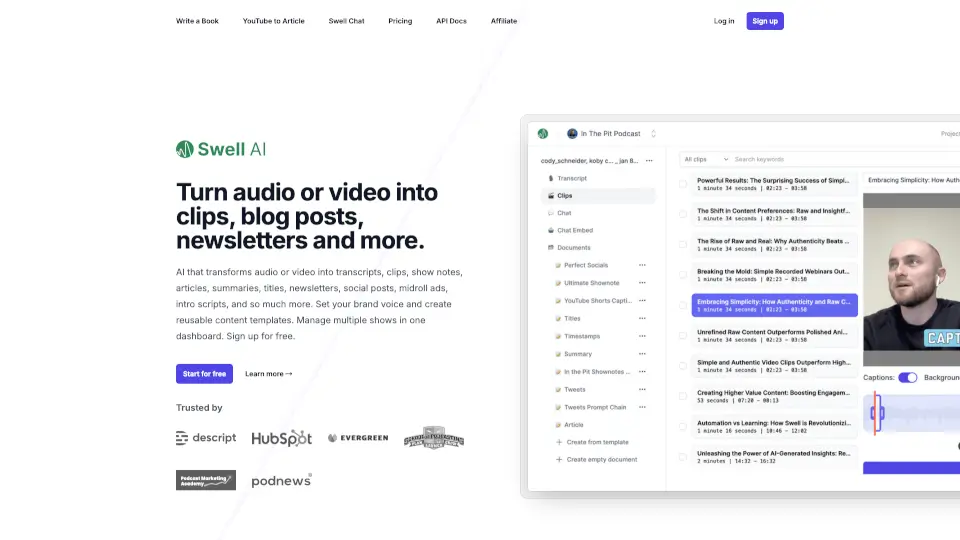
- AI Writing Inside the Editor: Generate blog drafts, show notes, LinkedIn posts, and email copy directly from the video or podcast transcript without starting from scratch.
- Built-In Social Publishing & Scheduling: Connect TikTok, Instagram, YouTube, Facebook, LinkedIn, and Twitter. Post immediately or schedule without exporting or re-uploading.
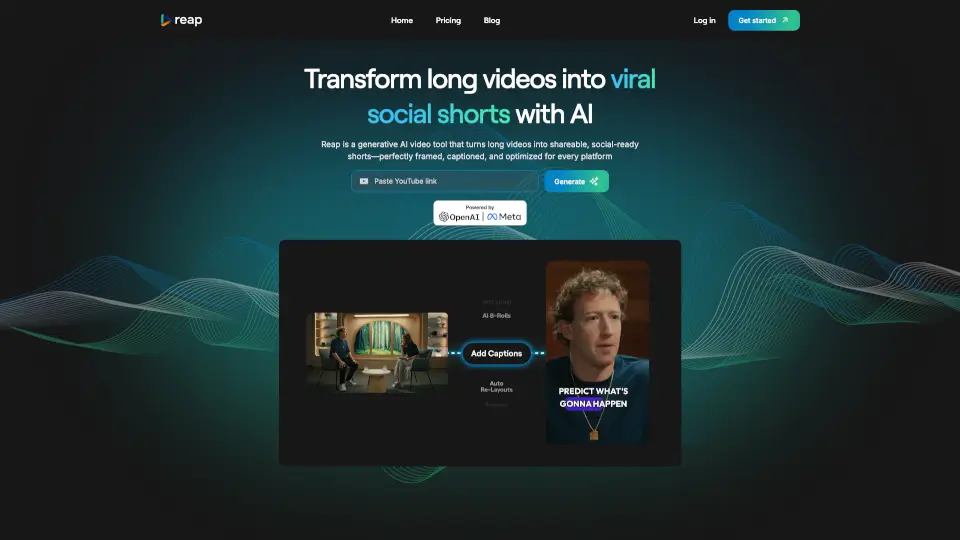
- Auto Reframe: AI analyzes video to detect faces and important scenes, then automatically adjusts the frame to keep focus where it belongs—no manual cropping.
- Filler Word & Pause Removal: Automatically remove “um,” “uh,” and awkward silences from audio so the content sounds smooth and professional.
- Accurate Transcription in 20+ Languages: High-precision speech-to-text supports editing, subtitles, and captions for multilingual content.
What are the use cases of Recast Studio?
- Marketing teams repurposing a webinar into multiple short clips for Instagram, LinkedIn, and Twitter.
- Podcast hosts turning a full episode into audiograms and short video clips for TikTok and YouTube.
- Sales teams creating testimonial clips from Zoom recordings and publishing them directly to Facebook and LinkedIn.
- Content creators generating blog posts and show notes from a single podcast recording without extra writing effort.
How to use Recast Studio?
- Upload your podcast, webinar, or live event recording to Recast Studio.
- Let AI find the best moments automatically, then review and customize clips.
- Use the transcript to trim video, remove filler words, and add captions.
- Apply brand styles, logos, and music with a few clicks.
- Connect your social accounts and publish or schedule clips directly from the editor.