
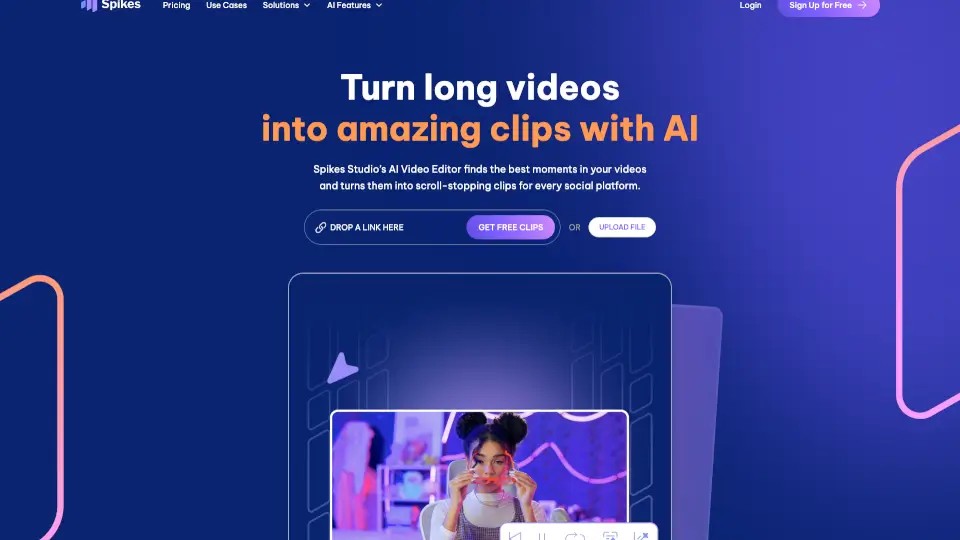
Что такое Spikes Studio?
Spikes Studio — это умный AI-инструмент, который превращает ваши длинные видео в короткие, цепляющие клипы для TikTok, Instagram Reels, YouTube Shorts и Twitch. Больше не нужно часами монтировать: искусственный интеллект сам находит самые яркие моменты, добавляет субтитры, оформление и адаптирует ролики под каждую соцсеть.
Независимо от того, вы ли вы блогер, маркетолог, пастор или владелец агентства — Spikes Studio экономит ваше время и помогает регулярно публиковать контент, который действительно набирает просмотры и вовлекает аудиторию.
Какие особенности у Spikes Studio?
- Smart Moment Detection: AI автоматически находит самые эмоциональные и интересные фрагменты в ваших видео
- Автоматические субтитры: Добавляет стилизованные, анимированные субтитры на 99+ языках
- Мультиплатформенная экспортная оптимизация: Мгновенно форматирует клипы под TikTok, Reels, Shorts и другие платформы
- Кроссплатформенное планирование: Позволяет публиковать и расписывать посты сразу во всех соцсетях из одного календаря
- Аналитика эффективности: Отслеживает просмотры, вовлеченность и рост в единой панели управления
- Командная работа: Поддерживает совместную работу через общие папки и drag-and-drop организацию проектов
Какие случаи использования Spikes Studio?
- Церкви могут расширить цифровое присутствие и увеличить пожертвования через вирусные клипы проповедей
- Креаторы быстро растут до 1 млн просмотров без выгорания благодаря автоматизированному контенту
- Подкастеры превращают эпизоды в шортсы и достигают миллионной аудитории за недели
- Маркетологи создают профессиональные видео без навыков монтажа
- Агентства экономят до $2700 в месяц на редактировании
- Политики усиливают охват и вовлекают избирателей через короткие, эмоциональные ролики
- Медиакомпании ускоряют рабочие процессы и охватывают в 10 раз больше зрителей
Как использовать Spikes Studio?
- Загрузите длинное видео (до 5 минут в бесплатной версии) прямо в веб-редактор
- Дайте AI автоматически найти лучшие моменты и добавить субтитры
- Выберите нужные платформы — TikTok, Reels или Shorts — и примените шаблоны бренда
- Добавьте хештеги, заголовки и эмодзи, предложенные системой
- Запланируйте публикацию или опубликуйте сразу в один клик
- Отслеживайте аналитику и повторяйте успешные форматы