What is Plus AI?
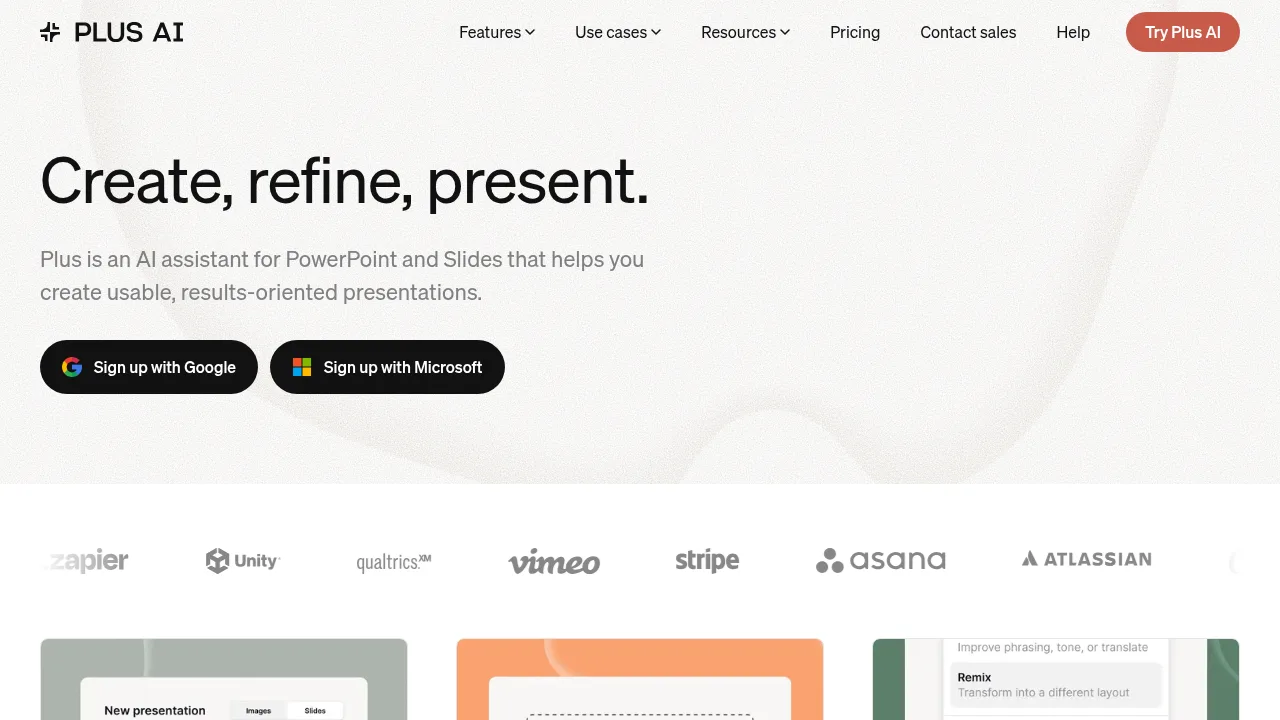
Plus AI is an add-on for PowerPoint and Google Slides that generates, edits, and reformats presentations using artificial intelligence. It creates native PPTX files and editable slides directly within existing presentation applications rather than a separate platform. Access requires installing the extension and signing up with a Microsoft or Google account.
What are the features of Plus AI?
- Document conversionUploads PDF, Word (.docx), PowerPoint (.pptx), or text files to automatically generate slide decks in PowerPoint or Google Slides.
- Slide reformatting (Remix)Converts existing slides or unformatted text into new layouts chosen from hundreds of available designs.
- Text editingRewrites slide content by elaborating, summarizing, or adjusting phrasing and tone.
- Custom brandingImports organization templates and applies logos, fonts, and colors for team use.
- Visual asset generationCreates images using style presets or custom prompts, adds icons, and builds editable charts and tables.
- Multilingual supportReads, writes, and translates presentation content across multiple languages.
What are the use cases of Plus AI?
- Client pitch preparationConsultants and sales teams convert documents or prompts into structured proposal decks within their existing presentation workflow.
- Course material creationEducators transform lesson outlines or articles into formatted training slides without leaving their presentation software.
- Brand-compliant deck updatesTeams apply shared templates, custom instructions, and saved presets to maintain consistent formatting across organizational presentations.
How to use Plus AI?
- Install the add-onSign up through a Microsoft or Google account and install the Plus AI extension for PowerPoint or Google Slides.
- Provide inputStart from a text prompt, select a preset, or upload a supported document such as a PDF or Word file.
- Generate or editCreate new slides or use the insert, rewrite, and remix tools to modify existing content.
- Refine visualsAdd generated images, automatic icons, or editable charts and tables to the slides.
Plus AI Pricing Information:
- Free trial7 days of access to test the tool.
- Paid plansMultiple tiers available after the trial ends; specific prices are not stated in the source.
- EnterpriseCustom pricing with white-glove template conversion, advanced slide types, custom libraries, and enterprise-grade security; requires contacting sales for a demo.