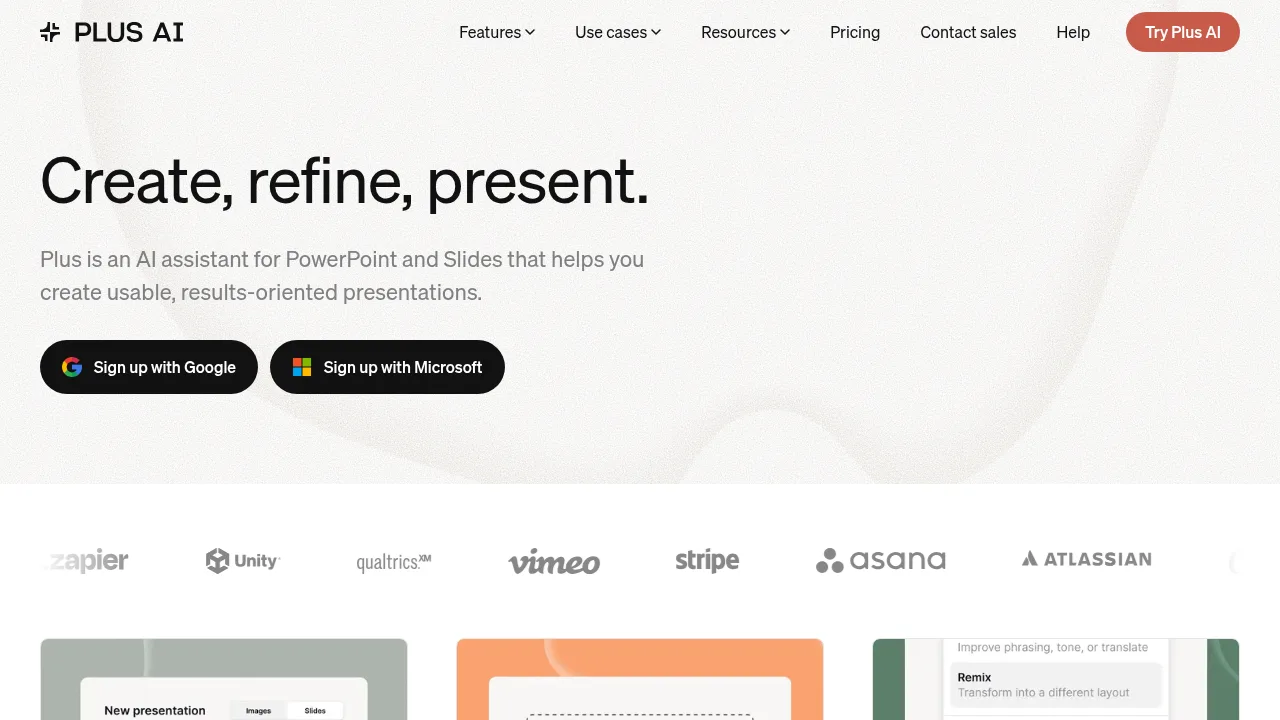
Plus AI operates as an add-on inside PowerPoint and Google Slides to generate, edit, and reformat presentations from prompts or uploaded documents.

Plus AI

Plus AI Product Information

What is Plus AI?

Plus AI is an add-on for PowerPoint and Google Slides that generates, edits, and reformats presentations using artificial intelligence. It creates native PPTX files and editable slides directly within existing presentation applications rather than a separate platform. Access requires installing the extension and signing up with a Microsoft or Google account.

What are the features of Plus AI?

  • Document conversion
    Uploads PDF, Word (.docx), PowerPoint (.pptx), or text files to automatically generate slide decks in PowerPoint or Google Slides.
  • Slide reformatting (Remix)
    Converts existing slides or unformatted text into new layouts chosen from hundreds of available designs.
  • Text editing
    Rewrites slide content by elaborating, summarizing, or adjusting phrasing and tone.
  • Custom branding
    Imports organization templates and applies logos, fonts, and colors for team use.
  • Visual asset generation
    Creates images using style presets or custom prompts, adds icons, and builds editable charts and tables.
  • Multilingual support
    Reads, writes, and translates presentation content across multiple languages.

What are the use cases of Plus AI?

  • Client pitch preparation
    Consultants and sales teams convert documents or prompts into structured proposal decks within their existing presentation workflow.
  • Course material creation
    Educators transform lesson outlines or articles into formatted training slides without leaving their presentation software.
  • Brand-compliant deck updates
    Teams apply shared templates, custom instructions, and saved presets to maintain consistent formatting across organizational presentations.

How to use Plus AI?

  1. Install the add-on
    Sign up through a Microsoft or Google account and install the Plus AI extension for PowerPoint or Google Slides.
  2. Provide input
    Start from a text prompt, select a preset, or upload a supported document such as a PDF or Word file.
  3. Generate or edit
    Create new slides or use the insert, rewrite, and remix tools to modify existing content.
  4. Refine visuals
    Add generated images, automatic icons, or editable charts and tables to the slides.

Plus AI Pricing Information:

  • Free trial
    7 days of access to test the tool.
  • Paid plans
    Multiple tiers available after the trial ends; specific prices are not stated in the source.
  • Enterprise
    Custom pricing with white-glove template conversion, advanced slide types, custom libraries, and enterprise-grade security; requires contacting sales for a demo.

Do you like this tool?

Upvote to help others discover it!

Plus AI Alternatives

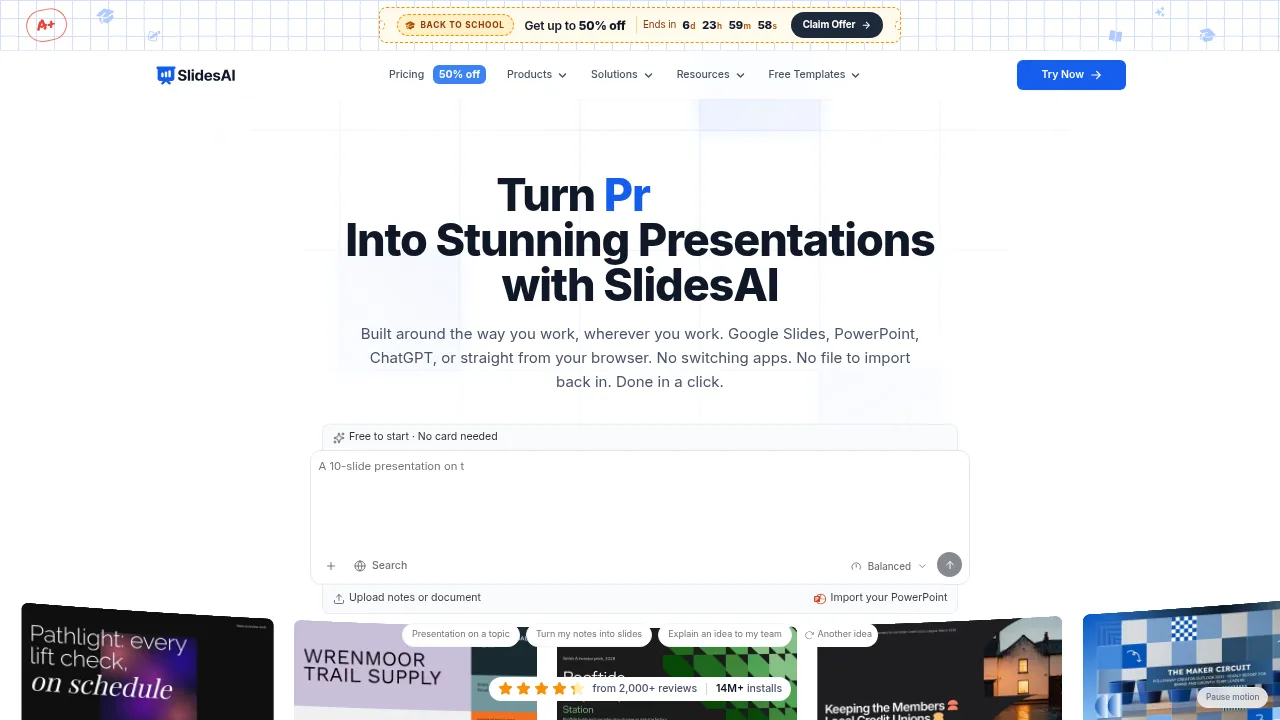
SlidesAI

SlidesAI

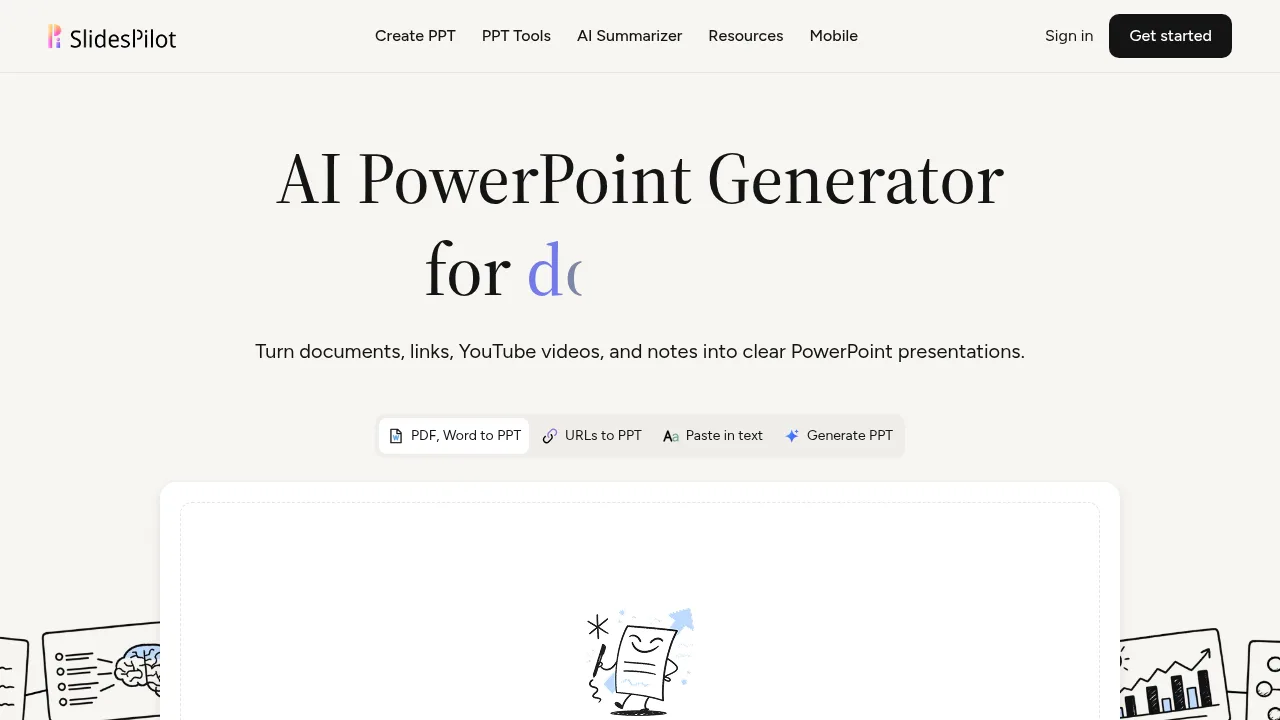
SlidesAI builds presentations from notes, documents, or prompts across web, Google Slides, PowerPoint, and ChatGPT interfaces.

US
18.13%
272.2K
0
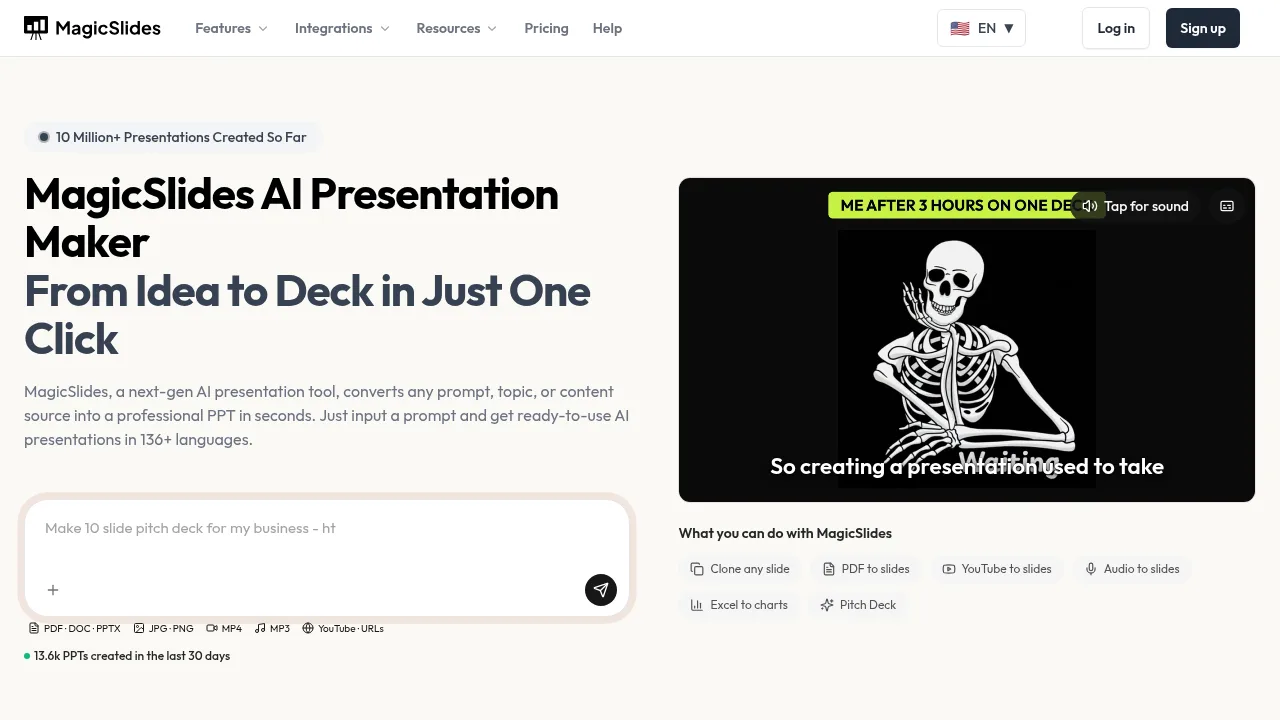
MagicSlides

MagicSlides

MagicSlides converts text, documents, YouTube videos, and other inputs into editable presentations across multiple platforms and languages.

US
19.99%
199.5K
0
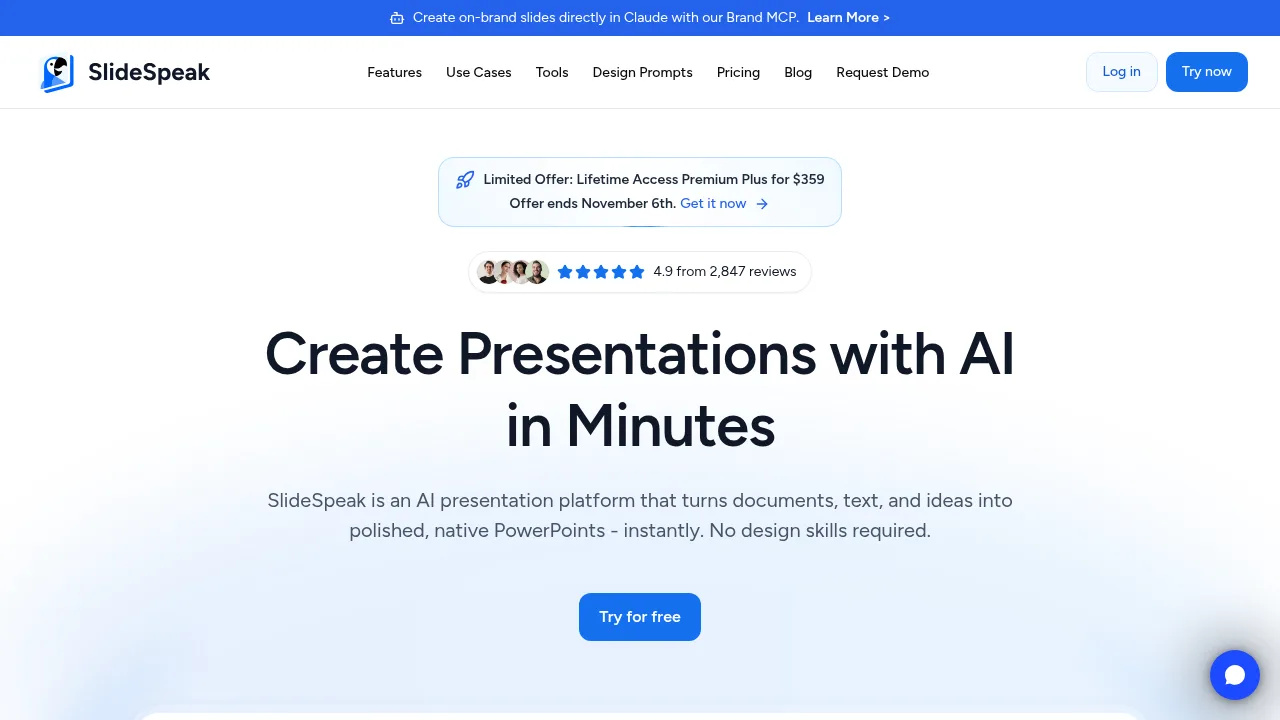
Slidespeak

Slidespeak

Slidespeak generates editable PowerPoint files from uploaded documents, text prompts, or links using AI-driven design and narration tools.

IN
24.62%
704.9K
0
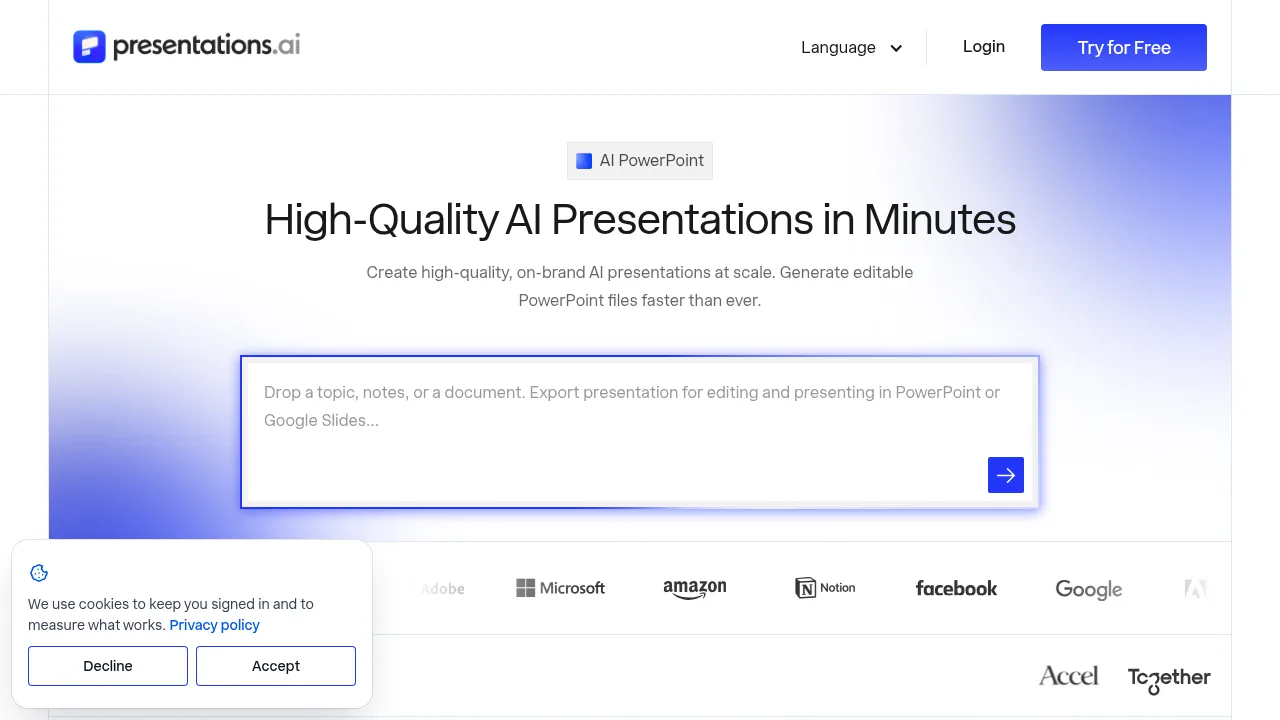
PresentationAI

PresentationAI

PresentationAI converts documents, URLs, and prompts into editable PowerPoint decks with automatic branding and live data synchronization.

IN
17.46%
660.6K
0
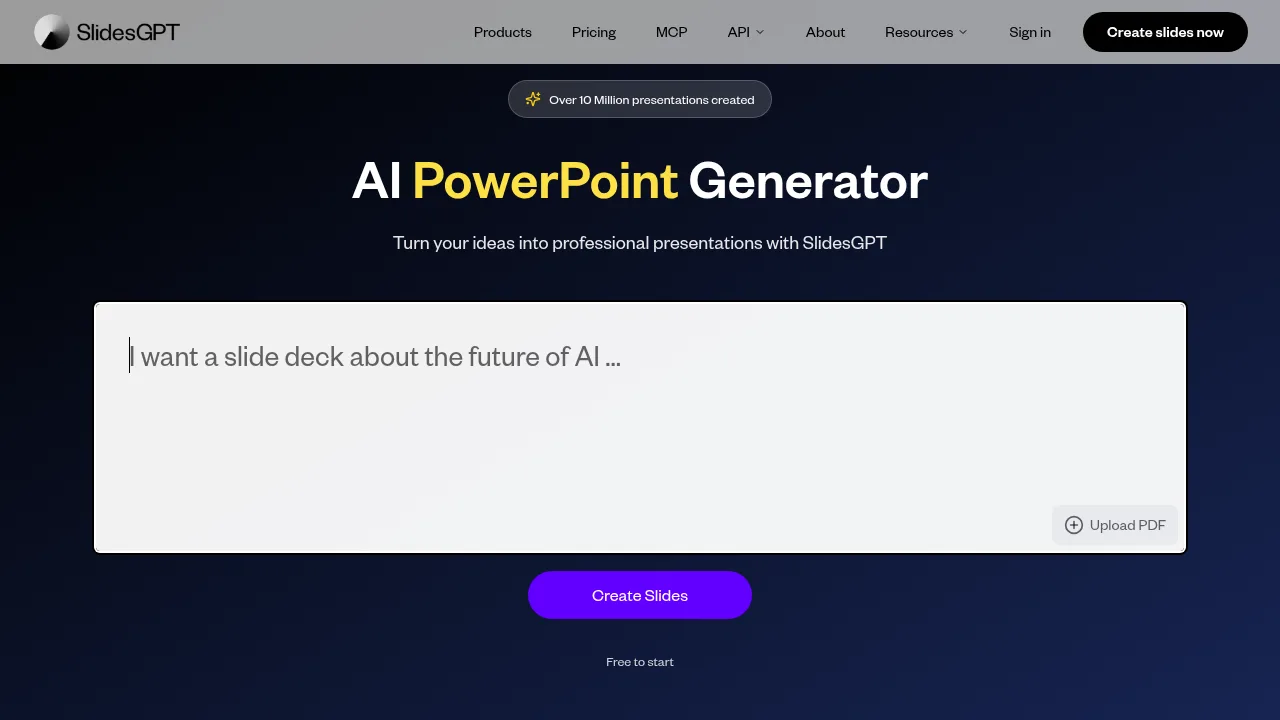
SlidesGPT

SlidesGPT

SlidesGPT generates PowerPoint, Google Slides, and PDF presentations from text prompts or uploaded documents.

IN
23.80%
141.7K
0
SlidesPilot

SlidesPilot

SlidesPilot converts documents, videos, links, and text prompts into editable PowerPoint presentations with structured narratives and visual elements.

US
12.25%
237.8K
0
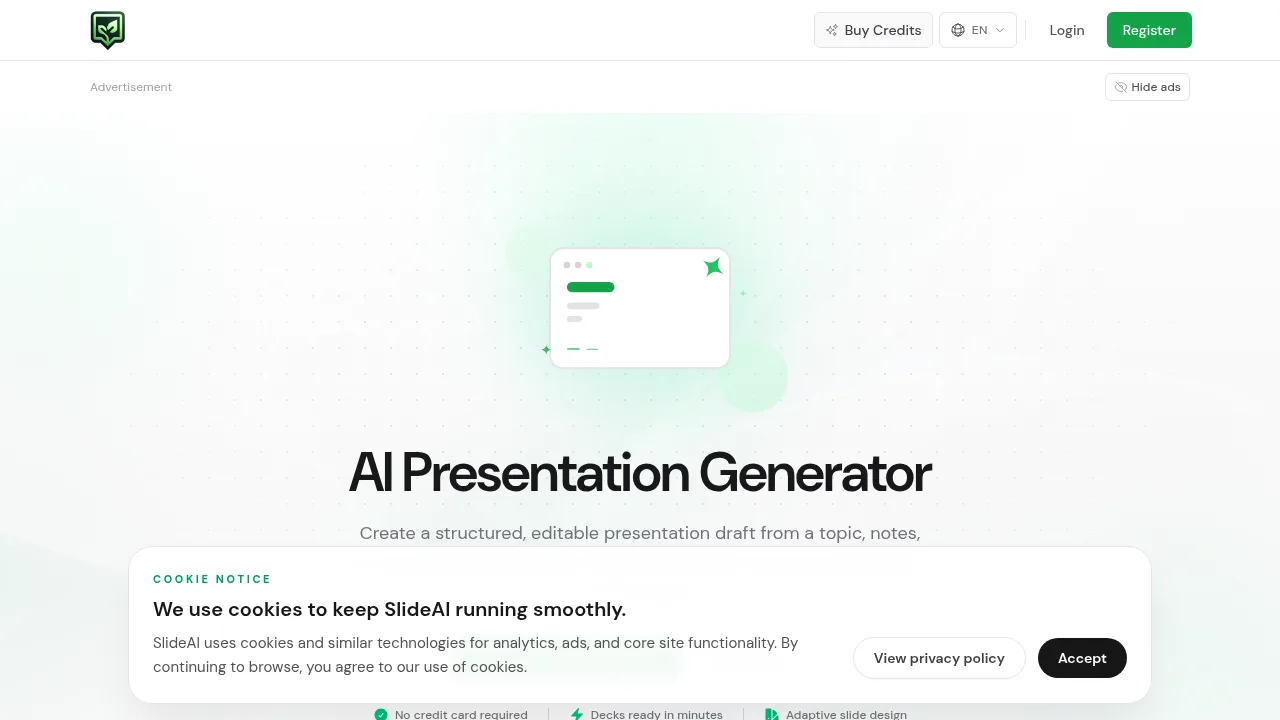
SlideAI

SlideAI

SlideAI generates editable PowerPoint-style presentation drafts from topics, outlines, or notes using a daily-refreshing credit system.

UZ
30.34%
6.3K
0
GenPPT - AI PowerPoint Generator

GenPPT - AI PowerPoint Generator

GenPPT - AI PowerPoint Generator builds editable presentation slides from uploaded documents, notes, and multimedia inputs.

IN
38.63%
60.4K
0

Plus AI Related Other Categories

Plus AI Traffic Analysis

These figures cover the whole website plusai.com. Multiple listings share this website; only one representative is included in traffic rankings.

  • Monthly Visits

    302.21K

  • Bounce Rate

    47.68%

  • Pages Per Visit

    1.73

  • Visit Duration

    00:00:31

  • Global Rank

    171812

  • Country Rank

    6938

Visits Over Time

Traffic Sources

Search Organic56.84%
Direct16.86%
Search Paid14.76%
Gen Ai5.16%
Social Organic2.21%
Referrals1.91%
Display Ads1.25%
Social Paid0.58%
Mail0.42%
Affiliate0.02%

Top Keywords

1
plus ai
CPC$7.18
7.80KTraffic
2
gamma ai
CPC$0.31
6.41KTraffic
3
best ai tools
CPC$3.81
1.19KTraffic
4
plusai
CPC$11.37
980Traffic
5
gamma
CPC$0.31
820Traffic

Top Regions

RegionPercentage
United States
United States
15.24%
India
India
11.82%
Colombia
Colombia
10.34%
Brazil
Brazil
3.62%
Germany
Germany
3.42%
Low
High

Powered by SimilarWeb

Plus AI FAQ

Does Plus AI output standard presentation files?

Yes, it generates native PPTX files using its own Open XML renderer and standard Google Slides presentations compatible with existing templates.

What security standards does the vendor claim?

The vendor states it follows enterprise-grade security practices and has achieved SOC 2 Type II compliance.

Plus AI Reviews

0
0 Reviews
Sign Into leave a review

Recent Reviews

No reviews yet

Plus AI Embed

Use website badges to drive community support for SeekTool.ai. They are easy to embed in your homepage or footer.

Light
Dark
Plus AI - Featured on SeekTool.aiPlus AI - Featured on SeekTool.ai
How to install?