
What is Pixo?
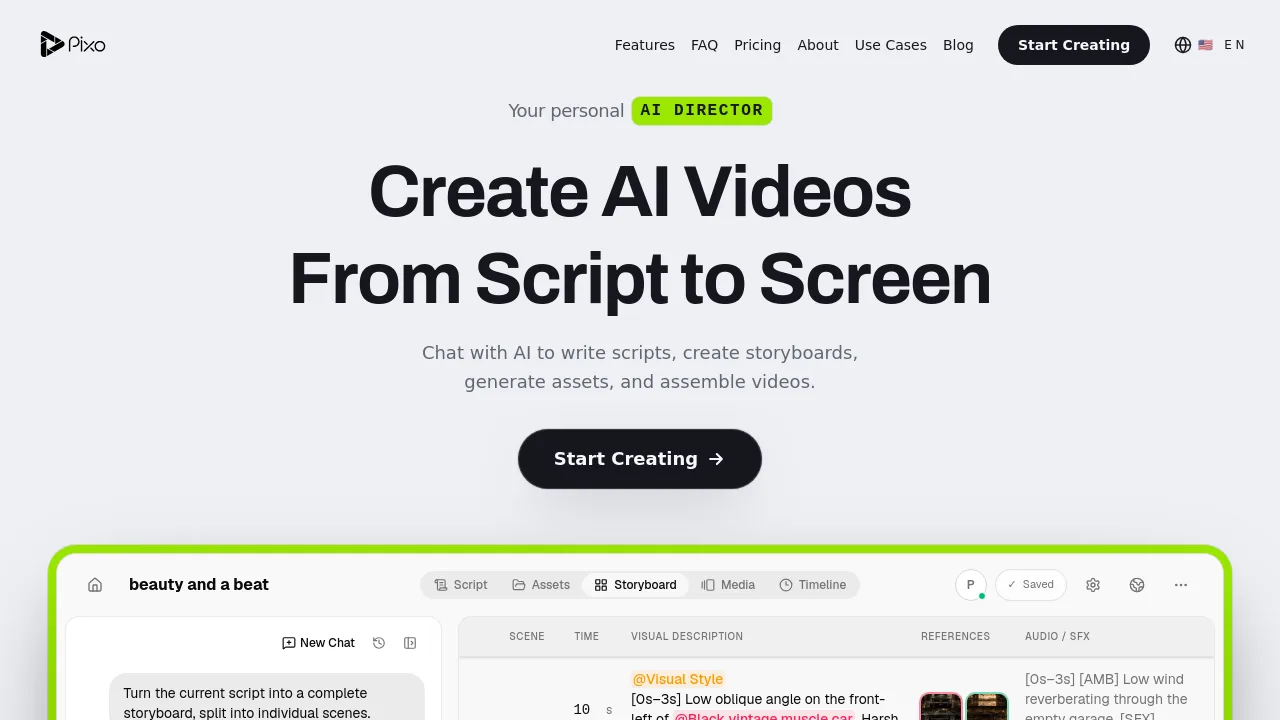
Pixo is an AI video director tool that lets you create videos from script to screen in a single chat conversation. It helps content creators, marketers, and educators write scripts, build storyboards, generate visual assets, and assemble final videos on a timeline. Ideal for users who want to maintain consistent characters and locations across scenes without starting over.
What are the features of Pixo?
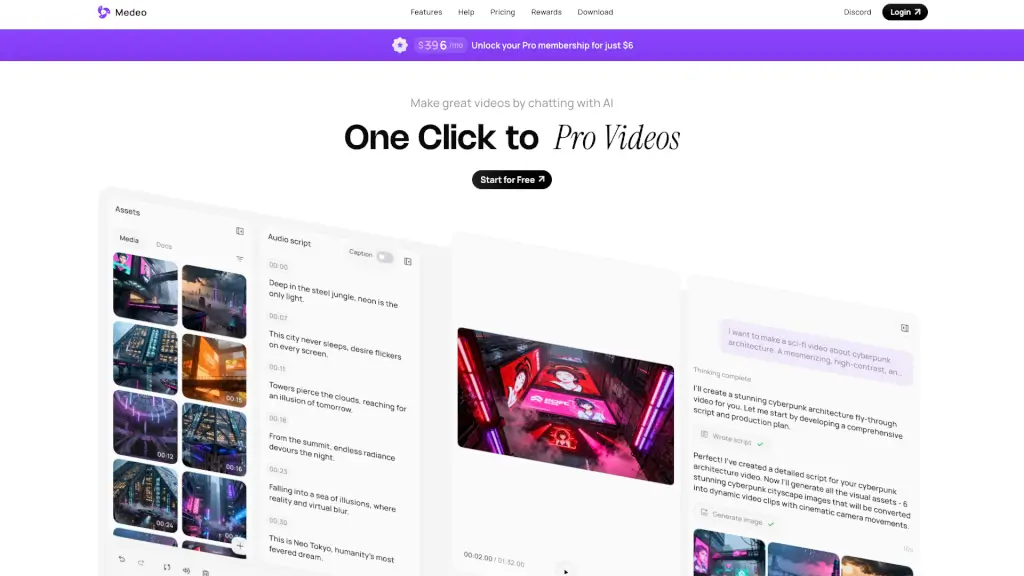
- Script-to-Storyboard WorkflowChat with Pixo AI to write a script, then turn it into a complete storyboard with scene-by-scene visual descriptions, references, and audio cues.
- Scene-Level EditingReview and modify individual shots—camera angles, lighting, character positions—without regenerating the entire video.
- Consistent World ManagementReuse the same characters, products, locations, and visual styles across all scenes automatically for a unified look.
- AI-Assisted Timeline AssemblyPixo arranges clips, voiceover, music, and sound effects on a timeline; regenerate only what changed.
- Real-Time PreviewPreview each scene’s visual style and audio before final rendering, with controls for duration and timing.
What are the use cases of Pixo?
- YouTube ContentTurn a script into a polished video with consistent visuals and pacing for channel growth.
- Marketing & AdsProduce multiple ad variations quickly with different shots and audio without extra production overhead.
- Music VideosGenerate synchronized video content that matches your audio track, including storyboard and beat-timed edits.
- Educational ContentCreate training videos with AI-generated animations and clear narrative flow.
- Product ShowcasesBuild professional demos with dynamic animations and focused narratives.
How to use Pixo?
- Start a new chat and describe your video idea, target audience, style, and desired length.
- Let Pixo generate a script, then review and adjust the storyboard split into individual scenes.
- Fine-tune each scene’s visual description, camera moves, references, and audio/SFX before generation.
- Use the timeline to arrange clips, voiceover, music, and sound; regenerate only the parts that need changes.
- Export the finished video once all scenes meet your requirements.