

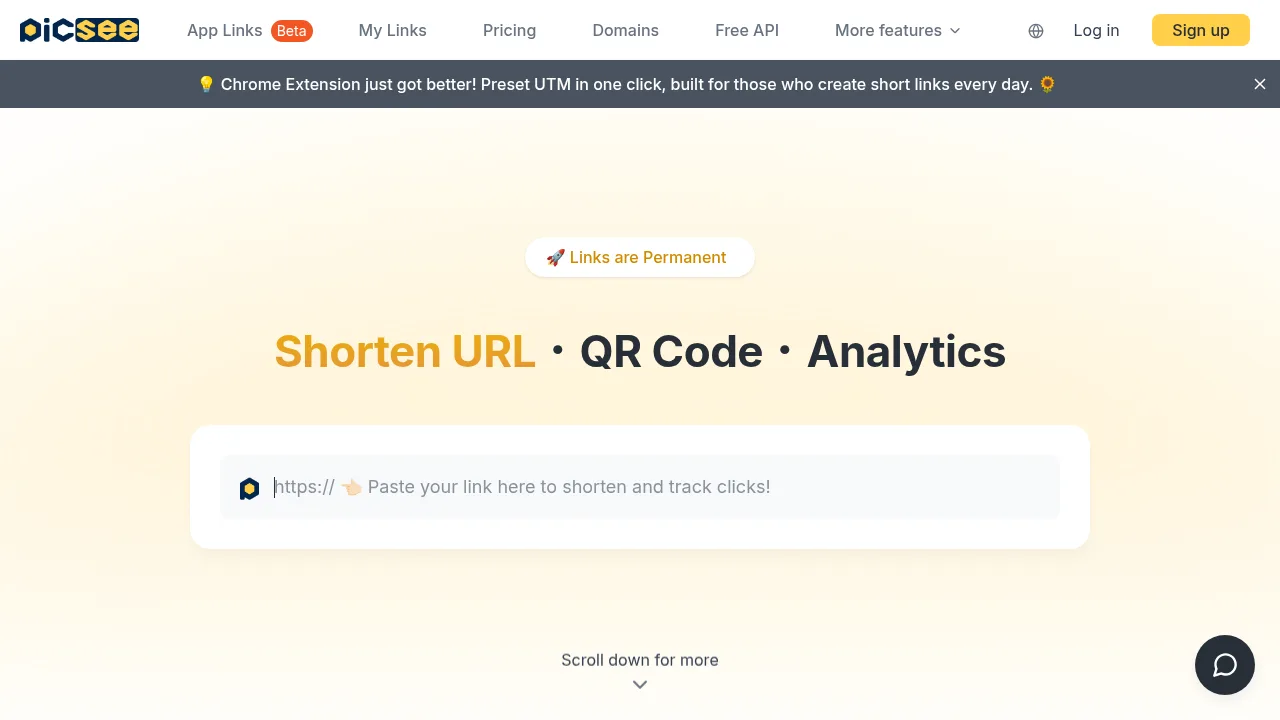
What is PicSee Link Optimizer?
PicSee Link Optimizer is a URL shortening service that generates permanent, editable short links with QR codes and click analytics. It is accessed via web interface, Chrome extension, API, or Google Sheets formulas. While many features are listed as free, the vendor notes that some free features have usage limits detailed on their pricing page.
What are the features of PicSee Link Optimizer?
- Editable destination URLsChange the target address of a shortened link at any time after creation without replacing the short URL itself.
- Customizable link previewsOverride the default title and thumbnail displayed when the short link is shared on social media platforms.
- Bulk shorteningUpload Excel files to generate up to 100,000 short links at once.
- Built-in UTM builderSave and automatically append UTM parameters to links for integration with GA4 traffic tracking.
- Short link APIProgrammatically shorten URLs and retrieve analytics; supports anonymous calls for shortening and OAuth-authenticated calls for management tools.
- Click analyticsTrack hourly clicks, device types, and regions, with an option to export data to CSV.
What are the use cases of PicSee Link Optimizer?
- Updating the destination of a printed QR code on flyers or posters without reprinting materials.
- Routing visitors to different landing pages based on whether they use a mobile device or desktop computer.
- Automatically opening YouTube video links in the native YouTube app on mobile devices.
PicSee Link Optimizer Pricing Information:
- Free tier: Includes unlimited short links stated to be permanently valid, custom subdomains, slug customization, link preview editing, QR codes, AI-generated titles, tag management, Meta Pixel and GTM insertion, UTM builder, analytics, Chrome extension, branded short domains, API access, device targeting, bulk shortening (up to 100,000 links), YouTube app routing, activity logs, SocialVIP, and Google Sheets integration. The vendor states some free features have usage limits; specific caps are not detailed in the provided source.
- Paid features: Exporting analytics to CSV, advanced search by keywords/URLs/UTMs, setting link expiration times, adding group members, and path parameter tracking are listed separately from the free feature set. Specific prices and plan names are not provided in the source.