
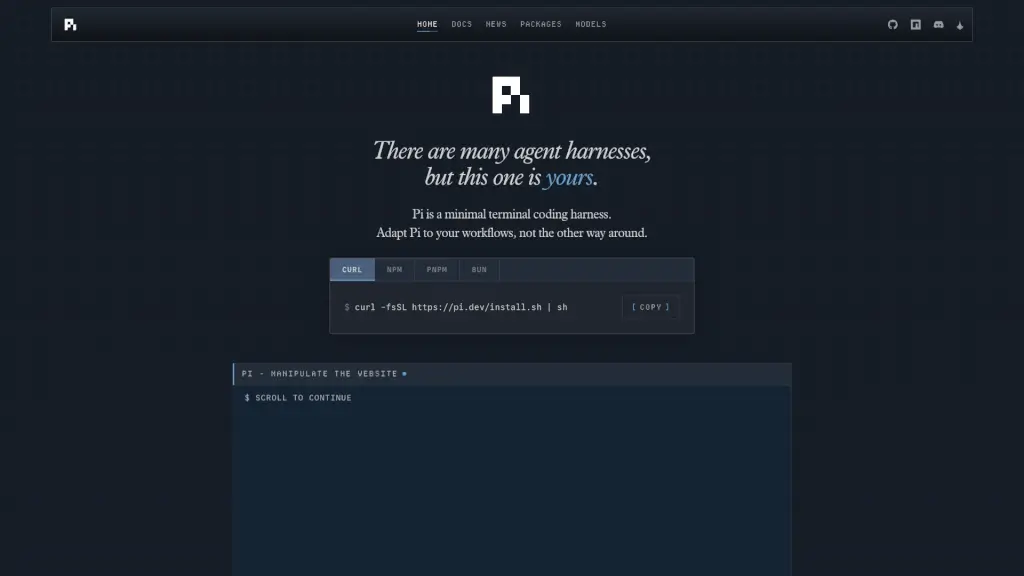
What is Pi Coding Agent?
Pi Coding Agent is a minimal terminal coding harness designed for developers who want full control over their workflow—not the other way around. Instead of forcing you into rigid structures, Pi adapts to how you code by letting you build custom tools, UIs, and automation right inside your terminal. Whether you're committing code, switching AI models on the fly, or drawing diagrams with third-party extensions, Pi stays lightweight while giving you powerful customization.
Built for efficiency and flexibility, Pi skips bloated features like built-in sub-agents or plan modes. Instead, it empowers you to create exactly what you need—or install community packages that already do it. With support for 15+ AI providers and seamless integration into your existing shell environment, Pi turns your terminal into a smart, personalized coding assistant that evolves with your projects.
What are the features of Pi Coding Agent?
- Custom Workflow Extensions: Build or install extensions (like TUIs, editors, or DOOM!) using TypeScript to tailor Pi to your exact needs.
- Multi-Model Support: Switch instantly between Anthropic, OpenAI, Google, Mistral, Ollama, and 10+ other AI providers mid-session with
/modelor keyboard shortcuts. - Tree-Structured Session History: Navigate, branch, and share your entire coding session as a tree—export to HTML or share via GitHub Gist with one command.
- Context Engineering: Control what goes into the AI’s context window using
AGENTS.md,SYSTEM.md, skills, and dynamic compaction to avoid prompt bloat. - Four Operating Modes: Use Interactive TUI, Print/JSON for scripting (
pi -p "query"), RPC for integrations, or SDK to embed Pi in your apps. - Token Efficiency: Thanks to its minimal system prompt and smart context management, Pi uses fewer tokens while staying highly responsive.
- Steerable Execution: Press Enter to interrupt and steer a running task, or Alt+Enter to queue a follow-up without stopping current work.
What are the use cases of Pi Coding Agent?
- Automate git commits and pushes with a custom TUI extension that previews changes before publishing.
- Rapidly prototype shell scripts by asking Pi to generate them in print mode for direct use in pipelines.
- Collaborate by sharing a branched session tree with teammates via a single shareable URL.
- Load project-specific instructions automatically using
AGENTS.mdso Pi understands your codebase rules. - Draw ASCII or SVG diagrams in-terminal using the
@termdraw/piextension during documentation sprints. - Switch from a fast local model (Ollama) to a powerful cloud model (Claude) when debugging complex logic.
- Bundle your favorite prompts, themes, and tools into a reusable Pi package and publish it on npm.
How to use Pi Coding Agent?
- Install Pi via curl:
curl -fsSL https://pi.dev/install.sh | sh - Start an interactive session by typing
piin your terminal. - Generate a script without TUI using print mode:
pi -p "create a backup script for my project" - Switch AI models anytime with
/model openai/gpt-4oor press Ctrl+L. - Save and share your session: run
/shareto upload to a GitHub Gist with a live-rendered URL. - Customize behavior per project by adding
AGENTS.mdorSYSTEM.mdfiles in your repo root.