
Photo to Video logo

Photo to Video

Official
3.0
(0 Reviews)

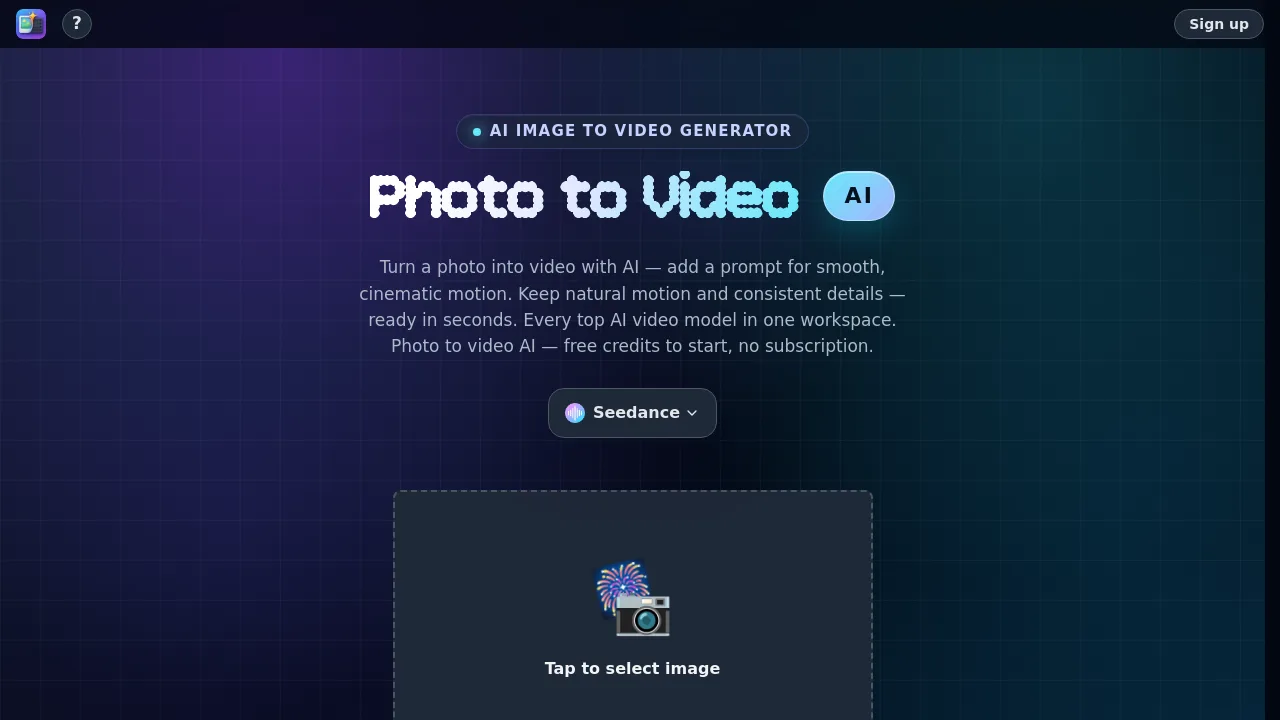
Photo to Video AI is an image-to-video generator that lets creators animate still photos into short clips using multiple AI video models, with free credits and no subscription.

Verified by SeekTool
Photo to Video

Photo to Video Product Information

What is Photo to Video?

Photo to Video AI is an AI video generator that turns still photos, illustrations, or plain prompts into animated short clips. It works by analyzing the original image and generating new frames with natural camera movement, while keeping subject details consistent. Creators, marketers, and hobbyists can access multiple leading AI video models (Wan, Kling, MiniMax, Seedance, and others) in one workspace. New accounts receive free credits to start, and there is no subscription required.

What are the features of Photo to Video?

  • Multi-Model Access: Compare and switch between 12+ video generation models (Seedance 2.0, MiniMax H3, Wan 3.0, Kling 3.0, Vidu Q3, Grok Imagine) per project.
  • Camera Direction Controls: Direct specific motions like push-in, orbit, or handheld energy instead of leaving the camera movement to guesswork.
  • Image-to-Video Animation: Upload one photo or illustration, add a text prompt, and the tool generates smooth motion while preserving the original subject’s shape, color, and composition.
  • AI Portrait Animator: Make faces blink, smile, and turn naturally from a single still headshot, suitable for old photos or modern portraits.
  • AI 360 Spin from Image: Rotate a subject on a clean loop from one product shot, useful for e-commerce listings and product showcases.
  • Background Animator: Animate or replace the backdrop behind a subject—skies, water, or scenes can move while the foreground edges stay clean.

What are the use cases of Photo to Video?

  • E-commerce product photographer: Generate 360-degree spin videos or lifestyle scenes from a single product shot for online listings.
  • Social media content creator: Turn a single promotional photo into a short, cinematic video clip with directed camera motion.
  • Portrait animator or family archivist: Bring old family photos or headshots to life with natural blinking, smiling, and head turns.
  • Graphic designer or illustrator: Add gentle motion to static artwork or illustrations for video presentations or portfolio reels.

How to use Photo to Video?

  1. Upload a single photo, illustration, or plain text prompt to the generator.
  2. Add an optional text prompt to describe the desired motion, camera movement, or scene.
  3. Select an AI video model from the available list (Wan, Kling, Seedance, MiniMax, etc.).
  4. Choose video resolution settings (up to 4K depending on the model) and click generate.
  5. Preview the finished clip, then download it as an MP4 file using the Download button.
Do you like this tool?

Upvote to help others discover it!

Photo to Video Alternatives

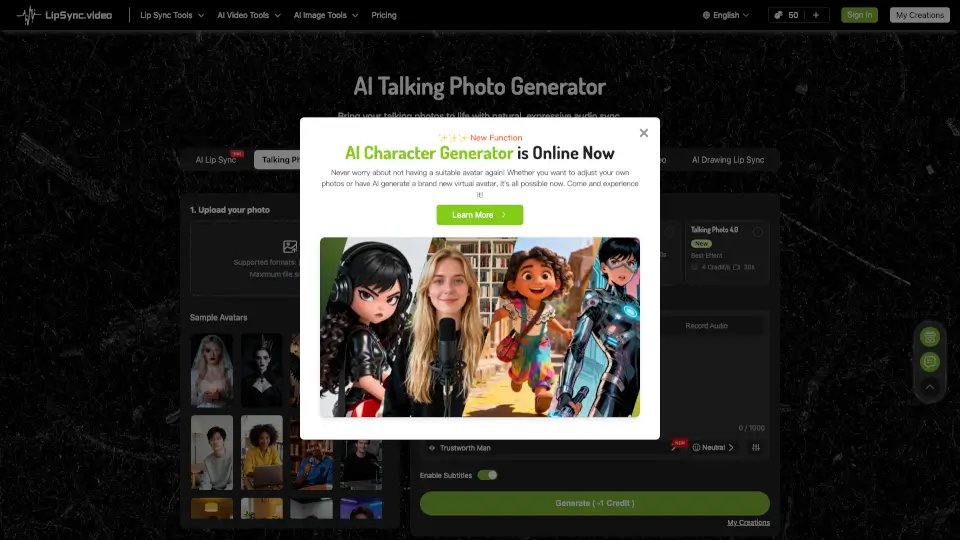
Talking Photo - LipSync

Talking Photo - LipSync

Transform photos into talking animations with realistic lip sync and expressions. Perfect for social media, education, marketing, and more. Easy, fast, and fun!

US
13.14%
332.9K
5.0
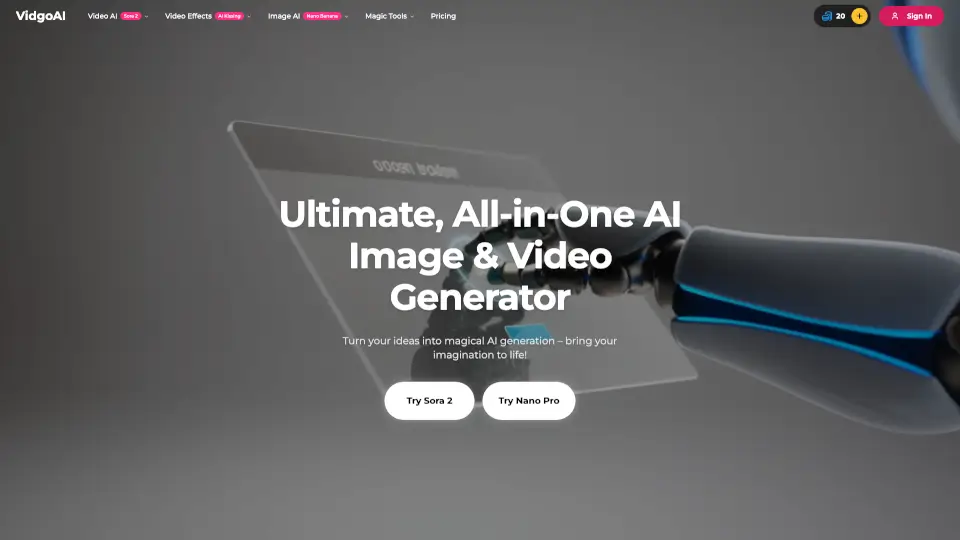
Vidgo AI

Vidgo AI

Transform photos into stunning videos instantly with Vidgo AI's image to video generator. Free, easy, and high-quality results! ---

BR
15.35%
58.1K
5.0
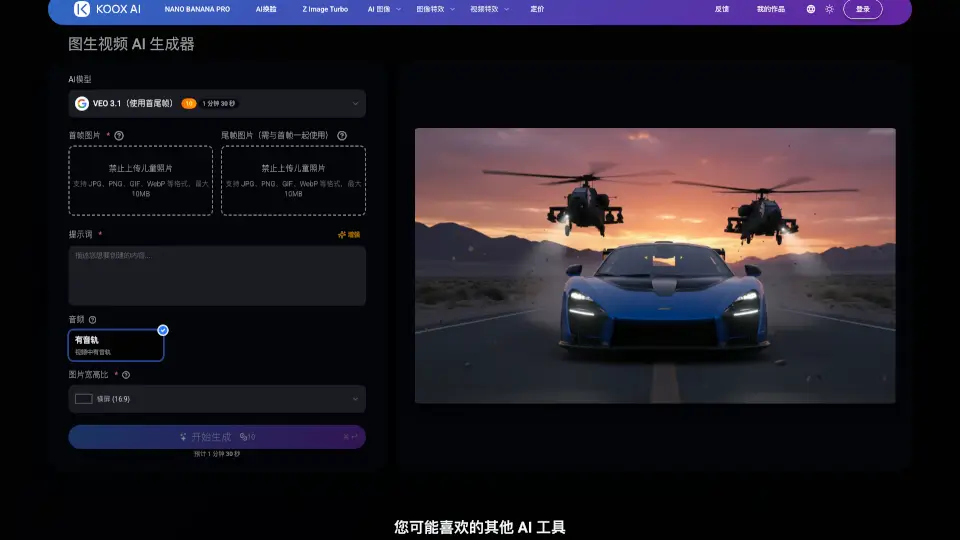
KOOX AI

KOOX AI

Transform any photo into a dynamic, lifelike video with KOOX AI's free Image to Video generator, featuring realistic motion and synchronized audio.

BR
29.74%
66.3K
5.0
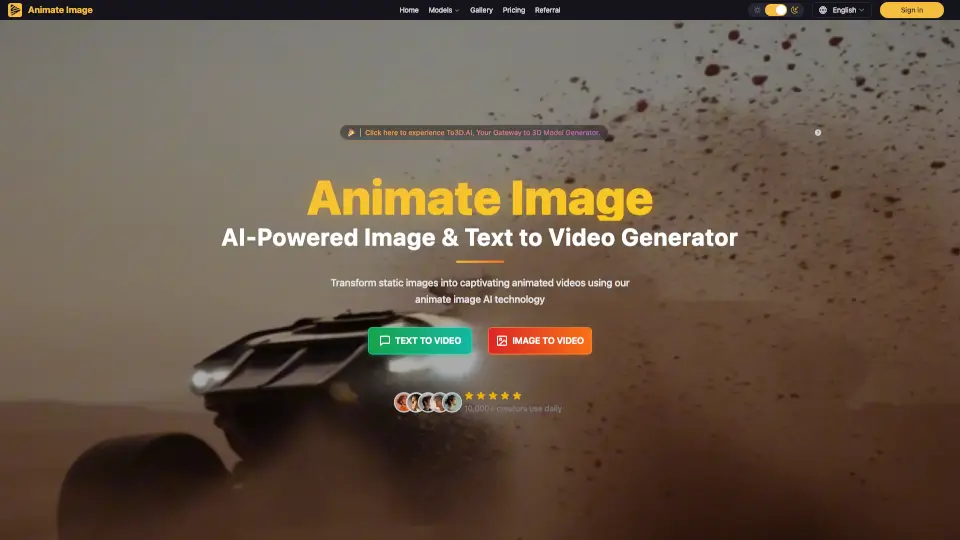
Animate Image AI

Animate Image AI

Animate Image AI turns photos into animated videos in seconds. Free, easy to use, and perfect for social media, marketing, or personal memories.

BR
45.91%
5.6K
3.0
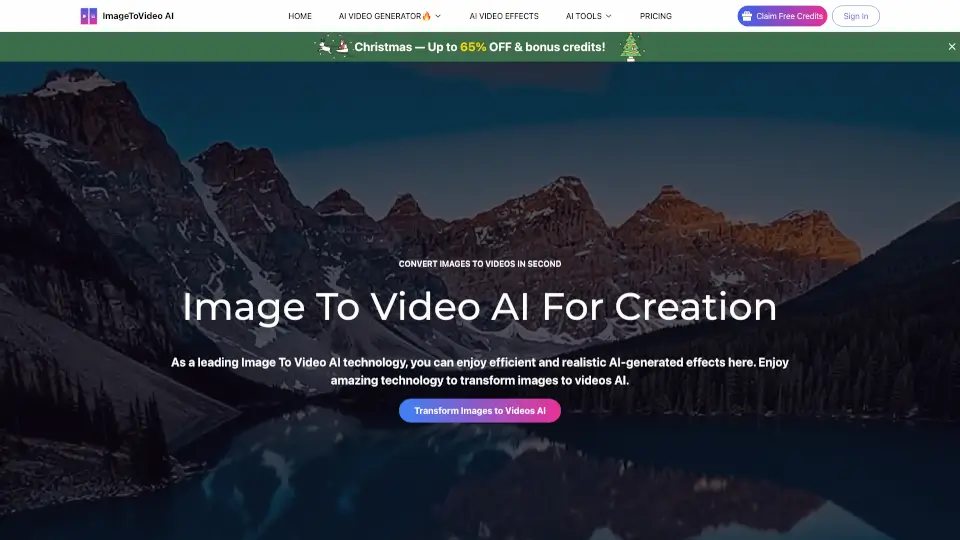
ImageToVideo AI

ImageToVideo AI

ImageToVideo AI is a hassle-free way to convert images and text into videos—perfect for social media, work, or fun. No cost, no complications!

US
15.83%
48.8K
4.0
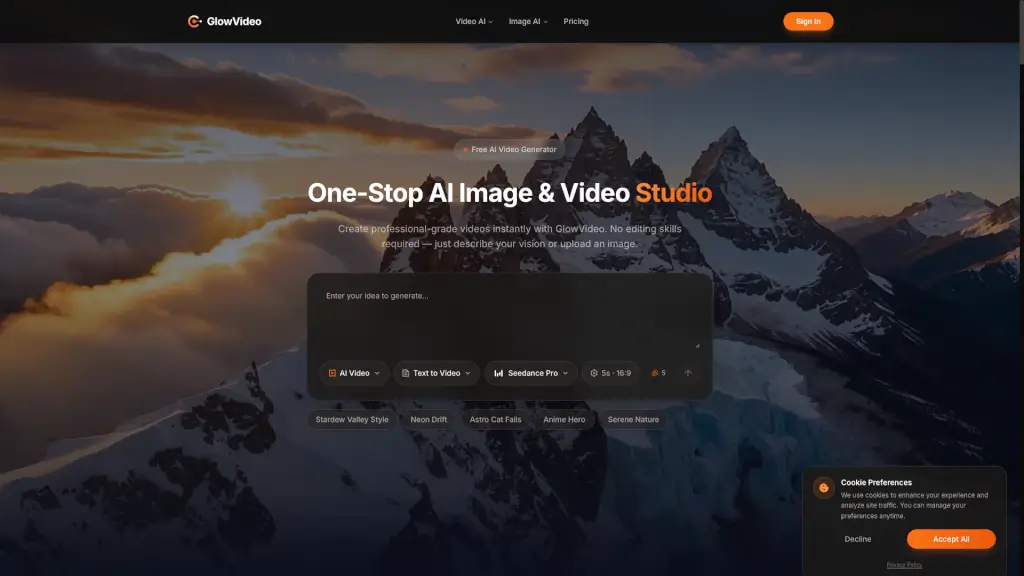
GlowVideo

GlowVideo

GlowVideo is a free AI video generator that transforms text and images into professional 4K videos instantly, with no editing skills required. Perfect for content creators, marketers, and anyone looking to make stunning videos.

US
80.97%
1.3K
3.0
Creatify AI Product Video Generator

Creatify AI Product Video Generator

Creatify’s AI turns product images into pro videos fast & cheap, perfect for e-commerce and ads.

US
19.17%
821.6K
5.0
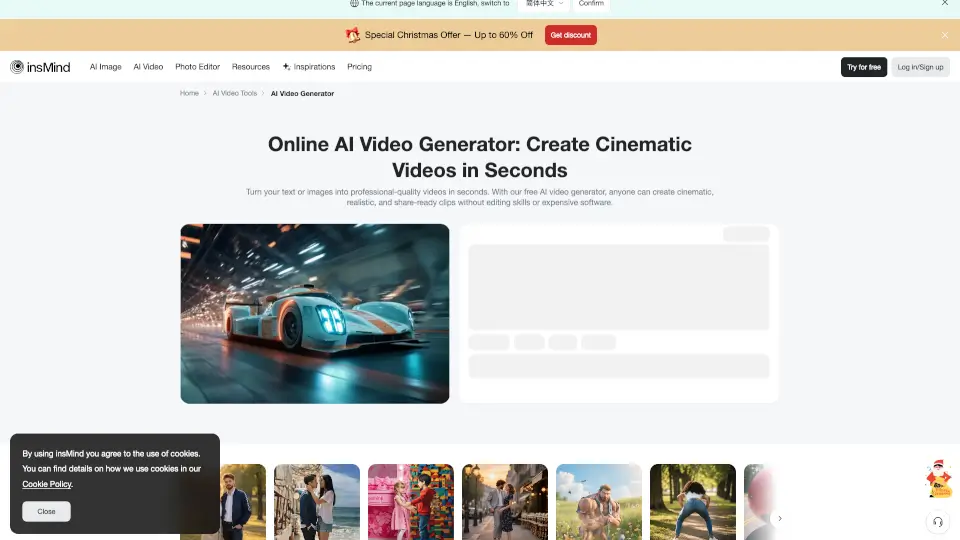
insMind AI Video Generator

insMind AI Video Generator

insMind AI Video Generator lets you turn text and photos into cinematic, high-quality videos in seconds—no editing skills needed.

RU
16.11%
630.1K
5.0

Photo to Video Related Other Categories

Photo to Video FAQ

What is Photo to Video AI?

Photo to Video AI is an image-to-video generator that turns still photos into short animated video clips using generative AI with natural motion and camera movement.

How do I turn a photo into a video?

Upload a photo, add an optional prompt, choose a model, and generate. The tool produces a short clip with smooth motion in seconds.

How does Photo to Video AI work?

It analyzes the still photo to predict depth, lighting, and motion behavior, then generates new frames with natural camera movement while keeping subject details consistent.

Is Photo to Video AI free?

Yes, new accounts get free credits to start, and there is no subscription. Each generation uses credits.

Photo to Video Reviews

0

0

0 Reviews
Sign Into leave a review

Recent Reviews

No reviews yet

Photo to Video Embed

Use website badges to drive community support for SeekTool.ai. They are easy to embed in your homepage or footer.

Light
Dark
Photo to Video - Featured on SeekTool.aiPhoto to Video - Featured on SeekTool.ai
How to install?