
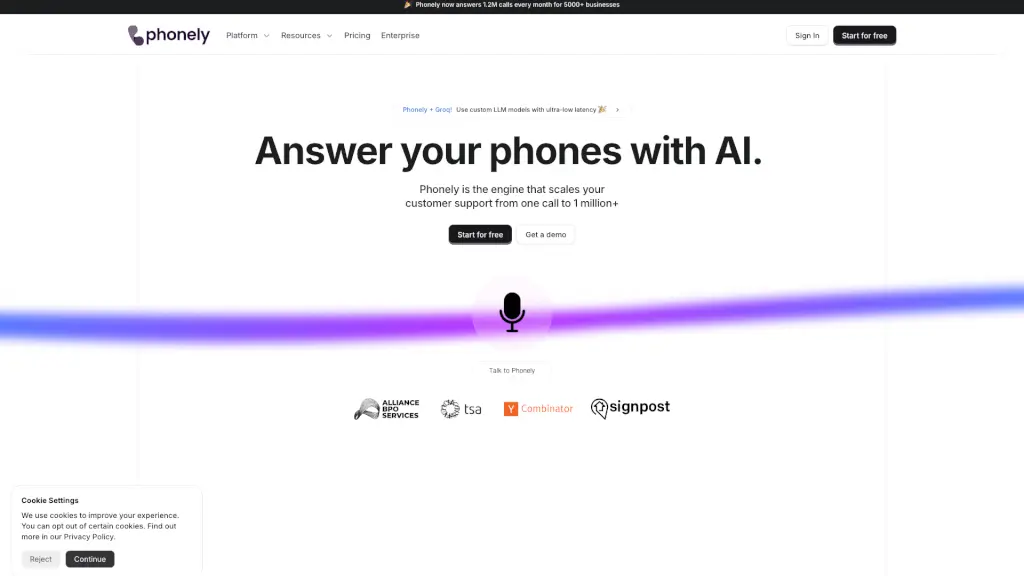
What is Phonely AI?
Phonely AI is a cutting-edge voice AI solution designed to help businesses handle their support and sales calls with ease. Imagine having an AI assistant that can answer your phones, schedule appointments, and even clone voices, all while integrating seamlessly with your existing tools. Trusted by over 5,000 businesses worldwide, Phonely AI ensures that no call goes unanswered, providing a seamless and efficient customer experience. Whether you're a small business or a large enterprise, Phonely AI scales with you, handling up to 1.2 million calls every month.
What are the features of Phonely AI?
- AI-Powered Call Handling: Automatically answers and manages calls, ensuring 100% of your calls are handled.
- Voice Cloning: Clone your own voice or a staff member's voice for a more personal touch.
- Multilingual Support: Supports over 100 languages and accents, making it perfect for global businesses.
- Integration Capabilities: Connects with your CRM, calendar, and other software for real-time updates.
- Data & Analytics: Records, transcribes, and analyzes calls to provide valuable insights.
- Customizable Workflows: Create and customize AI agents to fit your specific business needs.
- Low Latency: Responds in under 350ms, ensuring smooth and natural conversations.
What are the use cases of Phonely AI?
- Customer Support: Handle customer inquiries, provide troubleshooting steps, and resolve issues 24/7.
- Sales and Lead Qualification: Qualify leads, schedule appointments, and provide quotes.
- Healthcare: Manage patient appointments, procedure inquiries, and follow-ups.
- Real Estate: Schedule property showings, qualify leads, and reactivate cold leads.
- Legal Services: Handle legal intake, provide fee estimates, and route calls to the appropriate attorney.
- Contractor Services: Book leads, provide estimates, and schedule evaluations.
- SaaS Companies: Enhance customer interactions, provide troubleshooting, and reactivate abandoned sign-ups.
How to use Phonely AI?
- Sign Up: Create an account on the Phonely website.
- Integrate Tools: Connect your CRM, calendar, and other essential software.
- Choose a Voice: Select a voice from over 100 options or clone your own.
- Set Up Workflows: Customize your AI agent using the no-code dashboard.
- Test and Launch: Test your AI agent with a few calls and then launch it.
- Monitor and Optimize: Use the analytics to monitor performance and make adjustments as needed.