What is PDF Guru?
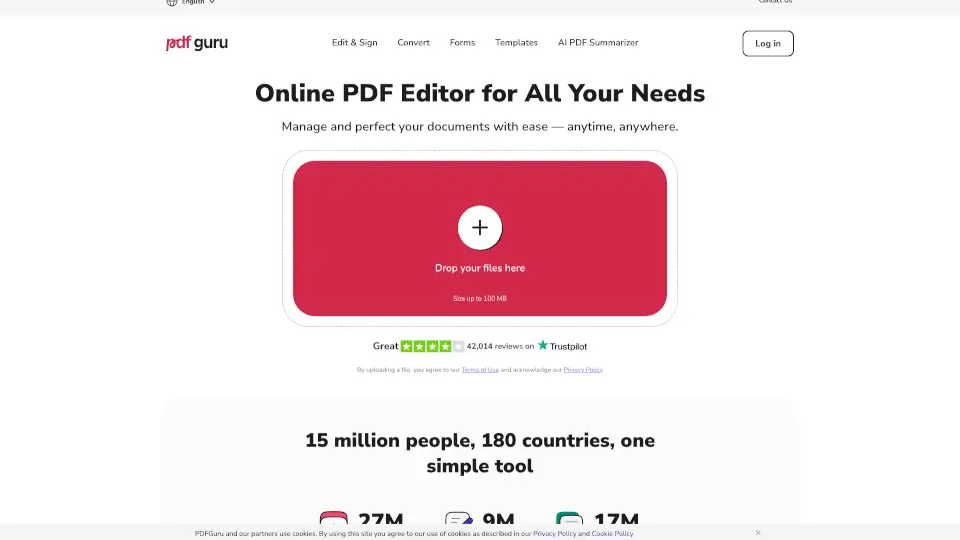
Welcome to PDF Guru, the all-in-one PDF editor that makes managing and perfecting your documents a breeze. Whether you're a student, professional, or just someone who needs to tweak a document on the go, PDF Guru has got you covered. With its intuitive design and powerful tools, you can edit, convert, sign, and manage PDFs without any hassle. No need to install anything—just open your browser and get started!
What are the features of PDF Guru?
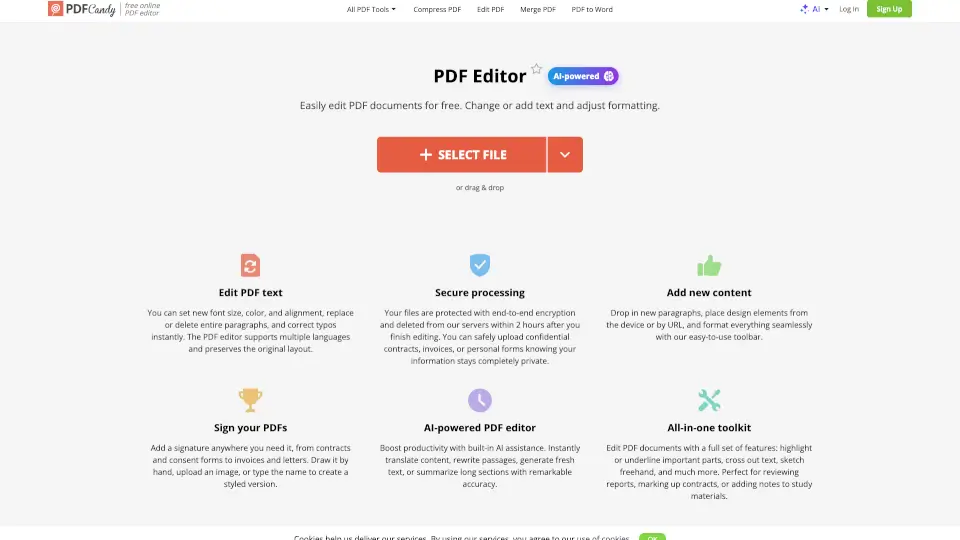
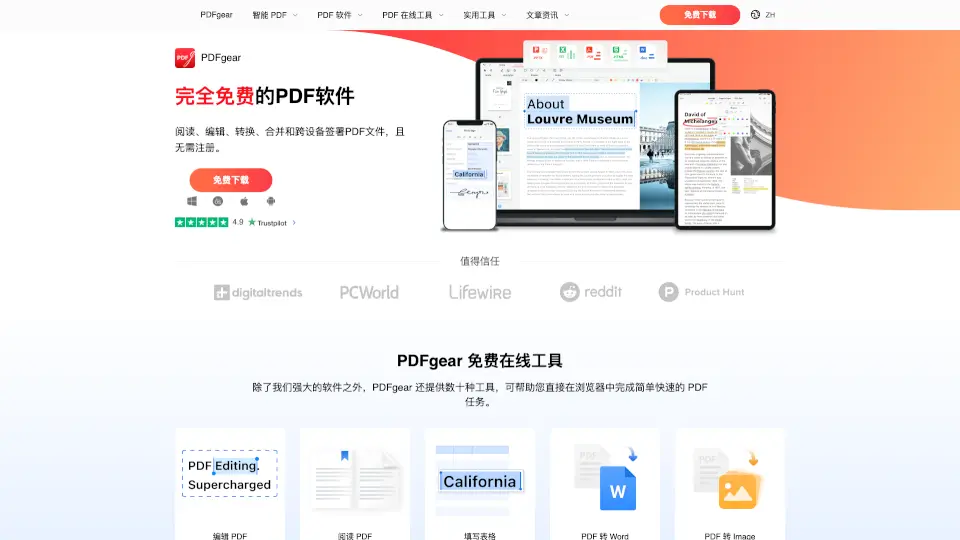
- Simple Text Editing: Need to fix a typo or update some text? Just click and type. It’s that easy.
- All-in-One Editing Suite: Highlight, add images, insert shapes, and leave notes. Everything you need to review and polish your PDFs.
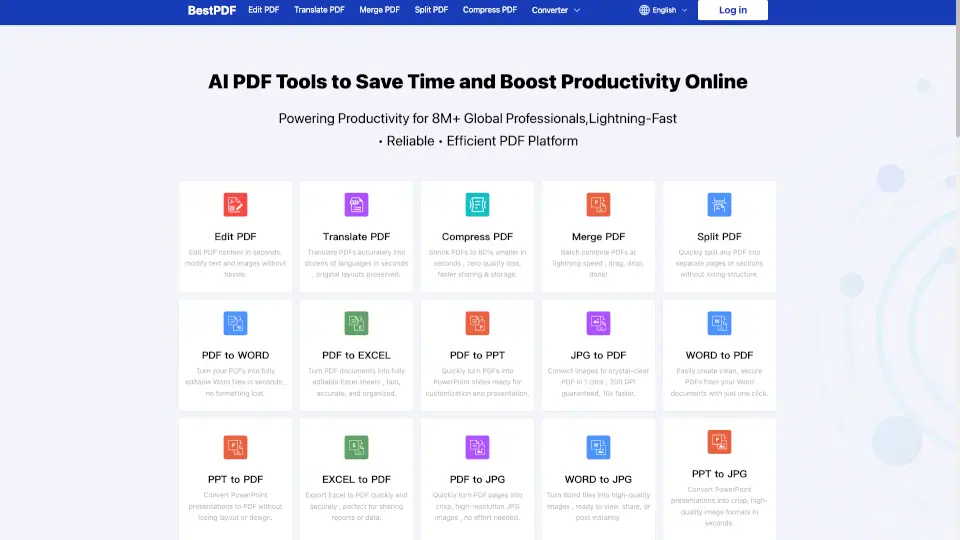
- Flexible File Conversion: Easily switch between formats like Word, PPTX, JPG, and more, without losing your layout or formatting.
- Built-in eSignature: Choose from three simple e-signing options to authorize your documents in seconds.
- Fillable Forms: Access a wide range of professional forms for tax, military, financial, and real estate needs, ready to fill and download.
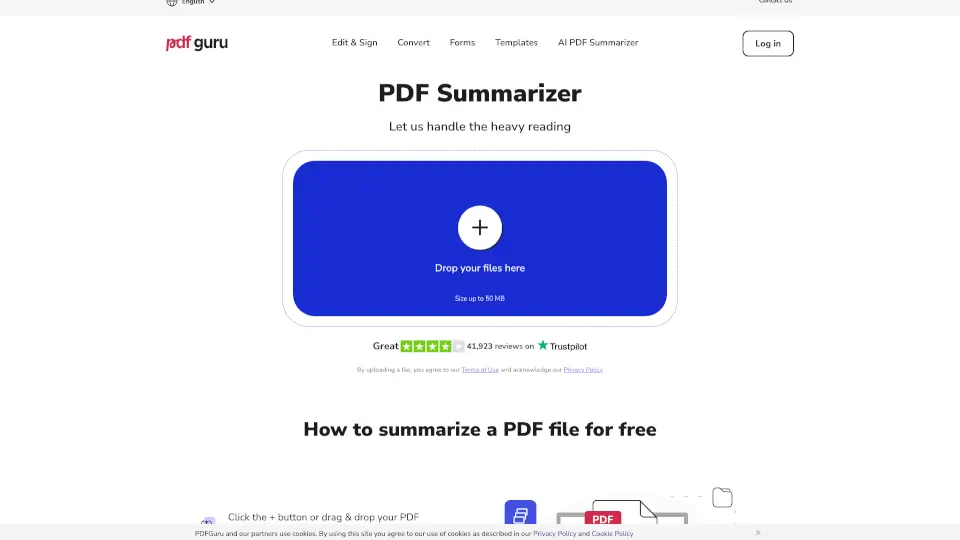
- OCR and AI Tools: Use OCR to make scanned documents searchable and editable, and summarize long PDFs with AI.
What are the use cases of PDF Guru?
- Editing Academic Papers: Fix typos, add comments, and highlight key points in your research papers.
- Business Documents: Edit, sign, and share contracts, reports, and proposals with ease.
- Financial Forms: Fill out and sign tax forms, W-9s, and other financial documents quickly and securely.
- Real Estate Documents: Manage and sign real estate agreements, leases, and other property-related forms.
- Personal Documents: Edit and sign personal documents like wills, affidavits, and applications.
How to use PDF Guru?
- Upload Your File: Drag and drop your PDF into the upload window or click to select it from your device.
- Edit Your Document: Use the toolbar to add text, images, highlights, and more. Click and type to edit existing text.
- Convert Files: Switch between different file formats using the conversion tools.
- Add an eSignature: Select the e-signature option, draw or type your signature, and place it where needed.
- Download Your File: Once you’re done, click "Done" and choose your preferred format to download.