
What is Orshot?
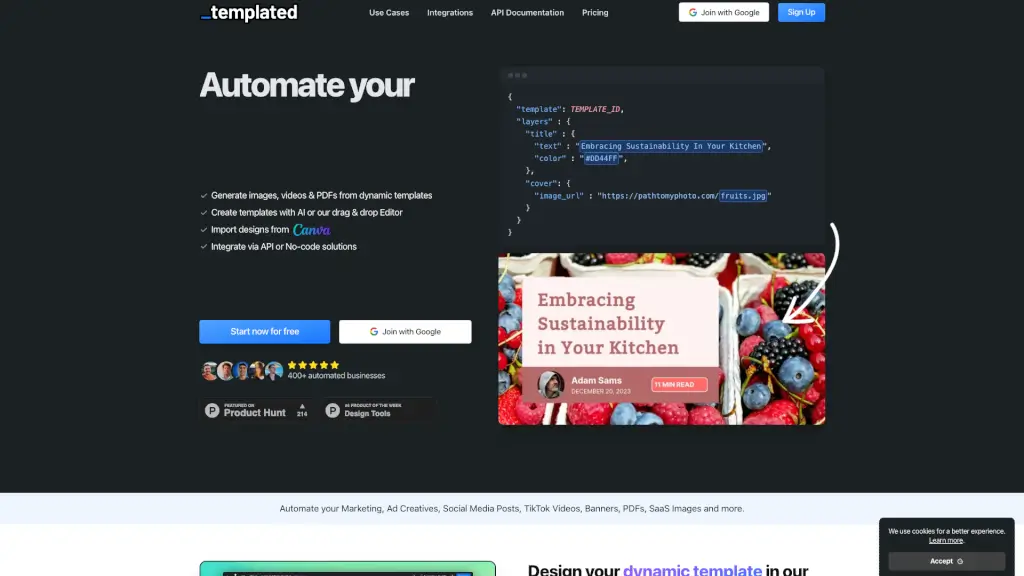
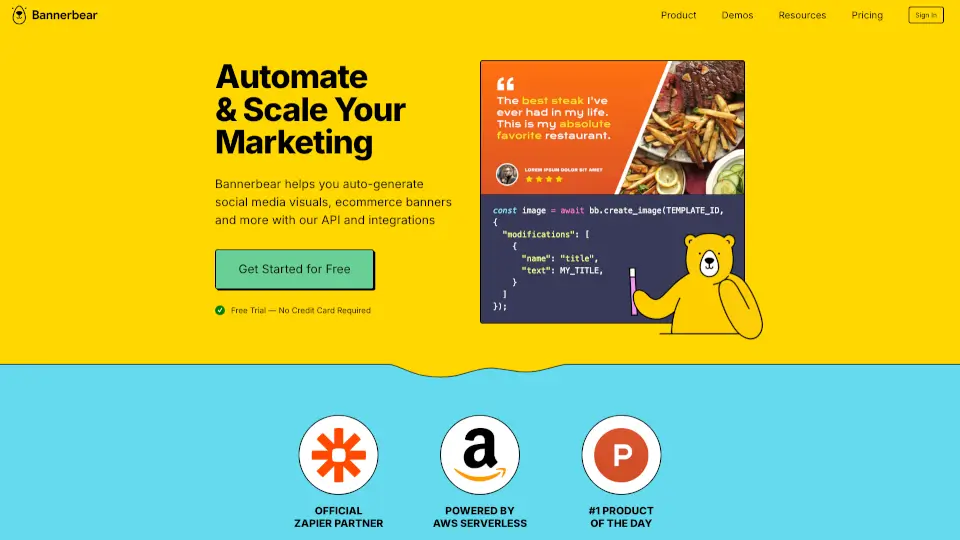
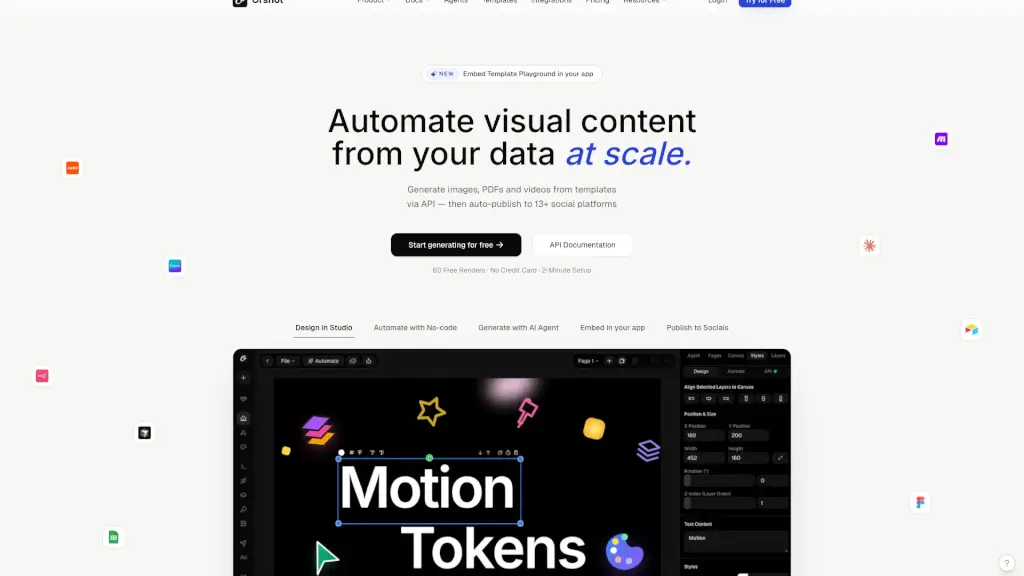
Orshot is a powerful API for generating images, PDFs, and videos at scale, making it super easy to turn your data into visually appealing content. Whether you're a marketer, developer, or agency, Orshot helps you automate the creation of on-brand visuals and publish them directly to 13+ social platforms. With Orshot, you can design once and generate multiple types of content, saving you time and effort. Plus, with no-code automation and AI-powered features, you can streamline your workflow and focus on what really matters—creating amazing content.
What are the features of Orshot?
- Template Design: Build templates in Orshot Studio or import from Canva/Figma, and mark any element as a dynamic parameter.
- Multi-Format Support: Generate images, multi-page PDFs, and MP4 videos all from the same template.
- No-Code Automation: Integrate with Zapier, Make, n8n, and other no-code tools to automate rendering and publishing.
- AI-Powered Design: Use AI agents to generate personalized templates and designs, making the process even more efficient.
- Social Publishing: Automatically publish your generated content to 13+ social platforms, including Twitter, Instagram, Facebook, and LinkedIn.
- Embeddable Editor: Embed Orshot Studio into your React or Vue app, allowing users to design, render, and publish within your domain.
- Customizable Workspaces: Organize renders by campaign, client, or project, and collaborate with team members seamlessly.
What are the use cases of Orshot?
- Marketing Campaigns: Create consistent, on-brand visuals for ad banners, social media posts, and email campaigns.
- E-commerce: Generate product images, promotional banners, and customer certificates for e-commerce sites.
- Real Estate: Produce high-quality property listings, brochures, and marketing materials for real estate businesses.
- Content Creation: Automate the generation of blog post images, infographics, and video thumbnails.
- Agency Workflows: Manage visual content creation for multiple clients, ensuring consistency and efficiency.
- Event Promotion: Design and publish event flyers, invitations, and social media posts for upcoming events.
How to use Orshot?
- Design Your Template: Start by creating a template in Orshot Studio or import one from Canva/Figma. Mark the elements you want to be dynamic.
- Set Up Dynamic Parameters: Define the parameters that will change, such as text, images, or colors, to make your template flexible.
- Integrate with No-Code Tools: Connect Orshot to Zapier, Make, or n8n to automate the rendering and publishing process.
- Use AI Agents: Leverage AI to generate personalized templates and designs, saving you time and effort.
- Publish to Socials: Set up automatic publishing to your preferred social platforms, ensuring your content reaches your audience instantly.
- Monitor and Optimize: Track your renders, errors, and performance using detailed logs and insights to continuously improve your workflow.