

What is OpalAi?
Welcome to OpalAI, the cutting-edge Spatial AI tool designed to supercharge your enterprise with intelligent analysis. Whether you're in the commercial sector or working for the government, OpalAI offers a suite of advanced solutions that can transform complex data into actionable insights. From wildfire intelligence to 3D modeling, our tools are designed to make your work more efficient and effective. Say goodbye to hours of manual video analysis and hello to smarter, data-driven decisions.
What are the features of OpalAi?
- Astro Adjuster: Elevate your efficiency with our advanced Vision Language Models (VLMs), cutting video analysis time from hours to just minutes.
- Urbanomy: Accelerate smarter, data-driven decisions for better city streets with our advanced AI-powered analytics.
- FireVision: Get advanced AI-powered wildfire intelligence that transforms complex geospatial data into actionable insights for fire agencies, utilities, and insurers.
- Scan to BIM: Generate a detailed Building Information Model (BIM) from your point cloud scan data in just three simple steps.
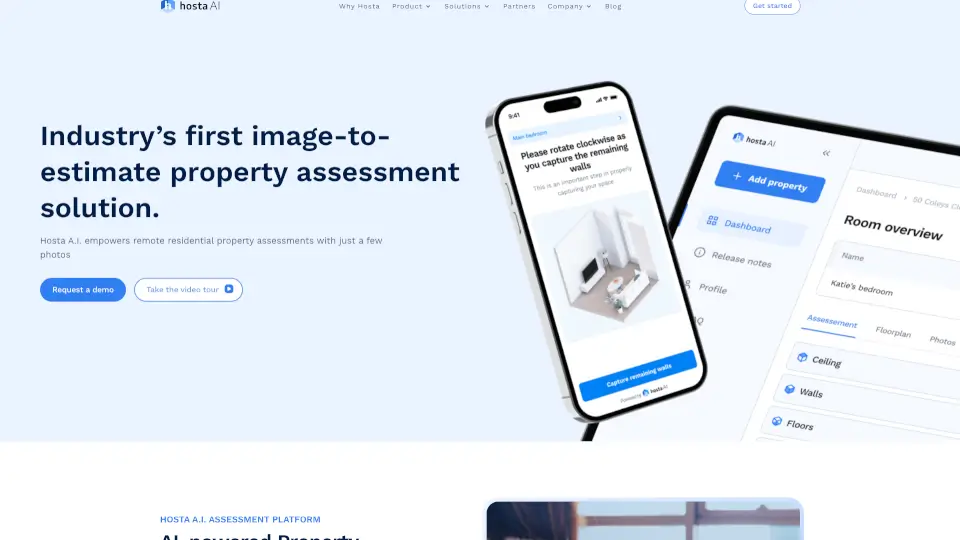
- Scan to 3D: Use our ScanTo3D mobile app to instantly create 2D and 3D CAD models in real-time, making it easy to scan your environment on the go.
What are the use cases of OpalAi?
- Real Estate and Property Management: Create stunning 3D models of properties using the ScanTo3D app, making it easier to showcase and manage real estate assets.
- Insurance Claims Processing: Transform video recordings into detailed claim assessments, streamlining the claims process and improving accuracy.
- Wildfire Management: Provide fire agencies, utilities, and insurers with actionable insights to better manage and respond to wildfires.
- City Infrastructure Management: Detect potholes, monitor road health, and evaluate sidewalk accessibility to improve urban planning and maintenance.
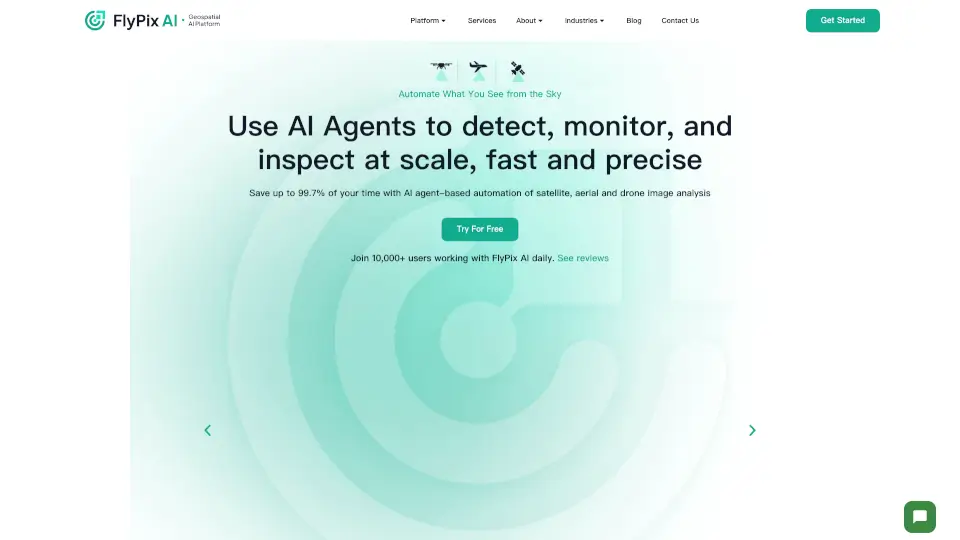
- Satellite and SAR Imagery Analysis: Analyze satellite and SAR imagery to detect vehicles, wildfires, and other critical information for space and defense applications.
How to use OpalAi?
- Upload Your Data: Start by uploading your LiDAR, 360 camera, or video data to the OpalAI platform.
- Select the Right Tool: Choose the appropriate tool based on your needs, such as Astro Adjuster for video analysis or Scan to BIM for 3D modeling.
- Follow the Steps: Follow the on-screen instructions to process your data. For example, with Scan to BIM, you'll need to upload your point cloud data and follow the three-step process.
- Review and Download: Once the processing is complete, review the results and download the final output, such as a detailed BIM or 3D model.
- Integrate and Use: Integrate the generated models and insights into your existing workflows to make data-driven decisions.