
What is Intangible AI?
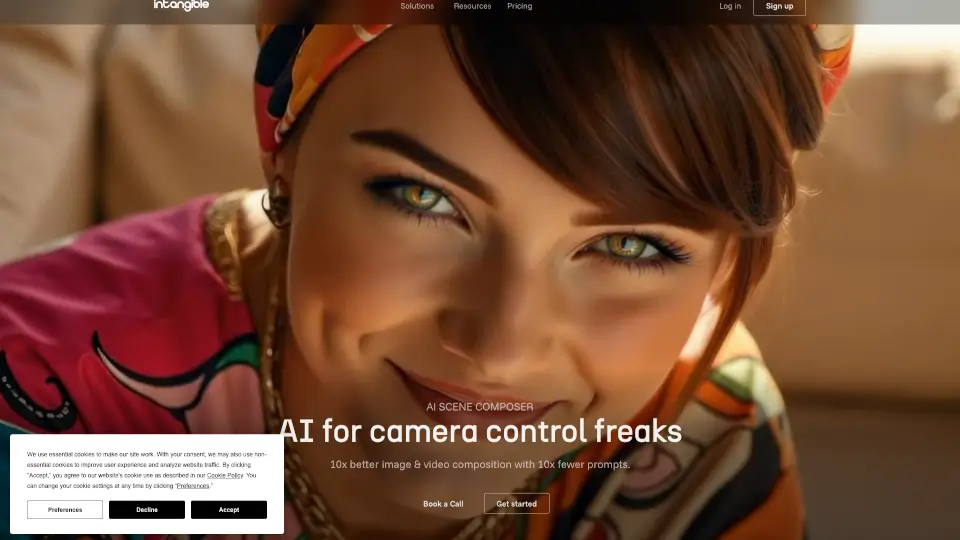
Intangible is a cutting-edge spatial intelligence AI platform designed for creative industries like film, advertising, marketing, and events. It allows you to direct AI models in a more natural, 3D environment, giving you unmatched speed and control over image and video generation. Founded by design and technology experts, Intangible is backed by leading investors and includes a team of industry veterans from top companies. This platform is all about amplifying human creativity, not replacing it.
What are the features of Intangible AI?
- AI Scene Composer: A camera-centric interface that lets you direct AI models naturally, making it 10x easier to create and compose images and videos.
- Prompt-to-Scene Generation: Quickly generate 3D scenes with simple prompts or drag-and-drop objects, saving you hours of manual work.
- Coherent Images & Video: Ensures that your generated content stays true to your shot composition and CAD geometry, eliminating AI hallucinations and depth issues.
- Browser-Based: No need for downloads; everything is accessible through your web browser, making it easy to use anywhere.
- 6,000+ Free 3D Assets: Access a vast library of 3D assets to enhance your projects, all available at no extra cost.
- Image-to-Video Conversion: Convert your images into videos with just one click, streamlining your workflow.
What are the use cases of Intangible AI?
- Film Production: Align on cinematography and visuals before production starts, saving time and resources.
- Advertising: Bring client ideas to life quickly, from pitch to project, with high-quality visuals.
- Marketing Campaigns: Explore different creative options and get campaigns greenlit faster.
- Event Planning: Walk through event concepts with detailed 3D visuals to get budgets approved.
- Architecture and Real Estate: Explore layouts and scale for spatial design and real estate pitches.
- Game Development: Design game worlds and levels with a simple, no-code editor.
How to use Intangible AI?
- Start by creating a new project and selecting the type of content you want to generate (e.g., film, advertising, event).
- Use the AI Scene Composer to place and direct your 3D objects, or generate scenes with simple prompts.
- Compose and frame your shots using the intuitive camera controls.
- Edit and refine your scenes, trying out different looks and compositions.
- Export your final images and videos directly from the platform.