
What is Onlook?
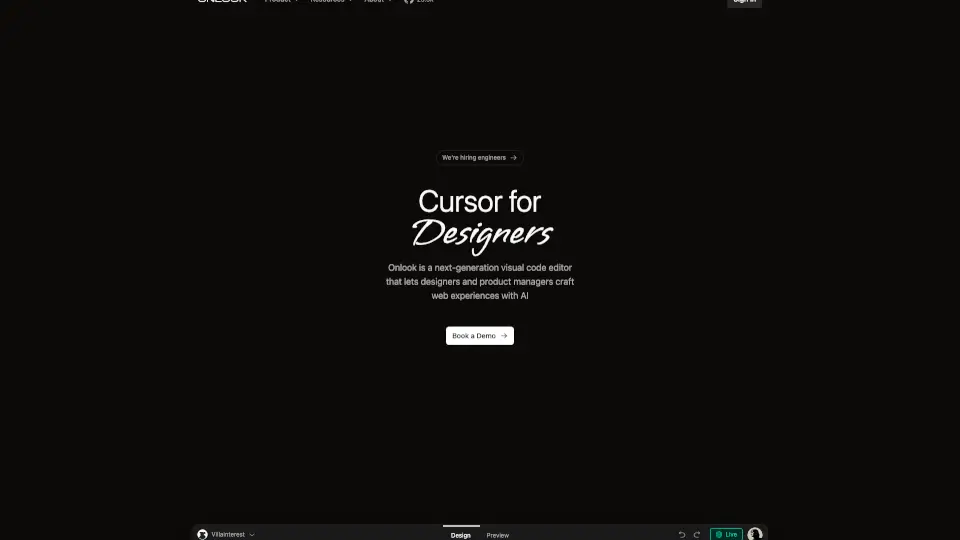
Onlook – Cursor for Designers is a next-gen visual code editor that lets you design and edit React websites in real-time. It bridges the gap between design and development by letting you make changes visually and instantly write those changes back to code. With AI-powered tools, you can iterate faster, experiment freely, and build better web experiences without needing deep coding skills.
What are the features of Onlook?
- Real-time Code Editing: Edit your React or Next.js website visually and see code updates instantly.
- AI-Powered Design: Get design help and feedback from AI directly in your workflow.
- Drag-and-Drop Interface: Rearrange, scale, and customize elements easily without touching code.
- Component Customization: Create reusable components that can be swapped across projects.
- Import & Export: Bring in existing React, Next.js, Tailwind, or Figma projects and publish your work with a custom domain.
- Version Control: Track changes and revert to previous versions anytime.
- Open Source: Transparent and community-driven, built to empower both developers and designers.
- Mobile Warning: Best used on larger screens for optimal experience.
What are the use cases of Onlook?
- Build and prototype websites from scratch or improve existing React apps.
- Designers and product managers who want to work directly with code without coding knowledge.
- Teams looking to collaborate on design and development seamlessly.
- Create presentations, mockups, or any visual projects with code as the source of truth.
- Quickly test responsive layouts and fix issues like mobile masonry grid problems.
How to use Onlook?
- Start a blank project or import your existing React/Next.js app.
- Use drag-and-drop and AI chat to design and get instant feedback.
- Customize components and styles visually.
- Save your work locally; code is written directly to your files.
- Publish your site with a custom domain when ready.