
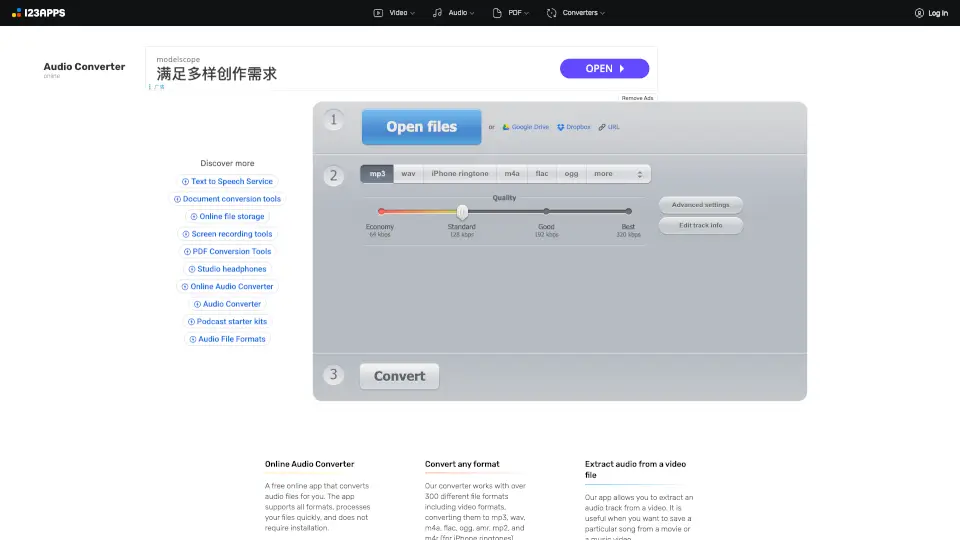
What is Online Audio Converter?
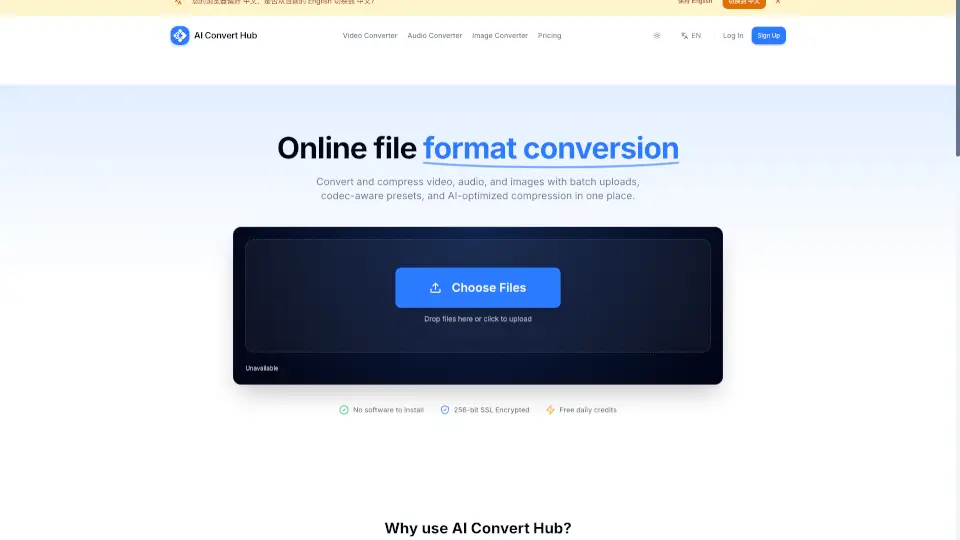
Online Audio Converter is a free, fast, and easy-to-use tool that lets you convert audio files to formats like MP3, WAV, M4A, OGG, or even iPhone Ringtones. It works right in your browser, supports over 300 file formats, and doesn’t require any installation. Whether you need to extract audio from a video, tweak settings like bitrate and sample rate, or batch convert files, this app has you covered. Plus, your files are safe—deleted automatically after a few hours.
What are the features of Online Audio Converter?
- Convert Any Format: Supports over 300 file formats, including video formats, and converts them to MP3, WAV, M4A, OGG, FLAC, and more.
- Extract Audio from Video: Pull out the soundtrack from movies or music videos.
- Advanced Settings: Adjust quality, bitrate, sample rate, channels, and even add fade-in/fade-out or reverse playback.
- Batch Conversion: Convert multiple files at once and download them in a ZIP file.
- Tag Support: Edit track info like title, artist, album, and genre for MP3, OGG, FLAC, and WAV files.
- Safe and Secure: Files are deleted from servers after a few hours, and only you can access them.
- Browser-Based: No downloads needed—works seamlessly in your browser.
What are the use cases of Online Audio Converter?
- Convert music files to MP3 for your phone or car.
- Extract audio from YouTube videos or movies.
- Create custom iPhone Ringtones from your favorite songs.
- Adjust audio settings for professional-quality sound.
- Batch convert files to save time.
How to use Online Audio Converter?
- Upload Your File: Choose a file from your device, Google Drive, Dropbox, or a URL.
- Choose Format: Select your desired format (e.g., MP3, WAV, M4A).
- Customize Settings: Adjust quality, bitrate, and other advanced options if needed.
- Convert: Hit the convert button and wait for the process to finish.
- Download: Save your converted file to your device or cloud storage.