What is Onfido?
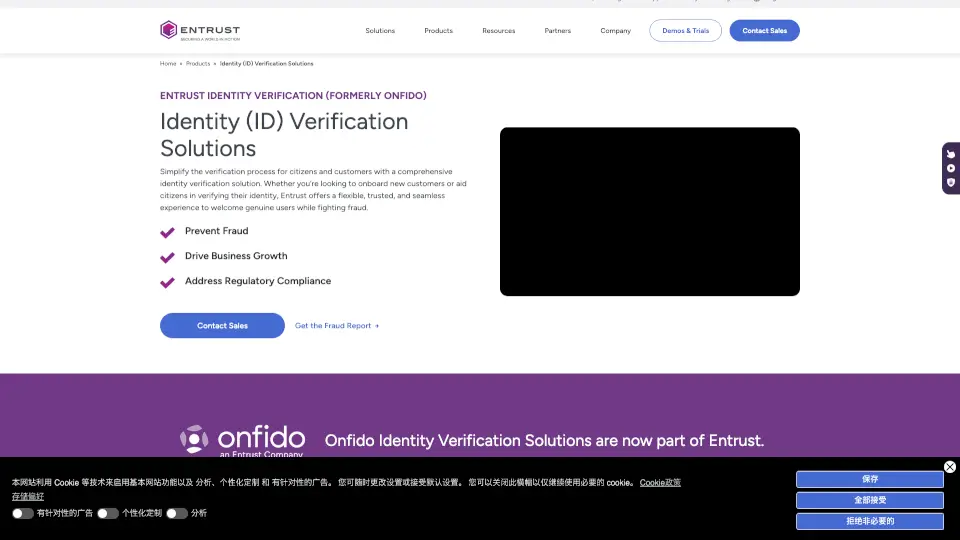
Entrust Identity Verification (IDV) Solutions is an AI-powered identity verification platform for financial institutions, government agencies, and enterprises. It helps businesses onboard customers securely by combining document verification, biometric matching, and data cross-checking to confirm identities and detect fraud. The platform includes a Workflow Studio for designing custom onboarding journeys without coding, and integrates fraud detection trained on deepfake and injection attacks. Ideal for teams needing to meet KYC/AML requirements while reducing manual review and drop-off.
What are the features of Onfido?
- Document Verification: Validates government-issued IDs by checking authenticity and tampering before moving users through the onboarding flow.
- Biometric Verification: Matches live user selfies to verified ID photos to prevent impersonation and AI-generated deepfakes.
- Fraud Detection: Uses adaptive, daily-retrained AI and device intelligence signals to spot high-risk behavior, including deepfake anomalies.
- Workflow Studio Builder: Lets organizations design and adjust onboarding journeys with no coding, orchestrating checks at the right moment.
- Compliance Suite: Supports local and global regulatory standards like eIDAS 2.0, simplifying KYC and AML compliance in complex markets.
- Biometric Authentication: Re-verifies trusted users at high-risk moments with phishing-resistant MFA and device binding for account protection.
What are the use cases of Onfido?
- Financial onboarding: Banks verify new customers using document upload and liveness checks to meet KYC requirements.
- Government services: Agencies confirm citizen identities for benefits or licenses with tamper-proof document validation.
- Account takeover prevention: Re-verify users during high-risk transactions like password resets or large transfers using biometrics.
- Gaming and retail: Online platforms verify age and identity for new player accounts or high-value purchases.
- Enterprise employee verification: HR teams validate contractor and employee identities during remote onboarding.
How to use Onfido?
- Start by setting up your verification workflow using the Workflow Studio builder – no code required.
- Configure which checks to apply: document scan, biometric match, data cross-check, or fraud signals.
- Integrate the SDK or API into your existing mobile app or web onboarding flow.
- Test the workflow with sample identities and adjust the risk thresholds for your industry.
- Monitor results in the dashboard and review flagged cases manually when needed.