
What is Nsketch AI?
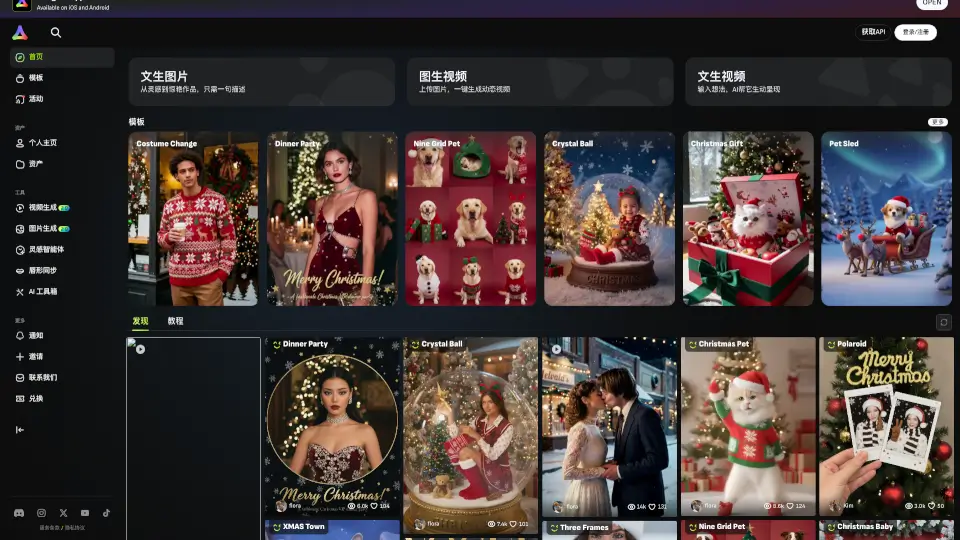
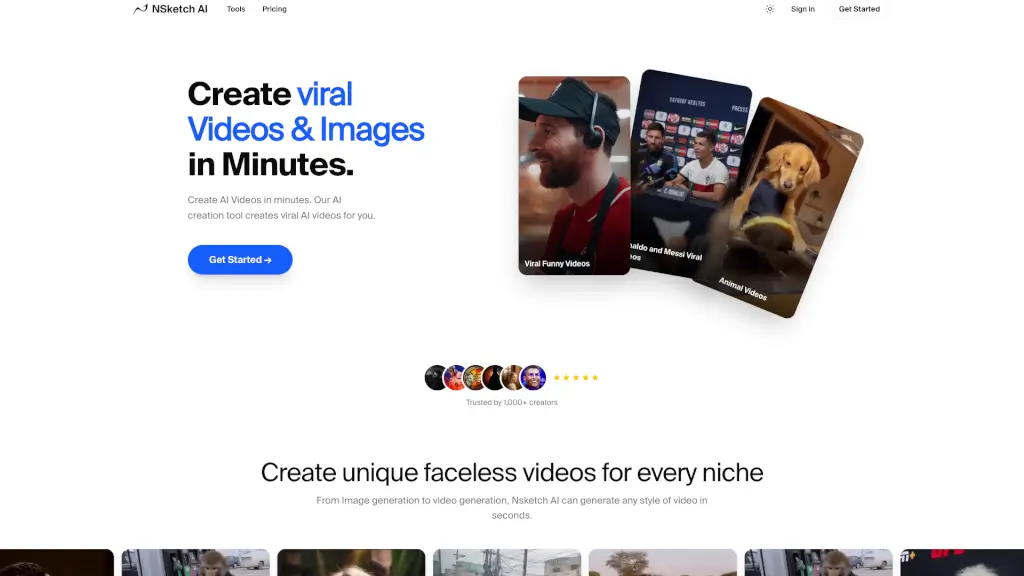
Welcome to NSketch, your all-in-one AI video and image generator that turns your ideas into stunning visual content in seconds. Whether you're a creator, a brand, or just someone looking to make professional content fast, NSketch has got you covered. With powerful AI models like Google Veo 3.1, Sora 2, and Kling 2.6, you can create cinematic videos and high-quality images without needing any editing skills. Just type your script, choose your styles, and watch the magic happen. It's that easy!
What are the features of Nsketch AI?
- AI Video Generator: Create cinematic videos with realistic physics, sound effects, and smooth motion using top AI models.
- Image to Video AI: Transform your images into dynamic videos by adding scripts and styles.
- AI Image Generator: Generate high-quality images with strong style control and up to 4K resolution.
- Motion Transfer Templates: Use pre-made templates for popular dances and movements, like the MJ Moonwalk or Chinese New Year greetings.
- Abandoned Character Scenes: Place yourself or your pet in dramatic scenes, like turning into Spider-Man or Kung Fu Panda.
- Lip Sync AI: Turn portraits into multilingual talking avatars for engaging and interactive content.
What are the use cases of Nsketch AI?
- TikTok and Social Media Content: Create viral dance videos, funny animal clips, and trending challenges.
- Product Demos and Marketing Ads: Showcase your products with professional, high-quality videos.
- Business Presentations: Enhance your presentations with visually appealing and engaging content.
- Animated Stories: Bring your stories to life with AI-generated animations.
- Faceless Videos: Create unique, faceless videos for any niche, perfect for maintaining privacy.
- Event Promotions: Generate festive and themed videos for special events like Chinese New Year.
How to use Nsketch AI?
- Step 1: Sign up and log in to your NSketch account.
- Step 2: Choose whether you want to create a video from text, an image, or another video.
- Step 3: Enter your script or upload your image, and select the desired style and AI model.
- Step 4: Add any additional elements like sound effects or music.
- Step 5: Preview your creation and make any necessary adjustments.
- Step 6: Download your final video or image and share it on your preferred platform.