
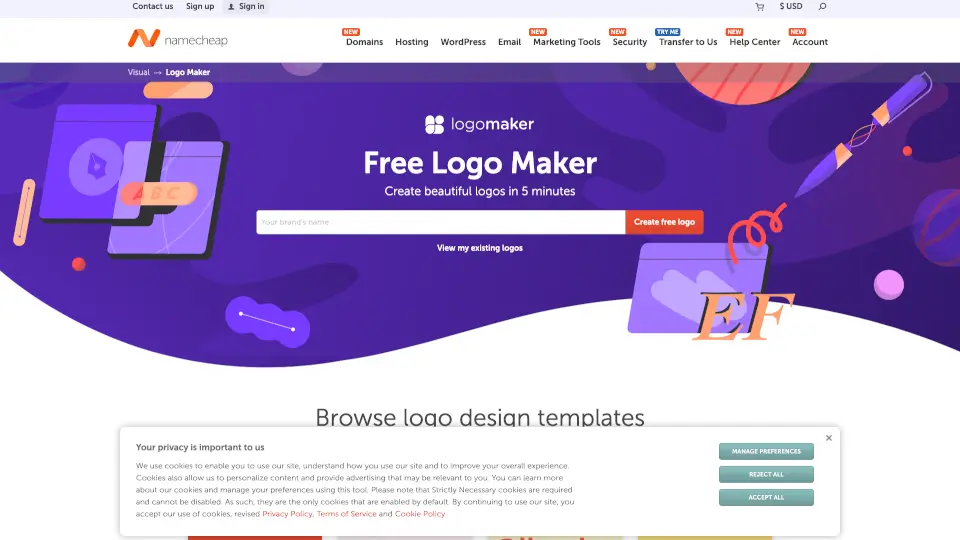
What is Namecheap Logo Maker?
Need a professional logo but don’t want to spend hours or dollars? Namecheap’s Free Logo Maker is a smart, fast, and truly free online tool that helps anyone—freelancers, small business owners, gamers, bloggers, and more—create a custom logo in under five minutes. Powered by AI and designed with simplicity in mind, it generates high-quality logos without watermarks, hidden fees, or design skills required.
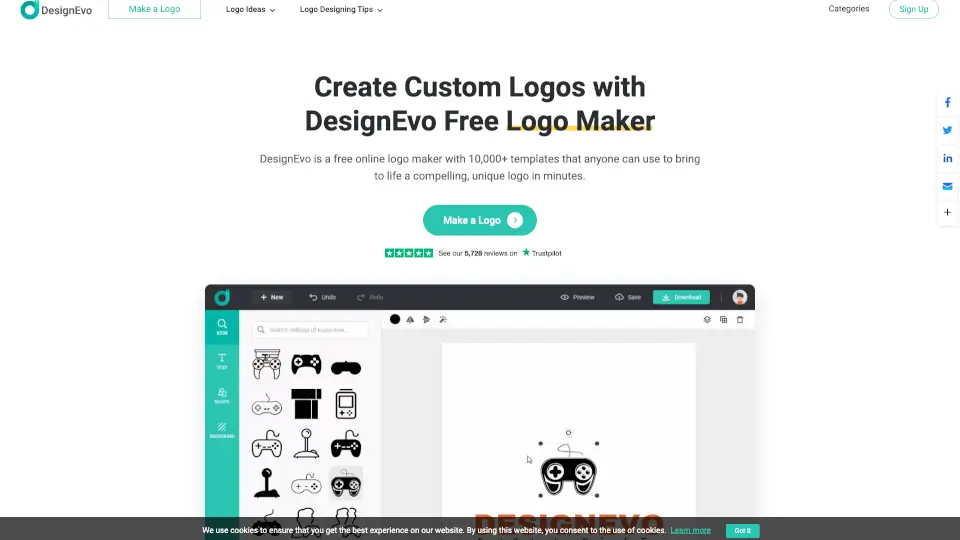
Whether you’re launching a startup, branding a side hustle, or just experimenting with ideas, this logo maker gives you full creative control. Choose fonts, icons, and colors that match your vibe, preview your logo on real-world items like business cards and T-shirts, and download your final design in multiple formats—all for $0.
What are the features of Namecheap Logo Maker?
- 100% Free with No Watermarks: Download unlimited PNG and SVG files without paying a cent or seeing ugly overlays.
- AI-Powered Design Engine: Input your preferences and let smart tech generate thousands of unique, on-brand logo options instantly.
- Fully Customizable Templates: Mix and match from thousands of fonts, icons, and color schemes to reflect your exact style.
- High-Resolution Downloads: Get crisp, scalable vector (SVG) and raster (PNG) files ready for websites, print, and social media.
- Cross-Device Compatibility: Create and edit logos seamlessly on phones, tablets, or desktops—no app install needed.
- Brand Preview Mode: See how your logo looks on business cards, T-shirts, and websites before you download.
- Integration with Namecheap Visual Suite: Easily use your logo in Site Maker, Card Maker, and other Namecheap branding tools.
What are the use cases of Namecheap Logo Maker?
- A food blogger creating a memorable brand for their new recipe site
- An indie game developer designing an icon for their Steam page or Discord server
- A real estate agent building a professional identity for flyers and email signatures
- A student launching a tutoring service and needing business cards fast
- An Etsy shop owner crafting a cohesive look for product packaging and social media
- A nonprofit organizing a local event and requiring quick, clean branding
- A freelancer wanting a personal logo to include in proposals and portfolios
How to use Namecheap Logo Maker?
- Click “Create free logo” and enter your business or personal name.
- Pick 3–5 fonts, colors, and icons that match your brand personality.
- Let the AI generate dozens of custom designs based on your choices.
- Browse your results, tweak layouts or colors if needed, and save favorites.
- Preview your top picks on mockups like business cards or websites.
- Sign in to your free Namecheap account and download your logo in PNG + SVG formats.