
What is PlantIn plant care identifier?
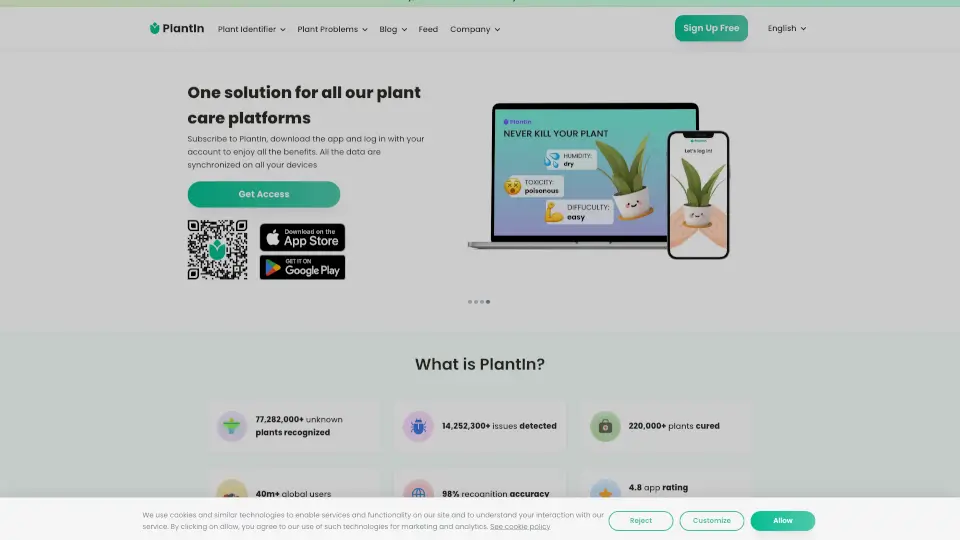
Ever spotted a stunning flower on a walk and wished you knew its name? Or found a mysterious weed in your garden and needed to identify it fast? Myplantin Plant Identifier is here to solve those green-thumb mysteries. This app and website lets you identify any plant species by just snapping a picture. With a database of over 17,000 species, it doesn't just tell you "what plant is this?" — it also teaches you how to care for it, water it, and keep it healthy. Whether you're a beginner or a seasoned gardener, this tool is your pocket-sized botanist.
What are the features of PlantIn plant care identifier?
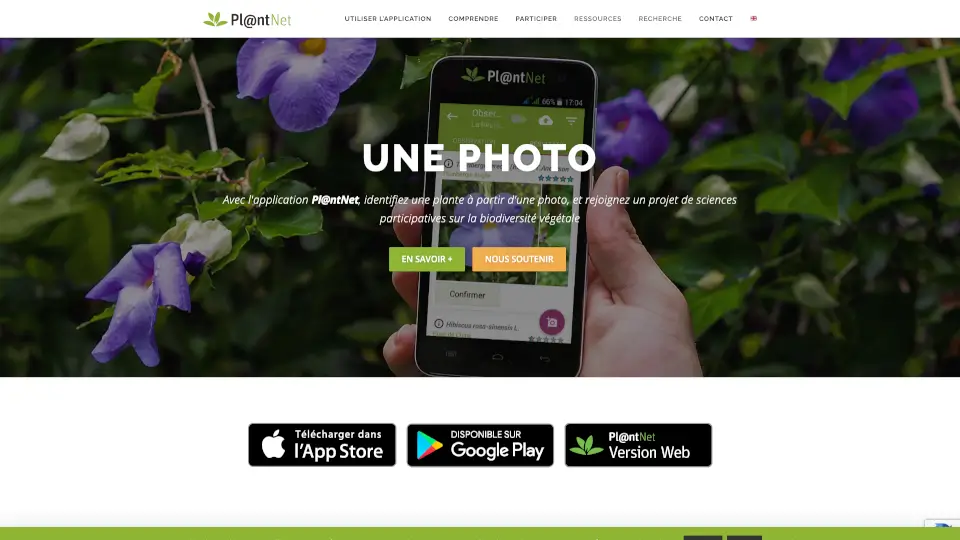
- Picture Identification (AI-Powered): Snap a photo of any plant, flower, succulent, mushroom, or weed, and get an instant ID with scientific and common names.
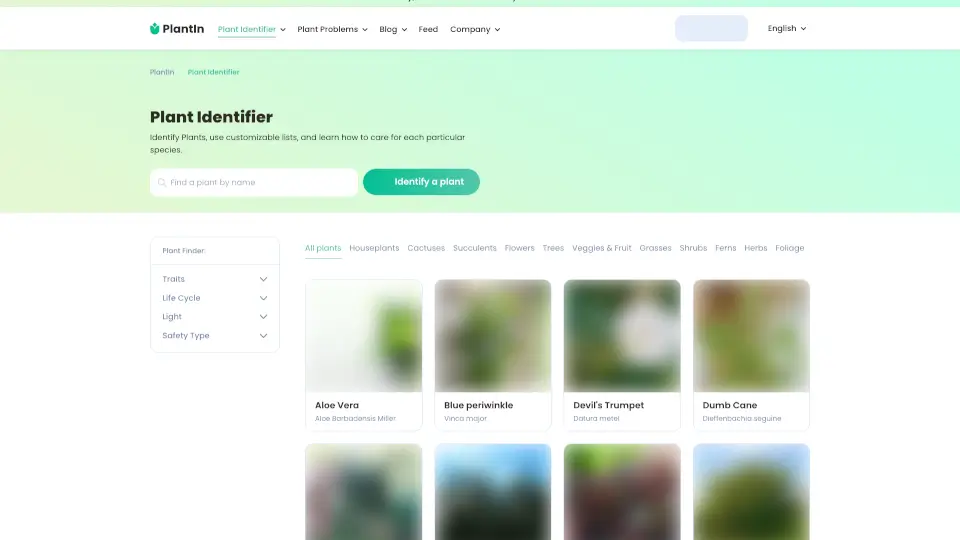
- Extensive Plant Database: Access over 17,000 species including houseplants, trees, cacti, ferns, vegetables, and even aquatic plants and mushrooms.
- Ask the Botanist: Need expert advice? You can directly ask a real botanist your specific plant care or problem questions.
- Custom Care Schedules: Receive personalized watering reminders and care tips based on your specific plant type and location.
- Disease & Pest ID: Is your plant looking sick? The app can identify common diseases, pests, and problems with a photo diagnosis.
- Multilingual & Multi-Platform: Available in English, Deutsch, Français, Español, Italiano, and more, as a website and mobile app (PlantIn, Mushroom ID, Tree ID, etc.).
What are the use cases of PlantIn plant care identifier?
- Curious About a Garden Flower: You're walking down the street and see a beautiful bloom. Snap a picture to find out its name and learn if it will grow in your backyard.
- Diagnosing a Sick Houseplant: Your monstera has yellow leaves. Use the Disease ID feature to quickly identify the problem (overwatering, pest, or fungal issue) and get treatment advice.
- Shopping for New Plants: You see a cool succulent at the store but forgot the name. Use the app to identify it and read about its light and water needs before buying.
- Identifying Weeds vs. Plants: Is that thing in your lawn a weed or a wildflower? Use the Weed ID tool to decide whether to pull it or leave it.
- Teaching Kids About Nature: Use the app on a family hike to identify ferns, trees, and mushrooms (with safety awareness) for a fun, educational outdoor activity.
How to use PlantIn plant care identifier?
- Step 1: Download the "PlantIn" app or visit the Myplantin website and click "Identify a plant".
- Step 2: Take a clear photo of the plant's leaf, flower, or whole shape. Make sure the image is in focus and well-lit.
- Step 3: Wait 2-5 seconds for the AI to analyze the image against the database. The app will return the most likely matches.
- Step 4: Confirm the match by comparing your plant to the reference images and reading the detailed profile.
- Step 5: Click "Get Care" to set up a watering schedule or "Ask the Botanist" if you have specific questions about your plant's health.